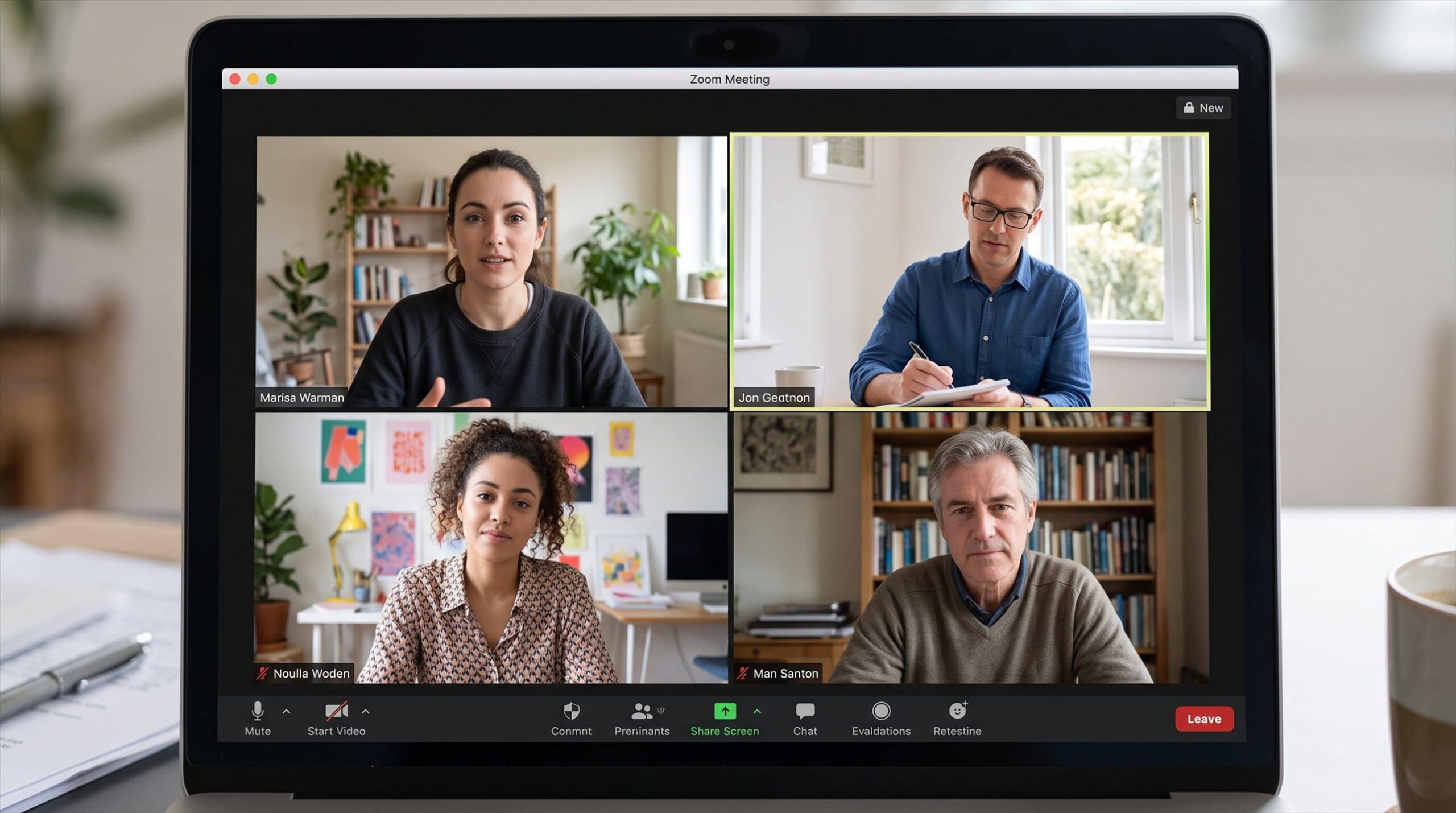
ChatGPT can now transcribe audio files that you upload directly into a conversation, and while that sounds like a minor update, I can already think of many situations where this could be useful. OpenAI uploaded audio files to ChatGPT on October 6, 2026. You can attach an existing recording and ask ChatGPT to transcribe it, summarize the conversation, extract important information, create meeting notes, or even prepare a follow-up email based on what was discussed.
I have had Zoom meetings in the past that were recorded but never transcribed. If I needed to go back and find a particular discussion, decision or piece of information later, the only practical option was to scrub through the recording and try to find it manually.
With ChatGPT’s new audio upload support, I could instead upload the old recording and ask questions like “What did we decide on the launch date?”, “Summarize the main action items”, or “Find where we discussed the prices”.
For me this is probably one of the most useful scenarios for this feature but it doesn’t necessarily have to be a zoom recording. OpenAI currently supports WAV, MP3/MPEG, OGG/OGA, audio-only WebM, PCM, FLAC, AAC, M4A and audio-only MP4 files. Audio uploads can be as large as 512MB, although OpenAI warns that very long recordings can be processed in sections and potentially time consuming.
So if you have recordings of meetings, interviews, presentations or lectures sitting on your computer, they can become potentially searchable information instead of files that you rarely open again. Or convert songs to lyrics, and movie audio to transcripts.
There are already many tools that can convert speech to text, so transcription alone is not particularly exciting in 2026. The advantage here is what you can do afterwards.
If ChatGPT understands the recording, you can ask further questions about it. You can ask it to break down a one-hour meeting into five key points, separate decisions from general discussion, create a list of tasks, draft an email to everyone who attended, or explain a section you didn’t understand.
For journalists and content creators, uploading an interview and then asking ChatGPT to identify specific topics could also save a significant amount of time when going back through a recording.
OpenAI already has a ChatGPT Record feature that can capture and summarize meetings and voice notes, but that currently has its own platform and workspace limitations. Audio uploads address a slightly different problem because the recording may already exist before you bring it into ChatGPT.
At launch, audio uploads will not be available for Free users. OpenAI says the feature is available with paid ChatGPT subscriptions and workspaces, with availability also depending on region, workspace settings, app version and the model being used.
You should also not assume that every transcript is perfect. OpenAI specifically warns that transcription errors can occur and that the identification of individual speakers is not always reliable. Performance may also vary between languages.
For important meetings, interviews, or anywhere else where exact wording is important, I would still check the generated transcript against the original recording. Even with those limitations, I think this is one of those ChatGPT updates that can be much more useful in everyday life than it first seems.
Being able to upload a meeting that happened months ago, get a transcript in ChatGPT and then effectively have a conversation with that recording removes a lot of tedious manual work. And if, like me, you have old Zoom recordings that have never been transcribed in the first place, they can suddenly be useful again.