 Skip to content
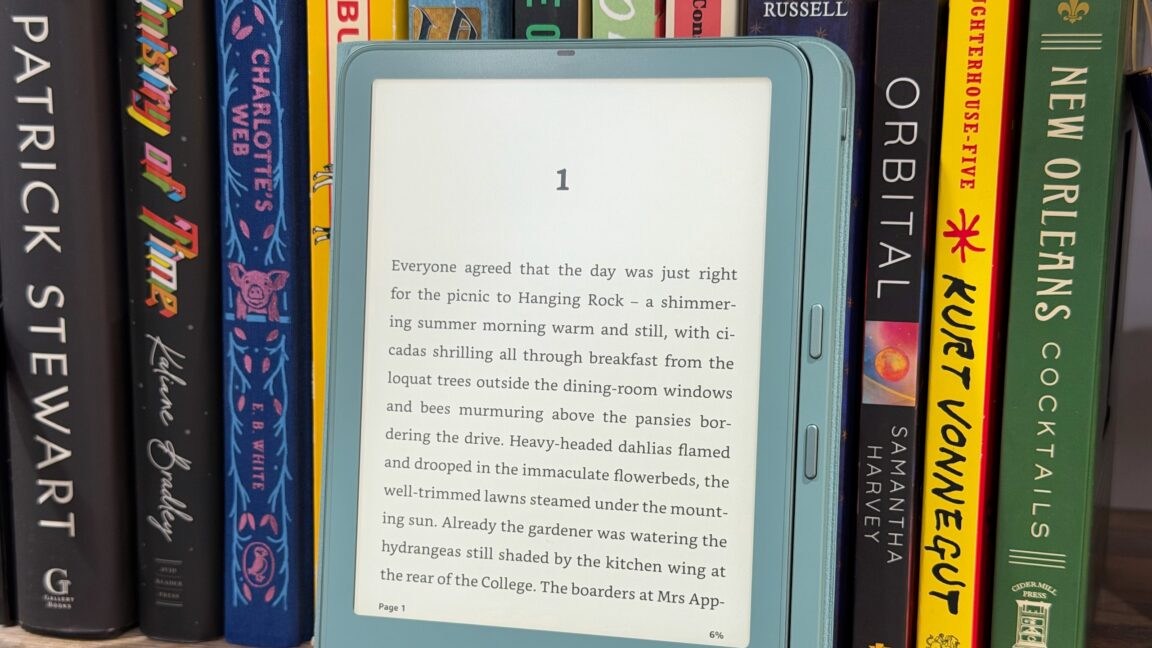
Over the past five years, supply pressures, shortages and inflation have driven up the price of technology products, even basic electronics. It’s why you can buy a Raspberry Pi for $385, or why the cheapest Amazon Kindle in 2026 is more expensive than a mid-range product from just a few years ago. “New stuff, better features, same price” used to be a reliable formula, but now you’re lucky if you can get the same stuff for a little more than before.
The 2024 Kindles all have slightly increased prices, but the 2026 Kindle looks like a very good deal. Two years ago’s $160 Kindle Paperwhite is comparable to this year’s $150 Kindle in almost every way imaginable, from screen size to frontlight quality to water resistance — something to consider if you’re choosing between a used or refurbished Paperwhite and these new models.
The flagship of the large, monochromatic Kindle line, which now has five models, is the $250 2026 Paperwhite Signature Edition, which takes the core specs of the new $200 Paperwhite and puts them in a solid, iPad-style aluminum casing instead of the typical plastic casing.
This is a very good reader if you don’t want to pay more To this end, long-time page button sticklers can restore their precious buttons while still reaping the benefits of the new, faster Kindle hardware. With the exception of one returning feature (wireless charging, a feature removed here from the 2024 Signature Edition), it’s the fastest and best Kindle you can get. What leaves a bad impression is mostly its value, or lack thereof.
Hardware update
7-inch Kindle Paperwhite Signature Edition (left) and 6-inch basic Kindle.
Andrew Cunningham
7-inch Kindle Paperwhite Signature Edition (left) and 6-inch basic Kindle.
Andrew Cunningham

The power button has been relocated to the left side of the card reader instead of the bottom.
Andrew Cunningham
The power button has been relocated to the left side of the card reader instead of the bottom.
Andrew Cunningham
7-inch Kindle Paperwhite Signature Edition (left) and 6-inch basic Kindle.
Andrew Cunningham
The power button has been relocated to the left side of the card reader instead of the bottom.
Andrew Cunningham

The USB-C port is located on the bottom of both Kindles.
Andrew Cunningham
The USB-C port is located on the bottom of both Kindles.
Andrew Cunningham
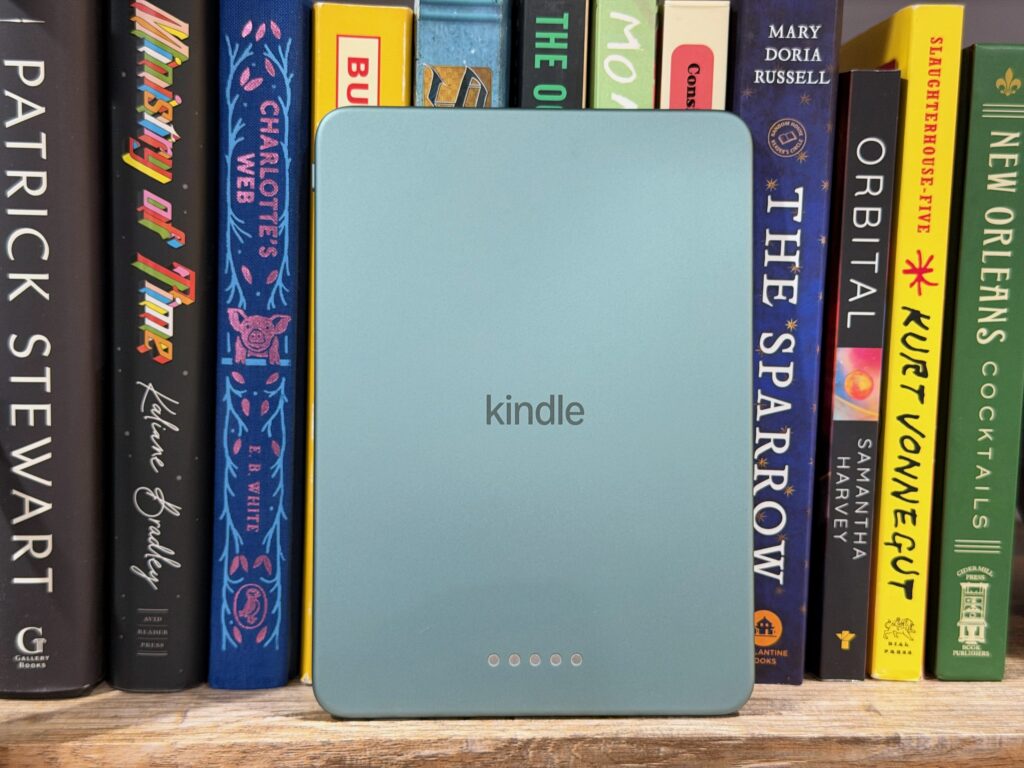
Copper contacts on the Paperwhite Signature Edition connect to pogo pin accessories.
Andrew Cunningham
Copper contacts on the Paperwhite Signature Edition connect to pogo pin accessories.
Andrew Cunningham
The USB-C port is located on the bottom of both Kindles.
Andrew Cunningham
Copper contacts on the Paperwhite Signature Edition connect to pogo pin accessories.
Andrew Cunningham
Unlike the 2021 or 2024 Kindle Paperwhite updates, the 2026 Paperwhite doesn’t include any significant screen or lighting upgrades. Anyone upgrading from two or three generations older hardware can still get the upgrade, but the 2026 Paperwhite doesn’t do much to move the category forward. Although speed improvements were a focus of Amazon’s 2024 Paperwhite promotional material, Amazon didn’t highlight any specific improvements to this year’s Paperwhite (although the base Kindle apparently opens books 30% faster than the previous-generation Kindle).