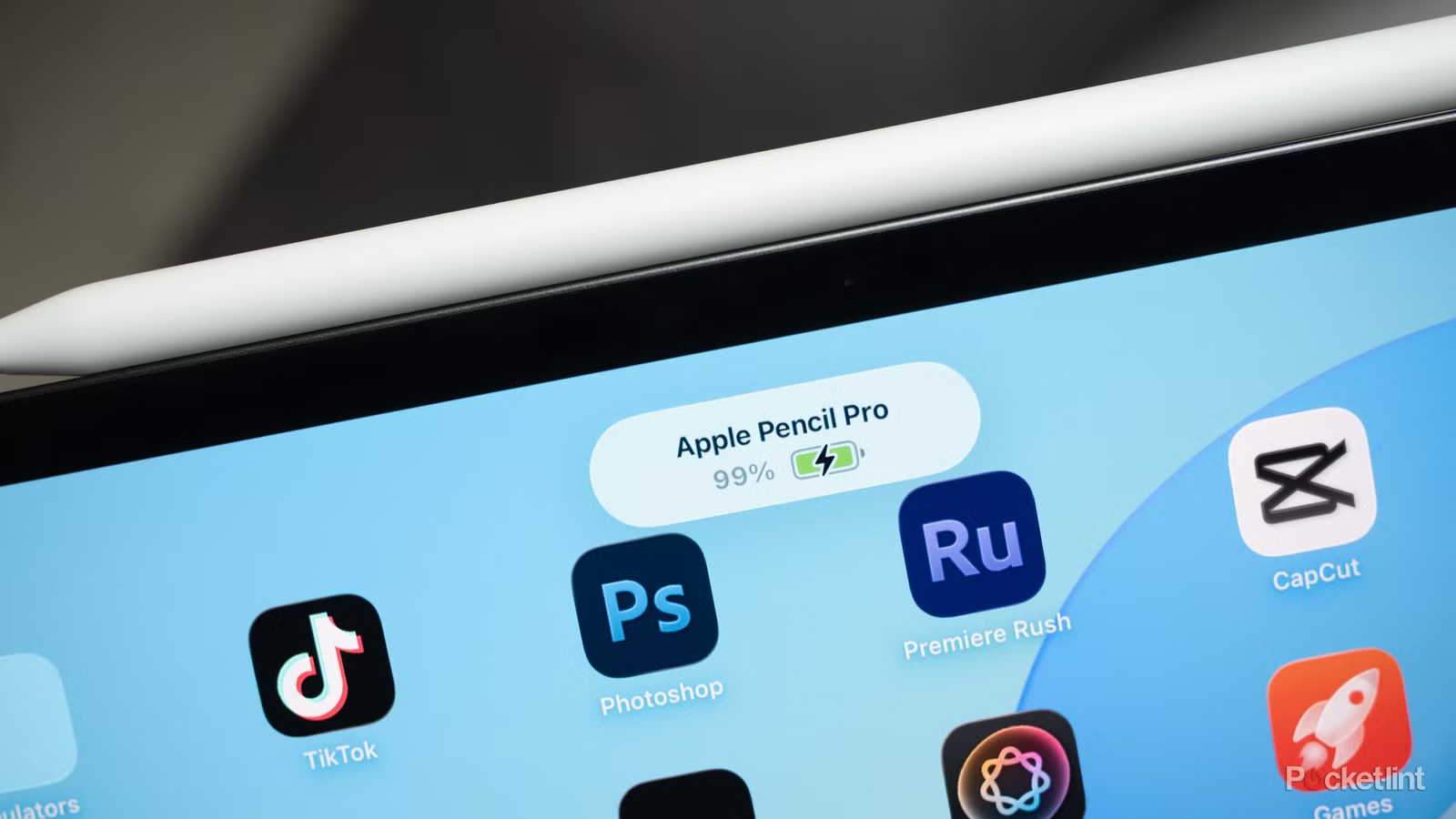
For as long as the Apple Pencil has existed, third-party app developers have been creating unique experiences that revolve around the peripheral. There are many go-to applications that make heavy use of Apple’s digital iPad stylus, including well-known solutions such as Procreate, Adobe Fresco, Concepts, Notability, and Goodnotes.
There are also a ton of hidden Apple Pencil gems scattered among the heavy hitters, too. Here are five of my favorite lesser-known iPad apps that make great use of the Apple Pencil, with capabilities ranging from note-taking, to doodling, and everything in between.
Fine line
A charming portal for doodling and note taking
I absolutely love fineliner. The application is designed around the concept of drawing the interface of the app yourself, which leads to a very minimalistic canvas that does not feel the least bit overwhelming. Uniquely, there is an option to create your own handwritten font, which adds a layer of personalization to the mix. All the essentials are here for vector-based drawing, with layers, automatic shape recognition, a search function, Apple Pencil support, and the ability to lock individual notebooks behind biometric authentication. Fineliner is free to get started and has no ads, with an optional single purchase that unlocks additional colors, pen widths, and templates.
Lake
Relaxation is just a draw away

Lake is all about relaxation and self-expression. A digital coloring book for adults, the application features over 1,500 hand-drawn illustrations by over 100 independent artists, which you can fill in with a variety of brushes and coloring tools. There’s a mood palette you can choose from based on your current vibe, there’s an option to tap into thoughts and a dedicated color journal space, and there’s a curated book of the week challenge that you can use to challenge yourself weekly. Apple Pencil support is full-fledged, which makes for a more immersive overall experience. Lake offers a free trial, after which a recurring subscription is required to access its content.
Tayasui sketches
A digital canvas for all your sketching needs

Tayasui Sketches is an awesome sketchpad application with broad support for the Apple Pencil and its pressure sensitivity. The app has a variety of drawing tools to choose from, including realistic watercolor wet brushes. The canvas itself is clean and unobtrusive, and there are many niceties such as layer support, folders for organizing drawings, cloud synchronization, a brush editor, and a color eyedropper. Tayasui Sketches is free to get started, but it offers an optional paid subscription tier that unlocks access to advanced tools and other premium app features.
KaleidoPaint
A hypnotic experience

KaleidoPaint is a fascinating app experience that creates a kaleidoscope-like visual effect as you draw on your screen. Complete with Apple Pencil support, the application has 17 different symmetry patterns that mirror your brushstrokes and that come together to create an endlessly repeating spectacle. There’s a dedicated edit mode that lets you reshape and recolor any point, line, or region of the image, there’s built-in curve smoothing, and you can export designs with ease. The app’s interface is clean and intuitive, and it’s easy to get lost in the hypnotic experience provided as you glide your stylus across your screen. KaleidoPaint is completely free to download and install from the Apple App Store.
Pale
A mobile title with a compelling gameplay loop

Blek is a mobile game that’s been around for a few years, but it’s one of those titles that just works best with the Apple Pencil. The goal here is to draw a shape on the screen for traversal, where you want to hit certain circles while avoiding others. The gameplay loop is easy to understand but difficult to master, with multiple solutions to each puzzle. There’s a surprising amount of depth to be found in the app’s various levels, and it’s incredibly satisfying to clear a stage. Blek is available to download and install for a one-time fee of $5, with no ads or upsells to speak of.