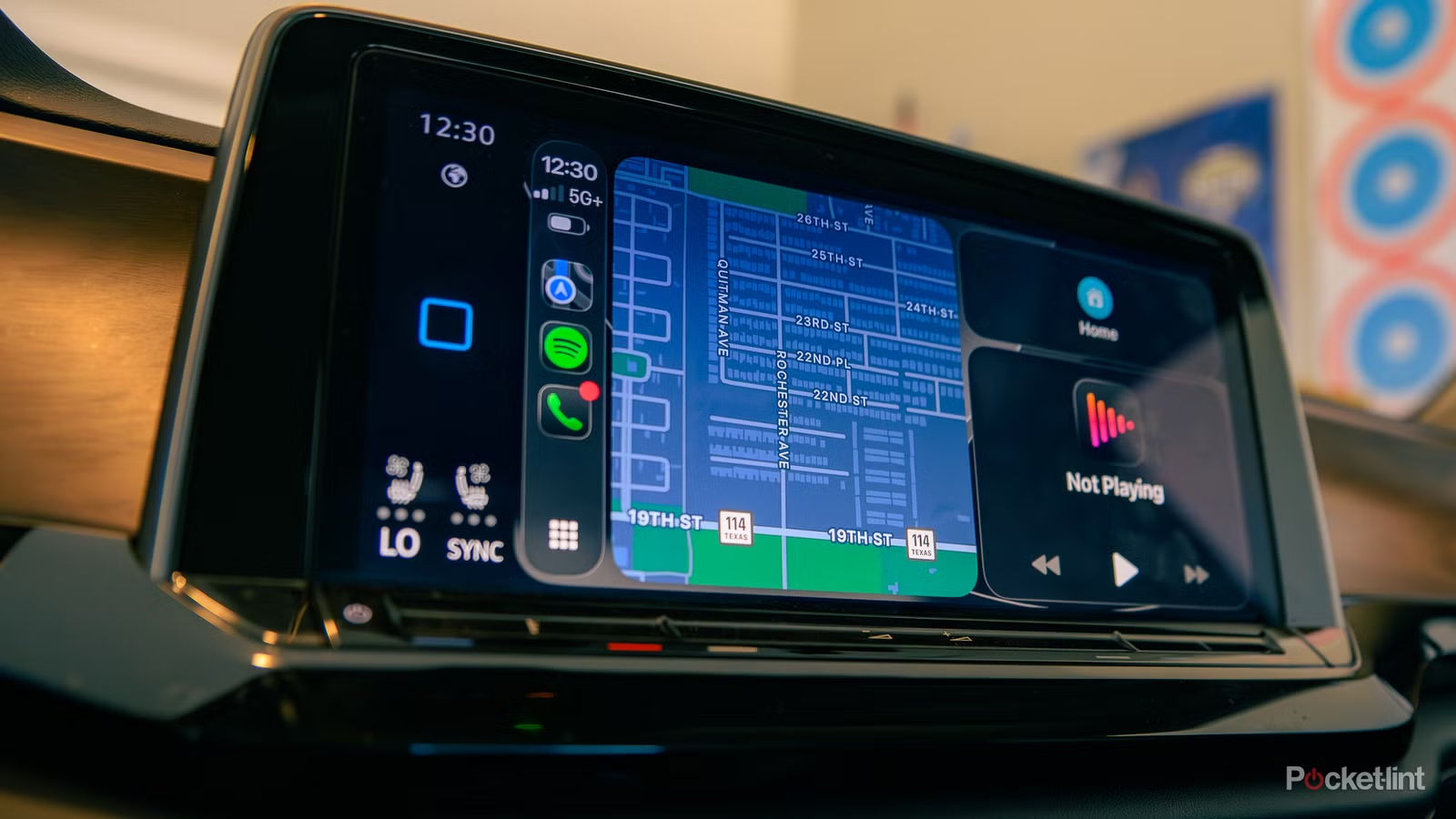
Google is launched Gemini updates across nearly all of its services and products, including Google TV, Gmail, Google Drive, Android Auto, and its Pixel phones. Recently, the tech giant announced that it is rolling Gemini’s Personal Intelligence feature to Android Auto, which will allow users to interact with Gemini and get more personalized responses on the road.
With Personal Intelligence, Gemini can tap into the Google services you use, including Gmail, Calendar, and even your messages, if you give it permission, to give the most relevant answers possible.
While Personal Intelligence isn’t available on Apple CarPlay, Google isn’t leaving iPhone users entirely in the dust. The company just announced that it is rolling out Gemini on Google Maps for Apple CarPlay, allowing you to interact with Gemini and enjoy a more conversational experience on the road.
Google calls this experience “Gemini in Navigation,” and of course, it lets you talk to Gemini inside Google Maps while you’re driving. Whether you need to avoid a gas station, coffee shop, or toll, you can ask Gemini, and it will respond almost immediately and automatically redirect, so you can keep your eyes on the road.
How to try Gemini on Google Maps with CarPlay
You will find a new Gemini icon in the app
If you use Google Maps with CarPlay and want to try Gemini, all you have to do is tap the Gemini icon on the right side of the interface, just above the danger icon, on your car display.
From there you can ask Gemini anything, even if it has nothing to do with your current route, such as the best place to eat dinner near you or play tennis. You can also ask multistep questions, like asking to find a nice park with a good view and determining the best time of day to go.

But Gemini can do more than just help you find places to go. Google says you can also use it to report traffic jams or road hazards, or ask about places you see along the way. So, if you pass an interesting landmark and want to learn more about it, you can tap the Gemini icon and ask.
Gemini in Navigation is now available on Google Maps for CarPlay users in the US. Google says it’s also started rolling out globally, so you should see it soon if you’re outside the US.