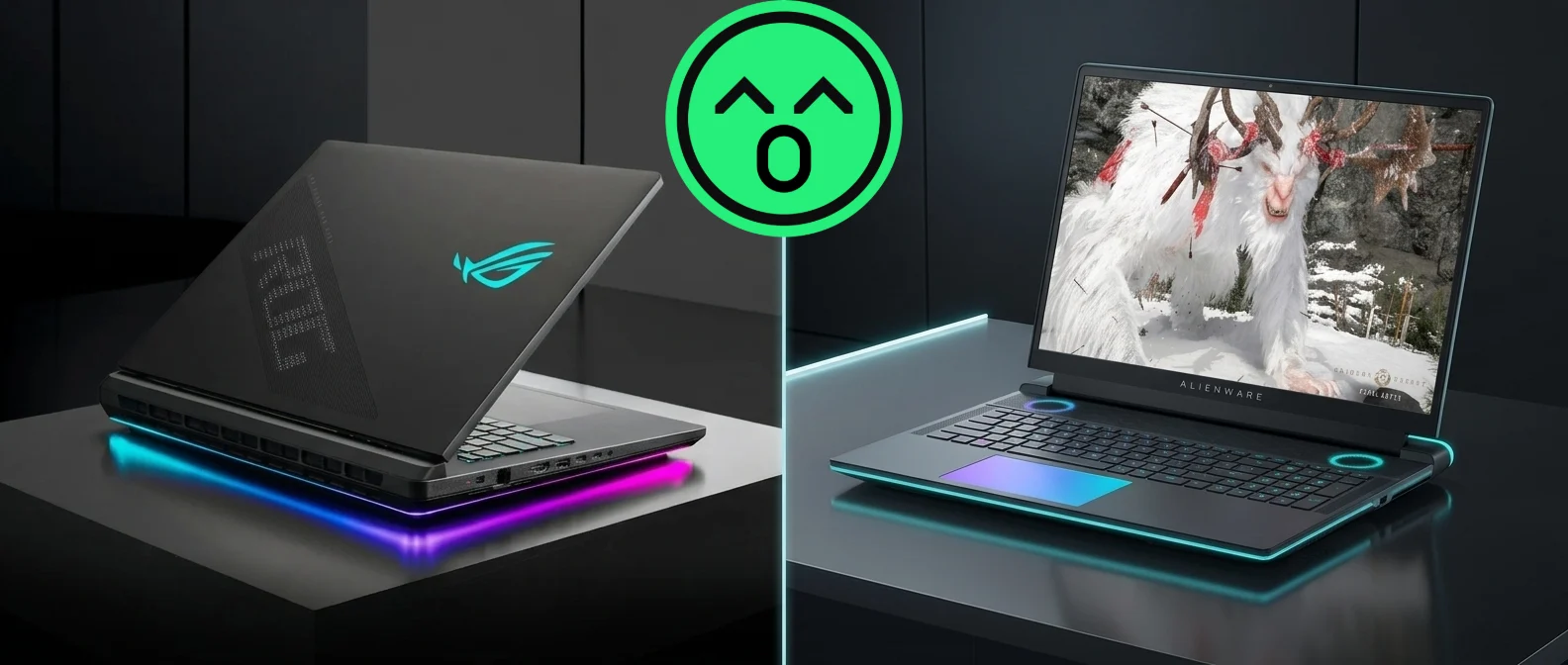
Two 18-inch laptops share the same Intel Core Ultra 9 275HX and the same GeForce RTX 5090 Laptop GPU at the same 175 W power ceiling. On a spec sheet, they look interchangeable. In measured testing, they are not, and the gap runs in the opposite direction from what most buyers expect.
First, a naming correction that matters if you are shopping today. The Alienware m18 no longer exists as a current product. Dell retired the line and replaced it with the Alienware 18 Area-51, which Notebookcheck describes as the direct successor to last year’s m18 R2, swapping Raptor Lake-HX and Ada Lovelace for Arrow Lake-HX and Blackwell. If you own an m18, the resale section below is for you. If you are buying, the Area-51 is the machine you are actually choosing between.
This comparison uses measured data from Notebookcheck’s review of the ASUS ROG Strix SCAR 18 G835LX and its review of the Alienware 18 Area-51, both run on the same test bench with the same methodology. Where a claim cannot be measured, we say so instead of guessing. Our earlier introduction to the 2025 ROG Strix SCAR 18 covers what ASUS changed in this generation.
The short version
Buy the Alienware 18 Area-51 if
You want the fastest frames this GPU can produce, and the machine mostly lives on a desk. It won every native benchmark run in this comparison, runs cooler under load, and does it while costing less than a comparably equipped SCAR 18. You pay for that with 9.2 lb of laptop and a display that tops out at 496 nits with no HDR.
Buy the ROG Strix SCAR 18 if
The screen matters as much as the frame counter, or the laptop has to move. Its mini LED panel measures 747 nits average with a 7,640:1 contrast ratio — roughly six times the Alienware’s — and it saves you almost two pounds in the bag. It also leads on multi-core CPU work, which matters if you compile, render, or stream.
Buy neither, yet, if
You already own an RTX 4090 machine. Notebookcheck found the RTX 5090 Laptop’s native advantage over the 4090 to be small at 1440p; the real generational gain comes from DLSS 4 multi-frame generation, which not every game supports.
Native frame rates: same GPU, different results
Ultra or High presets with upscaling and frame generation switched off, so the numbers reflect raw silicon rather than DLSS reconstruction. The Alienware finishes ahead in all nine runs.
ROG Strix SCAR 18Alienware 18 Area-51
Which one is actually faster?
The Alienware, and not by a rounding error. Across nine native benchmark runs — three games at three resolutions, upscaling off — the Alienware 18 Area-51 finished ahead every single time. The largest margin was Baldur’s Gate 3 at 1080p, where it produced 236.5 fps against the SCAR’s 193.7. The narrowest gap was Cyberpunk 2077 at 4K, a 5% difference no one would notice.
The mechanism is straightforward and has nothing to do with brand engineering culture. Both laptops declare the same 175 W GPU ceiling, but a declared ceiling is only a permission slip. Frame rates depend on how long a chassis can hold the GPU at that ceiling before heat forces it down. The Alienware is thicker at the rear, heavier, and carries a larger cooling deck, and Notebookcheck measured it running games 5 to 15% faster than the average RTX 5090 laptop in its database. Size buys sustained power. That is the whole trick.
This reverses a common assumption, including one we have repeated in the past: that ASUS pushes its GPUs harder and Alienware trades frames for a quieter, cooler machine. On the current generation, the Alienware is faster and cooler. Notebookcheck lists loud fans while gaming among the SCAR 18’s drawbacks, measuring 53.7 dB(A) in Turbo mode, while it praises the Alienware for low operating temperatures and relatively quiet fans in Performance mode. The old trade-off no longer describes these two machines.
Where the SCAR 18 does win
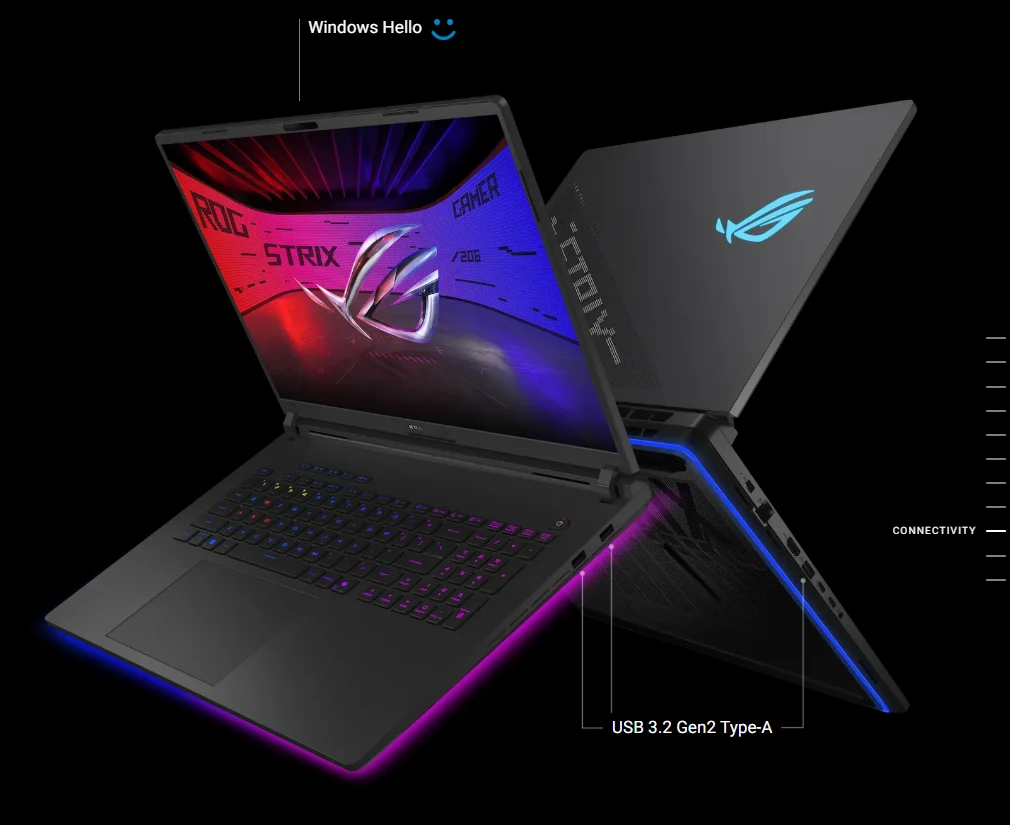
Processor work. The SCAR 18 runs a higher sustained CPU power limit — 150 W against the Alienware’s 140 W — and it shows up in every pure CPU test: 39,001 points in Cinebench R23 multi-core against 38,431, and a wider 21,668 to 19,869 lead in Geekbench 6.7. If your machine spends its evenings encoding video or compiling rather than rendering frames, that number matters more.
The Alienware takes PCMark 10 back, from 9,497 to 8,623, but that is a mixed-system benchmark, and the result is mostly storage. Alienware fits PCIe 5.0 SSD slots; ASUS still ships PCIe 4.0 drives in a RAID 0 pair, which Notebookcheck criticized directly. RAID 0 also means that if either drive fails, the array fails.
Synthetic graphics scores
Both laptops ship the same 175 W RTX 5090 Laptop GPU, so these gaps come down to how much sustained power each chassis can actually feed and cool.
ROG Strix SCAR 18Alienware 18 Area-51
Processor and system benchmarks
Identical Core Ultra 9 275HX in both machines. The SCAR 18 runs a higher sustained CPU power limit and leads the pure CPU tests; the Alienware’s PCIe 5.0 storage pulls the system score back in front.
ROG Strix SCAR 18Alienware 18 Area-51
| Component | ROG Strix SCAR 18 (G835LX) | Alienware 18 Area-51 |
|---|---|---|
| Processor | Intel Core Ultra 9 275HX · 24 cores, 24 threads | Intel Core Ultra 9 275HX · 24 cores, 24 threads |
| CPU power limits | 175 W short burst / 150 W sustained | 182 W short burst / 140 W sustained |
| Graphics | GeForce RTX 5090 Laptop · 24 GB GDDR7 · 175 W TGP | GeForce RTX 5090 Laptop · 24 GB GDDR7 · 175 W TGP |
| Memory (as tested) | 64 GB DDR5-5600 · two SO-DIMM slots | 64 GB DDR5-6400 dual channel |
| Storage (as tested) | 2 × 2 TB PCIe 4.0 in RAID 0 · no PCIe 5.0 slot | PCIe 5.0 NVMe · up to three M.2 slots, two of them PCIe 5.0 |
| Display | 18-inch 2560 × 1600 mini LED · 240 Hz · HDR | 18-inch 2560 × 1600 IPS · 300 Hz · no HDR, no 4K option |
| Ports of note | 2 × Thunderbolt 5, HDMI 2.1, 2.5 Gb Ethernet · nothing on the rear | 2 × Thunderbolt 5, HDMI 2.1, 5 Gb Ethernet, SD reader · most ports on the rear |
| Keyboard | Membrane chiclet, per-key RGB | Low-profile Cherry MX mechanical, per-key RGB |
| Battery | 90 Wh | 96 Wh |
| Weight | 7.29 lb (3.31 kg) · 2.17 lb power supply | 9.21 lb (4.18 kg) · 2.31 lb power supply |
| Warranty (US) | 24 months | 12 months limited |
| Notebookcheck score | 88% | 86% |
Configurations as reviewed by Notebookcheck. Both manufacturers ship other memory, storage, and GPU tiers; the RTX 5080 and RTX 5070 Ti versions of each machine will not match these results. Notebookcheck estimates roughly 10–15% lower graphics performance for an RTX 5080 and 30–45% lower for an RTX 5070 Ti.
Which is better value?
On the figures published at review time, the Alienware. Dell listed the RTX 5090 Alienware 18 Area-51 at roughly $4,400 direct, with RTX 5080 configurations around $3,500 and RTX 5070 Ti models starting near $3,300. The SCAR 18 as reviewed — RTX 5090, 64 GB of memory, 4 TB of storage — came in around $6,200, though ASUS’s 2025 Strix Scar line started closer to $2,700 for lower-tier configurations.
Those two numbers don’t describe the same machine, which is exactly the trap in most price comparisons. A fair reading is narrower: at matched RTX 5090 configurations, the Alienware cost less and ran faster. At lower GPU tiers, the picture depends entirely on which specific SKUs are discounted the week you buy. Gaming laptop pricing moves constantly, so treat every figure here as a starting point for your own check rather than a current quote.
Two different display philosophies
The SCAR 18 spends its display budget on a mini LED panel with true blacks and HDR headroom. The Alienware spends it on refresh rate. Neither choice is wrong; they serve different players.
ROG Strix SCAR 18Alienware 18 Area-51
The display is the real fork in the road
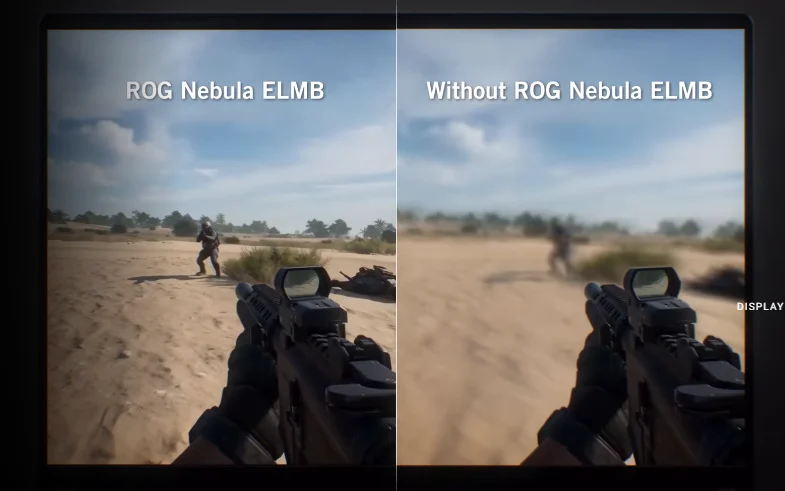
This is where the two designs genuinely disagree, and where the answer depends on you rather than on a benchmark. ASUS fitted a mini LED panel: 747 cd/m² average brightness, a 7,640:1 contrast ratio, 99% DCI-P3 coverage, factory color profiles accurate enough to edit against, and HDR peaking around 1,450 nits. Dell fitted a 300 Hz IPS panel: 496 cd/m², 1,250:1 contrast, no HDR support, and no 4K option at all, which Notebookcheck called baffling at this price.
So: 60 more hertz, or six times the contrast. If you play competitive shooters and your frame rates live in the hundreds, the extra refresh headroom is real, and you will use it. If you watch films, edit photos, or simply want black to look black in a dark room, the mini LED is not a close call. Our look at the Alienware 18 Area-51’s display configurations goes deeper into that decision.
Which one lasts longer?
Longevity on a gaming laptop comes down to three things you can actually check: how hot the components run over years, whether you can open the machine, and whether the parts inside are standard.
On heat, the Alienware has the structural advantage — more volume, more cooling surface, lower measured temperatures. For access, the SCAR 18 is easier to open: ASUS redesigned the base plate to release with a slider instead of screws, exposing both M.2 slots, both SO-DIMM slots, and the fans without a screwdriver. The Alienware needs eight Phillips screws, which is hardly a barrier, and rewards the effort with three SSD slots instead of two.
Both use standard M.2 storage. Neither is a sealed appliance. In practice, the thing that ends a gaming laptop’s useful life is usually a tired battery or a fan full of dust, and both of those are maintenance problems rather than design flaws. If you want to know where your current machine stands, our guide on measuring your laptop’s battery life walks through the checks.
What happened to the Alienware m18
The m18 R2 was the last of the line: an Intel Core i9-14900HX paired with up to an RTX 4090 Laptop GPU behind a 165 Hz IPS panel. It was a strong machine, and it still is — in Notebookcheck’s testing, it stayed within about 12% of the RTX 5090 laptops at 1440p in several titles, a smaller gap than a generation number implies. Dell replaced it in 2025 with the Area-51 rebrand and a full redesign inside and out.
The practical consequence for owners is that m18 and m18 R2 units are now previous-generation hardware in a market that just got a new flagship, which is the moment resale value starts moving. Our earlier write-up on the Alienware m18 covers what that machine was built to do.
| Measurement | ROG Strix SCAR 18 (G835LX) | Alienware 18 Area-51 |
|---|---|---|
| Fan noise, quiet profile | 34.8 dB(A) maximum while gaming | Not published in the same format; reviewed as relatively quiet in Performance mode |
| Fan noise, balanced profile | 49 dB(A) | Not published in the same format |
| Fan noise, maximum | 53.7 dB(A) · headphones recommended | Not published in the same format |
| Surface temperature under load | 45.6 °C top, 46 °C underside | Reviewed as generally low even while gaming, helped by the larger cooling deck |
| Web browsing on battery | 5 hours 32 minutes at 150 cd/m² | Not published in the same format; reviewed as short |
| Gaming on battery | 44 minutes | Not published in the same format; reviewed as short |
| Power draw under full load | 161 W sustained, 431 W peak · 380 W adapter | Reviewed as very high across all settings |
The SCAR 18 figures are Notebookcheck’s published measurements. Comparable acoustic and battery figures for the Alienware 18 Area-51 were not available in the same published format at the time of writing, so its column reports the reviewer’s stated findings rather than numbers. Do not read the blanks as a win for either machine.
What is your current machine worth?
Whichever of these you buy, something is being replaced — and an 18-inch gaming laptop sitting unused in a closet is the single worst thing you can do with it financially and environmentally. Gaming hardware depreciates fastest in its first year and keeps sliding after that, so the difference between selling in October and selling next spring is real money.
We will not publish a brand-versus-brand resale ranking here, because it is not something we can measure honestly. What we can tell you is what actually moves the number on a quote, in rough order of weight:
- GPU tier. An RTX 5090 unit and an RTX 5070 Ti unit of the same model are different products to a buyer.
- Cosmetic and functional condition, especially the screen, the hinge, and the keyboard deck.
- Battery health and cycle count, which on a gaming laptop is often worse than owners expect.
- Memory and storage as configured, since buyers pay a premium to skip these upgrades.
- Whether the original power adapter survived. On an 18-inch machine, this is a 380 W brick that is expensive and annoying to replace.
Gadget Salvation buys gaming laptops directly from both brands, so you are not listing, negotiating, or shipping to a stranger. You get a quote in about a minute, ship free, and get paid once we inspect the device — and the machine goes back into circulation instead of a landfill, which is the whole reason we do this. Start with our gaming laptop trade-in page, or go straight to the Alienware and ASUS ROG brand pages.
Not sure selling is the right call? Our guide to trading in, reselling, or donating an old laptop lays out the trade-offs, and our breakdown of average resale value by condition will give you a rough idea of where a well-kept machine lands.
Frequently asked questions
Is the ASUS ROG Strix SCAR 18 or the Alienware 18 Area-51 better for competitive gaming?
The Alienware, on two counts. It produced higher native frame rates in every game Notebookcheck measured, and its 300 Hz panel gives those frames somewhere to go, against 240 Hz on the SCAR 18. The SCAR’s mini LED display is better in almost every other respect, but refresh rate matters most in competitive shooters.
Why does the Alienware run faster with the same RTX 5090?
Because a 175 W rating describes what a GPU is allowed to draw, not what a chassis can supply. The Alienware 18 is thicker and heavier, with a larger rear cooling deck, so it sustains power closer to that ceiling for longer. Notebookcheck measured it running 5 to 15% faster than the average RTX 5090 laptop in its database.
Does the Alienware m18 still exist?
No. Dell retired the m18 line and replaced it with the Alienware 18 Area-51, which succeeds the m18 R2 with Arrow Lake-HX processors and Blackwell graphics in a completely new chassis. If you are shopping new, the Area-51 is the current 18-inch Alienware.
Is it worth upgrading from an RTX 4090 laptop to an RTX 5090 laptop?
For most people, no. Notebookcheck found the RTX 5090 Laptop’s native advantage over the RTX 4090 Laptop to be relatively small, particularly at 1440p. The meaningful gain comes from DLSS 4 multi-frame generation, which not every game supports. The upgrade makes far more sense from an RTX 3000-series machine.
Can you upgrade the memory and storage in either laptop?
Both take standard M.2 2280 SSDs, and the Alienware offers three slots to the SCAR’s two. The SCAR 18 has two accessible SO-DIMM memory slots and a base plate that releases with a slider rather than screws. Confirm the memory layout on the exact Alienware configuration you are considering before buying, since this varies by SKU.
Which one should I buy if I have to carry it?
The SCAR 18. It weighs 7.29 lb against the Alienware’s 9.21 lb, and once you add power supplies, the gap is 9.46 lb versus 11.52 lb. That said, neither is a portable machine in any ordinary sense, and both run under an hour of gaming on battery.
What can I get for my old gaming laptop?
It depends mostly on GPU tier, condition, battery health, and whether you still have the original charger — not on the badge. Gadget Salvation gives you a quote in about a minute, covers shipping, and pays after inspection, so you can compare a real number against the cost of your next machine before you commit.