The quiet clicks are a real plus. I never hear the click-clack coming back to me while working on documents in a quiet office while working on a call. (Your colleagues will thank you.)
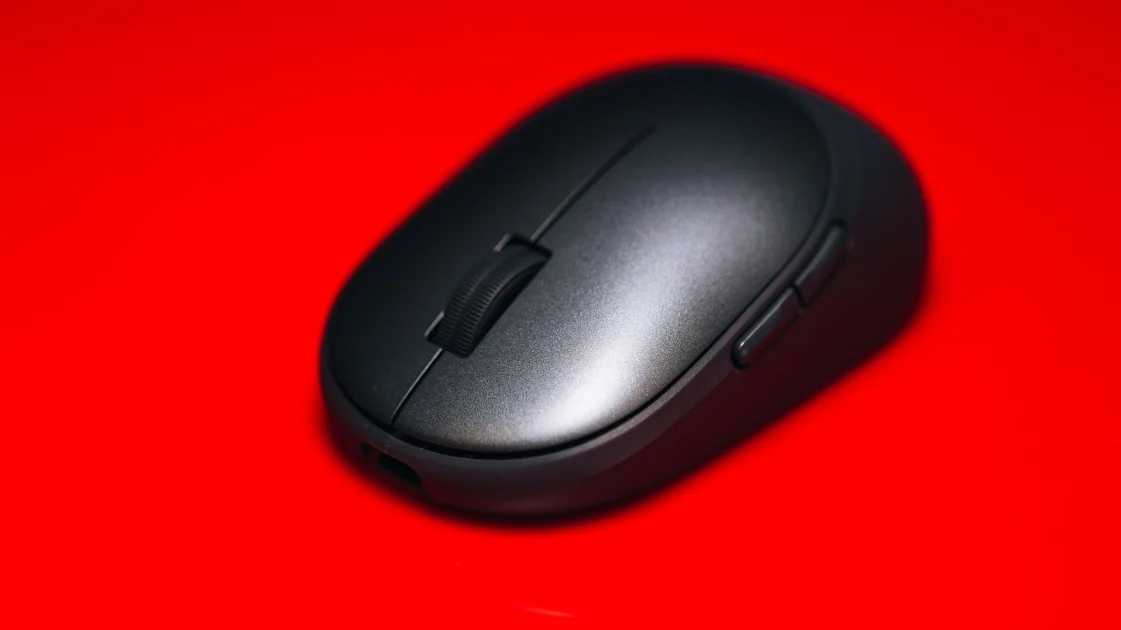
Dell lists five buttons (the two usual main clients, the scroll wheel, and two thumb buttons). Three of them are programmable, and that’s where the mouse clicked. I found just three programmable buttons too slim for real productivity work. While drafting, I kept reaching for a fourth and fifth mapped button, a back command here, a paste-and-match there, and came up empty every time. Anyone who builds a workflow around side-button shortcuts will feel the lack. The MX Master 4 has many more productivity options, including a gesture button, an Actions Ring, and haptic feedback.
The Dell Pro 7 also has an adaptive scroll wheel. It automatically switches between precise and fast scrolling based on how fast you move the mouse. Another button enables horizontal scrolling.
(Credit: Joseph Maldonado)
The optical sensor runs up to 6,000dpi and can be set as low as 400dpi, offering more range than office work needs and enough precision when using a high-resolution display. It tracked accurately on a simple desk, letting me point, scroll and move through a long draft with ease. Cursor movement remained smooth across two monitors, and the Dell Pro 7 never stuttered or skipped on my matte desk surface.