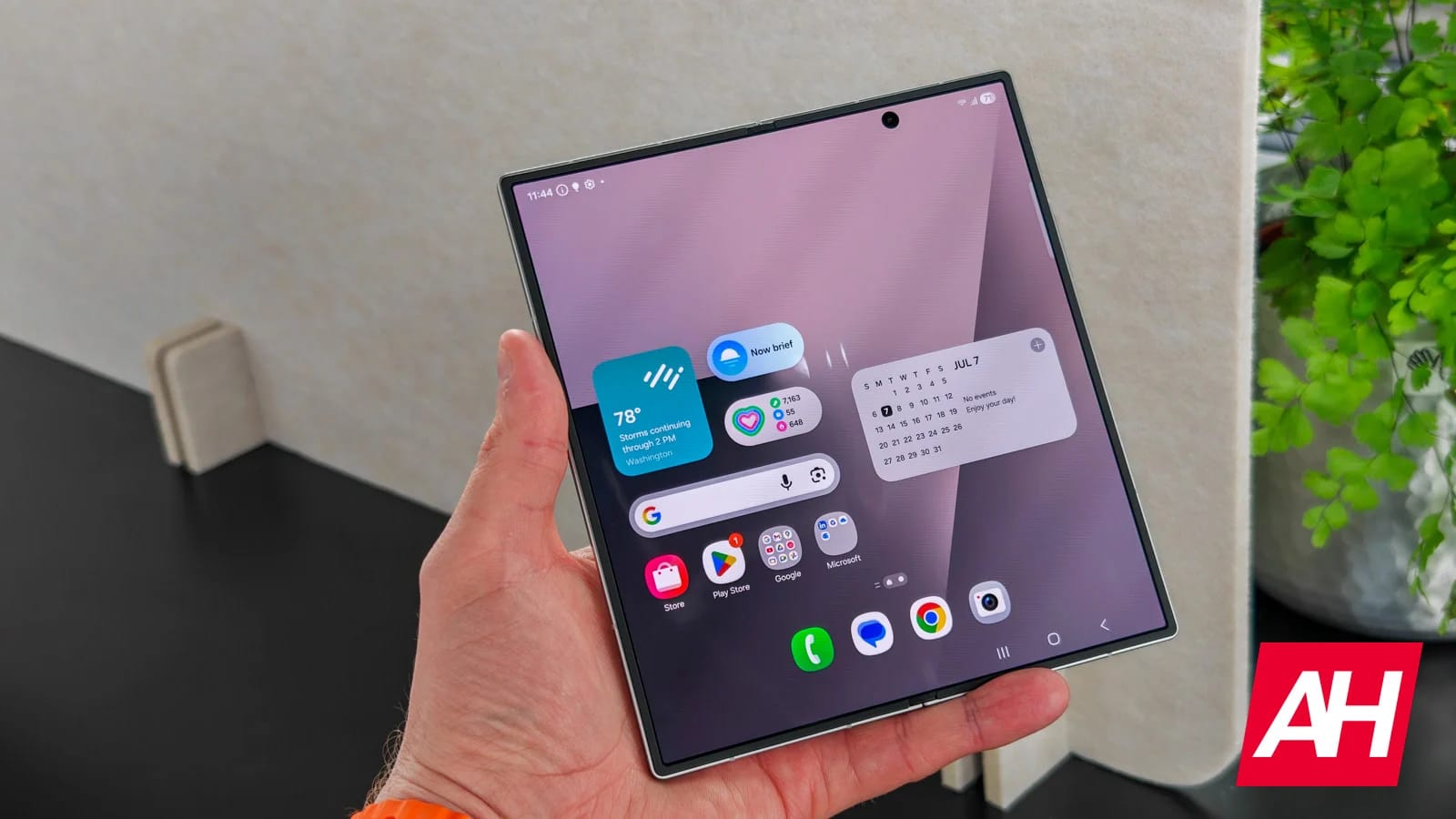
Samsung maintains its aggressive software rollout momentum across its lineup. After updates for its standard plate flagships, the company has officially launched the stable Android 17-based One UI 9.0 update for previous generation foldables, including the Galaxy Z Fold 7, Galaxy Z Flip 7, and the premium Galaxy Z TriFold.
The software release is currently live in Samsung’s home market of South Korea. Beta tests on the Galaxy Z Fold 7 and Flip 7 are moving to the final release after weeks of testing. Meanwhile, Galaxy Z TriFold owners are in for an even bigger surprise. Samsung has completely skipped the public beta phase for its ambitious three-fold phone, jumping straight to the official stable software build, as SamMobile reports.
Firmware details and download file sizes
When you upgrade your device, file sizes and firmware builds will vary significantly depending on which foldable hardware you’re using and whether you’ve participated in previous software previews.
For existing beta testers on the book style Galaxy Z Fold 7, the stable update comes as firmware version F966NKSUCCZIH. It weighs in as a fast 534.56MB download package. Galaxy Z Flip 7 beta users will receive a similarly sized incremental patch to complete their transition.
Meanwhile, Galaxy Z TriFold owners can upgrade directly from public software by downloading firmware version F968NKSU7CZIH. The update comes as a massive 3,091.93MB full installation file due to completely skipping the beta cycle.
What’s new in One UI 9.0 for foldables
The Android 17 upgrade brings several practical interface refinements and security tools specifically built to take advantage of larger foldable displays. Users get a redesigned, more customizable Quick Panel that allows for easier shortcut arrangements across multi-window viewports.
Samsung has also improved productivity tools like Samsung Notes and Samsung DeX, making multitasking on larger screens feel more fluid. On the privacy front, the build adds a dedicated privacy indicator that alerts you when an app accesses your background coordinates, alongside expanded accessibility tools.
While South Korean users will get first access, wider availability across North America and Europe should follow in the coming days. You can check the download manually by opening Settings, selecting Software Update, and clicking Check for Updates.