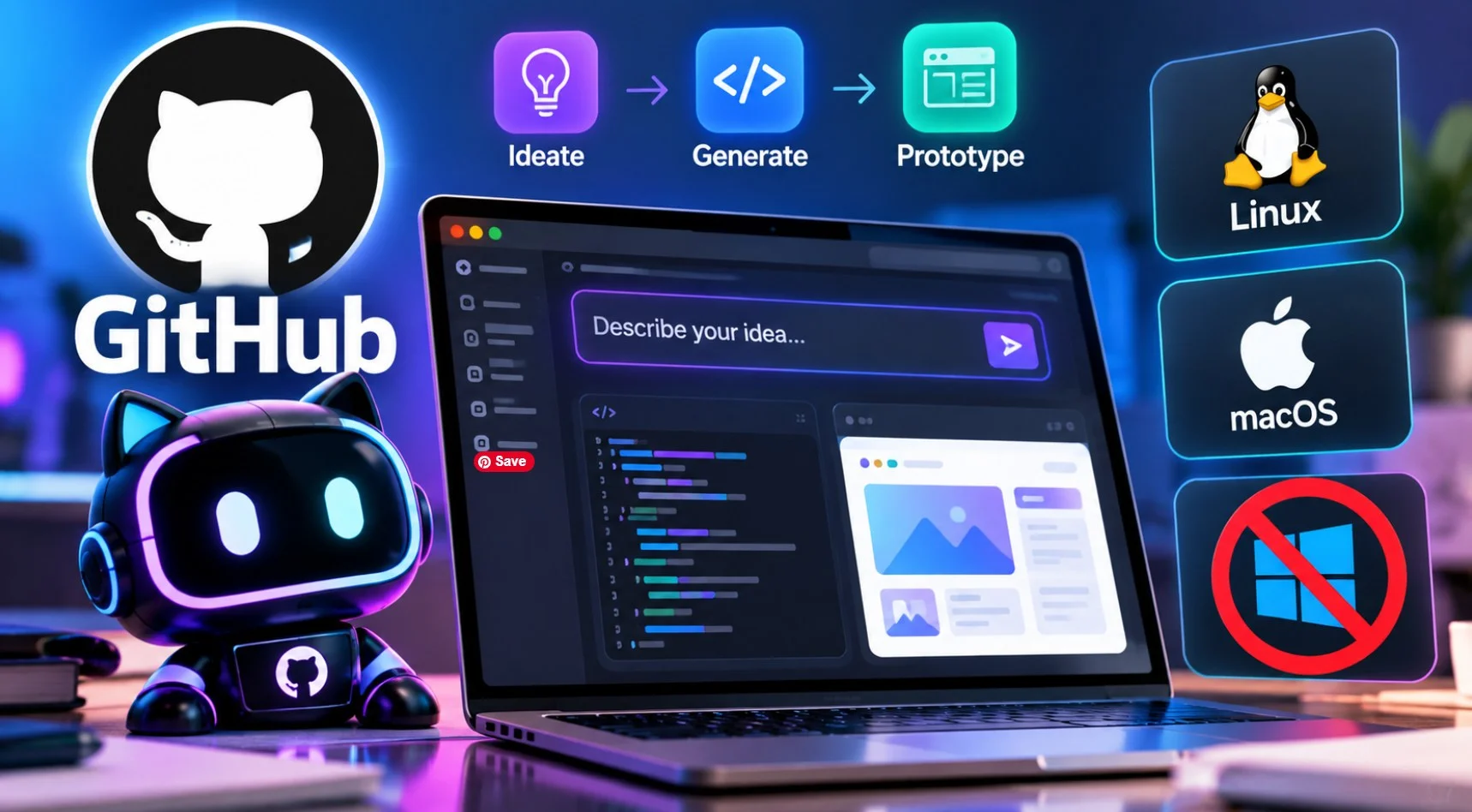
GitHub Design released Replica on October 28, an MIT-licensed tool that turns a sentence into a working interface prototype built from your own design system. You describe what you want in the GitHub Copilot app, and the prototype appears next to the conversation, clickable and ready to edit.
The setup documentation contains a line that does not make the announcement. The Canvas Preview workflow supports MacOS and Linux. Windows is not listed as supported anywhere.
The Windows gap
GitHub’s getting started guide says that both the Canvas preview and the “Start Dev Server” command run on macOS and Linux. There is no Windows column, no WSL instruction, and no notice of planned support.
For a tool provided by GitHub, leaving an entire desktop platform unaddressed is the first thing to check before your team plans this. WSL may work because the requirements are normal Unix tooling, but GitHub didn’t say so, and nothing in the documentation confirms it either way.
The dependency list hints at why. In addition to Git, Node.js and npm, Replica needs the GitHub CLI for branches and release controls, and lsof to find the local dev server. lsof is a Unix utility that Windows doesn’t ship, and a dependency like that is the kind of thing that holds up a preview workflow on Unix-like systems.
What it does
The problem replica is built for is specific. Ask any AI tool to generate an interface from a text description, and you’ll get something generic because it has no idea what your buttons look like. Enterprise products have fixed component libraries, and a prototype that ignores them is an image, not a plan.
Replica takes your existing components, patterns and documentation as a reference. Designers set this guide once and agree. After that, someone in product or engineering can describe a change in plain language and get something that looks like your current product.
Take a product manager who wants to add search to a project list. They describe it, and what comes back is the search field, the empty-state message for no results, and the control to delete the request, all pulled from components the team already ships. The result is clickable, so problems surface by using it instead of reading a specification.
GitHub is right over the scope. Replication is for testing assumptions. Your team still decides what ships and how to build them.
The four pieces
| component | What it does |
|---|---|
| Starters | Create a local prototype project with the agent capabilities and a working app |
| Copilot Canvas extension | Open the prototype next to your copilot conversation |
| Replica Hub | Optional. Hosts publish prototypes for peers to try and comment on |
| Building action | A GitHub Action that builds prototypes to publish to Hub |
Only the first two are required to work alone. Hub and building action exist to share.
The installation of the Canvas plugin is done by Copilot itself:
copilot plugin marketplace add github/replica
copilot plugin install replica-prototype@replica
Then enable both the plugin and its Canvas extension under Customize, start a fresh session, and select Canvas, then Replica Prototype.
Hub is yours to run
If you want colleagues to review prototypes together, Hub is where that happens. They open a published prototype, click through and leave comments about it. These discussions persist alongside the prototype, so the next version begins with recorded feedback rather than a meeting that no one wrote down.
GitHub does not host it. Your organization deploys and runs Hub on its own infrastructure, and publishing to it requires a linked repository, write access, and the repository’s replica build workflow. Local prototyping doesn’t need any of that.
What it costs
- Nothing, in terms of license. Replica is MIT, with bundled fonts under the SIL Open Font License.
- Model access is the variable. Two routes:
- GitHub-hosted models through a copilot plan, which is the documented way.
- Your own model providerwith no copilot plan required. This option is in public preview, so it is subject to change, and your provider’s charges and terms apply.
One detail that is important for how far you can share the work: Viewing or reviewing a prototype in the Hub does not require a Copilot subscription. Only the people creating and refining prototypes need model access. A designer with a copilot seat can put work in front of a dozen colleagues who don’t have one.
The data question
GitHub spells this out in the repository instead of letting you work it out.
Hub records publishing and review activities in its own database and keeps these events for 90 days. Repository administrators can configure export to Segment, Mixpanel, or a custom HTTPS endpoint. Replica doesn’t send any of this to GitHub automatically, and the events don’t capture offline work, local editing, or what people are doing in a prototype preview.
The sentence worth reading twice is GitHub’s own: Self-hosting hub means no data leaves your organization. The GitHub services and which AI provider you connect to are still subject to their own terms. Self-hosted describes where the hub runs, not where your requests go.
For who it is
If you’re on macOS or Linux, already paid for Copilot, and maintain a proper design system, this is worth an afternoon. The combination they aim for, AI generation limited by components you already own, is a harder problem than generating a beautiful screen from scratch, and the price is zero.
If your team is on Windows, wait or test WSL yourself before committing. Nothing in the GitHub documentation promises it will work.
And if you don’t have a design system to show for it, Replica solves a problem you don’t have yet. It is a tool for AI to respect existing limitations. Without these limitations, it’s just another prototype generator.
Replica is under active development, maintained by GitHub staff, with support limited to what the project’s support policy covers. The code is on GitHub below github/replica.