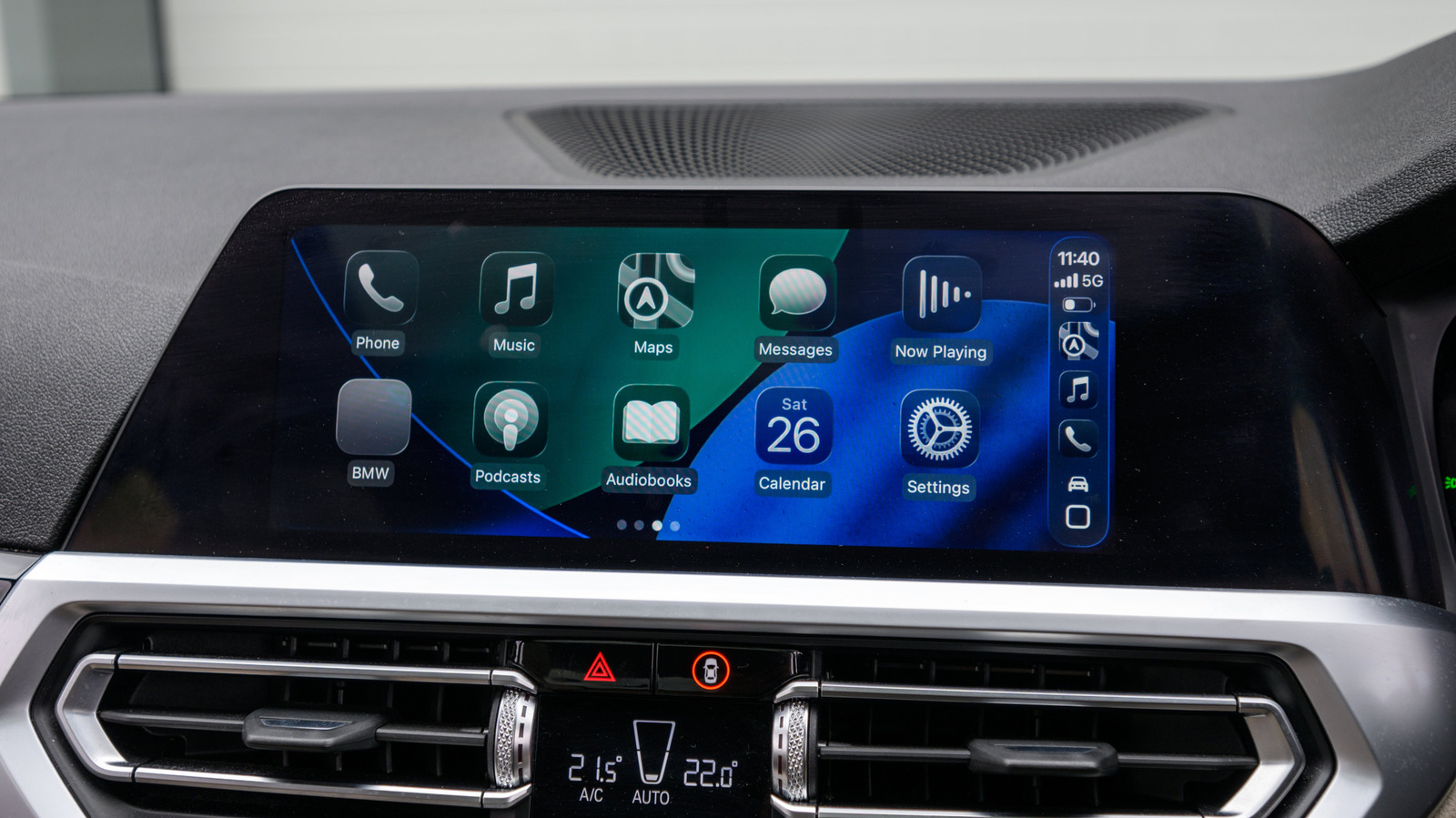
There is a way to convert wired CarPlay to wireless, but you need to choose the right adapter first.
We may receive a commission on purchases from links.
CarPlay is compatible with hundreds of vehicles, but many of them require you to plug in your iPhone with a cable. While wired CarPlay offers more stability, going wireless gives you more freedom to place your phone anywhere. The good news is that you don’t need a new car or an infotainment system upgrade to get wireless CarPlay. In most cases, a relatively cheap adapter will do the trick. These adapters are usually “plug-and-play”, so connecting one to your car has it as a bridge between your car system and your iPhone.
However, there are potential pitfalls. Some of them take too long to connect, while others may not work with certain infotainment systems. That’s where you can choose the right adapter. There are a few points you need to check before buying one, such as whether it supports the latest Wi-Fi and Bluetooth standards, and confirming that it works with the latest versions of iOS.
Check your car before buying a CarPlay adapter
First and foremost, check if your car is compatible with the adapter you plan to buy. These adapters only work with cars that already have built-in CarPlay because they simply convert USB CarPlay to wireless. If your car doesn’t have an infotainment system with CarPlay, an adapter won’t change that – you’ll need a portable CarPlay display instead.
High quality units should work with most vehicles, but there may be some incompatibilities. Look for a list of compatible vehicles in the description of the adapter, or do a quick search on car forums. Amzfeel’s adapter, for example, claims support for over 800 vehicle models. Keep an eye on the ports, too. Older cars tend to have USB-A ports, while newer ones come with USB-C. Make sure to buy a wireless CarPlay adapter with the appropriate port so you don’t have to add a USB adapter to the mix.
Since some models do not receive firmware updates, new versions of iOS may end up breaking support for them. Always make sure to check if an adapter is compatible with the version of iOS your iPhone is running. And if possible, get one that is capable of making updates so you don’t have to replace them so soon.
The adapter features that actually make a difference

Once you’ve confirmed compatibility, it’s time to look at other specifications. An important feature is Auto-Reconnect, which allows your iPhone to automatically start wireless CarPlay after initial setup. Adapters without this feature require you to manually pair with CarPlay every time you start your car, which is a waste of time.
The Bluetooth and Wi-Fi standards are also important. Adapters that support 5GHz Wi-Fi (to avoid congestion) and at least Bluetooth 5.0 (for fast connections) tend to offer more reliable and stable performance. Some cheaper adapters rely on older wireless standards, so you may experience lag and interference when using CarPlay.
Also, not all adapters are compatible with steering wheel controls or hands-free Siri. If these features are important to you, double check to make sure the model you’re considering supports them. More expensive adapters add extras like video streaming apps or Android Auto support. And if you share your car with other people, choose one that supports multiple paired iPhones.
Most of these adapters cost between $30 and $50, like the ones from Ottocast, but prices can go higher for models with more features. If you buy a well-reviewed adapter, it should work just fine with your car and iPhone.