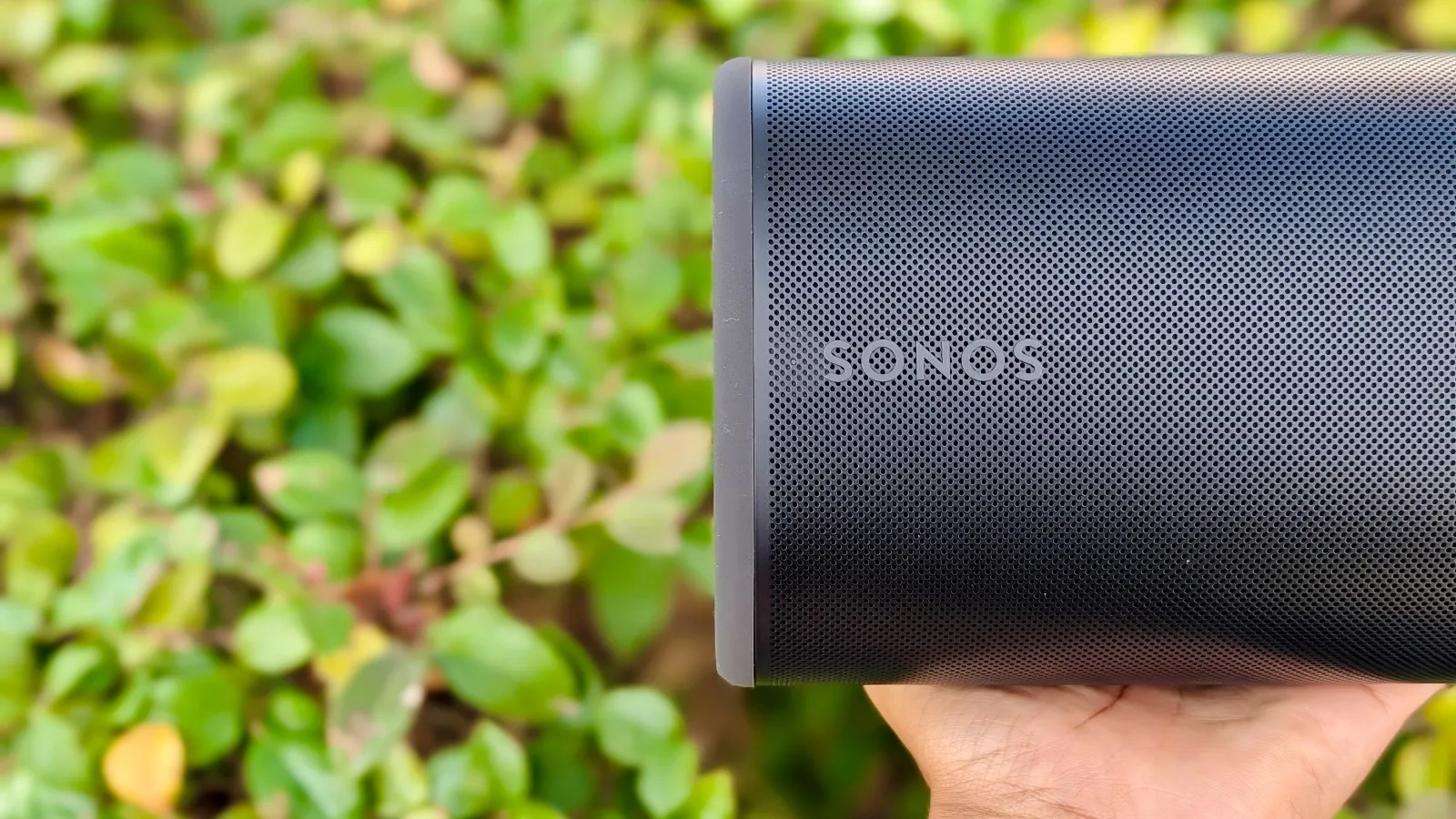
Sonos’ promise to release its AI-upgraded voice assistant is nearing its “Fall 2026” deadline, and before fans can use the highly anticipated update, the company continues to make small improvements to its app and player features.
Also: Sonos Ace Ultra vs Sonos Ace: Who Should Upgrade?
This time around, Sonos has added System Health, a new in-app page for accessing a more comprehensive view of your system(s), though it’s only available on iOS for now. However, a new blog post says that iOS and Android users can expect volume presets, more interaction with the app miniplayer, and spoken voice prompts for the Ace Ultra headphones.
More Sonos speakers, more problems
If your system consists of multiple speakers, a mix of modern and legacy speakers, or multiple systems, you’re bound to experience a hiccup and not be sure which speaker is causing the problem.
It usually takes me some time to Google my problem and scroll through the Sonos Community Forum, Reddit or the official Sonos help documents to find suggestions and solve it. Sonos’ new System Health feature provides an overview of your systems, showing your network status and name, as well as the number of speakers and rooms in each system.
Also: I used Sonos’ new home theater feature – it’s a competition killer
According to the Sonos blog post, System Health can detect a Double Network Address issue, which usually happens when you introduce a new router into your home or plug a mesh system into your ISP-provided router. The result is two home networks, and your Sonos speakers distribute their connection between them, flagging “system not found” errors, missing speakers, or connection failure.
System Health is in the Settings tab, under the Help Center menu.
When you tap on your system, you can see all of its speakers, with unconnected speakers bearing a red “Not Connected” badge, and wireless speakers displaying a black “Powered Off” badge when they’re off.
Then you can see a speaker’s connection information, including status, Wi-Fi signal strength, signal/noise ratio, frequency, IP address, and more. You can also find its volume output, Trueplay setup status, line-in connection, voice control status, serial number, hardware model and version, and which Sonos platform it works on.
System Health can also show you your account details, Sonos ID, Controller ID, and your current app build version. System Health comes after Sonos updated the System Updates tab, which now shows an overview of your app, system, and headphone update status. This page also links to the Sonos release notes.

The Sonos blog post says that this feature is new and still open to change, especially if the Sonos community has a particularly overwhelming response to it. The blog post also disclaims that this feature is a first look, not a deep dive.
Review: Sonos Beam Ultra
However, after a short first use, I see it as a great way to quickly access all the details you need about your systems and speakers, especially when doing some rewiring, moving a speaker to a new room, or general troubleshooting.
System Health is rolling out to iOS users first. I updated my Sonos app in the App Store and was able to access it, but the Sonos blog post says this update is a phased rollout.
Sonos UI improvements are always welcome
 Jada Jones/ZDNET
Updates to the Sonos app and its player are long overdue. After getting a few new ways to control the volume of your speakers (I think we’re up to three), Sonos realizes that granular volume control is a high priority for many Sonos users, including me.
The in-app volume dial is cool, and the interactive volume scrubber is a nice touch, but there’s nothing more jarring than playing some tunes on my kitchen counter speaker, only to have it blast to 80% from when my husband was watching football the night before.
Sonos’ last big update to volume this time around is presets, a way to start playback in a specific room at a set volume. I haven’t found this feature in my app update yet, but I think it’s because my hardware needs an update. Presets will be available on iOS and Android.
Review: Sonos Ace Ultra
Fortunately, I used another update for the Sonos miniplayer: swipe to skip. What a teeny, small but useful feature. It works just like the miniplayer in Apple Music and Spotify; when the app is open, you can swipe left to skip to the next song.
One big caveat: swiping right to repeat a track doesn’t work—at least not yet. Swiping both sides seems like a given to me, so it feels weird that you can’t. However, swiping the miniplayer to the next track is better than always opening the main player to switch tracks. This feature is also coming to iOS and Android.
Sonos’ miniplayer is getting so much better; You can swipe to the next track and easily control the volume of it, even if you have the Ace or Ace Ultra connected (I tried). The in-app volume dial also works with Sonos headphones.
Also: Sonos Play vs Sonos Move 2: Why I’d go with the $200 cheaper Bluetooth speaker
Speaking of the Ace Ultra, a firmware update is available. A new Vocal Guidance feature can announce the battery percentage when you turn on the headphones, when the audio mode changes from ANC to Transparency, and what device your headphones are connected to via Bluetooth.
It feels like this update is the last stretch before the Sonos 27voice arrives, as the release notes suggest. It seems that Sonos is laying the groundwork for speakers to support the AI-powered voice assistant in Early Access. If it is there, I will test it as soon as possible.

See full bio