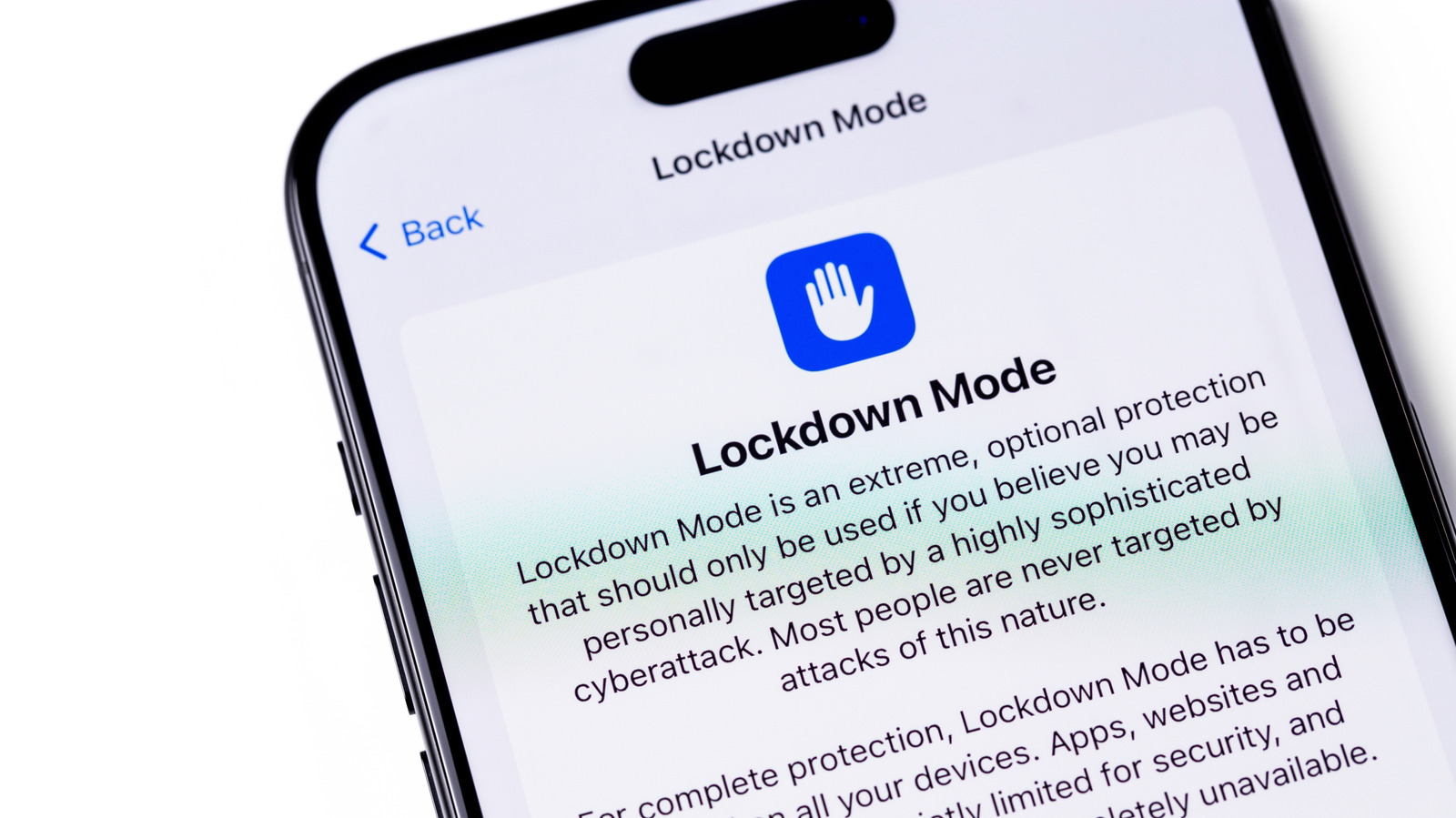
Lockdown Mode makes your iPhone much more secure against spyware, but most people don’t need to use it.
iPhone Lockdown Mode has been around since 2022, but you may not have heard of it, let alone used it. It’s one of those features that’s well hidden in the Settings app, plus it’s not really meant for the average person. Apple itself calls the tool an “extreme” layer of security for the few people who can be targeted by commercial spyware like NSO’s Pegasus. Journalists, activists and politicians are among the potential targets of such spyware.
Anyone with an iPhone running iOS 16 or later can try Lockdown Mode. It is also available on iPadOS 16 and later, watchOS 10 and later, and macOS 13 Ventura and later. To open it, open Settings and give up Privacy & Security. Scroll down until you find Lock modethen type Activate & Reboot and confirm with your password. It’s as simple as that, and you’ll find the option to turn it off in the same place.
What Lockdown Mode disables on your iPhone

What makes Lockdown Mode powerful is how it blocks many of the iPhone’s functions when it’s enabled. However, many of these features are ones you probably use every day. In messages, most types of attachments are blocked. Also stop link previews from working, as they can serve as backdoors for spyware. Lockdown Mode also restricts how JavaScript works in browsers, which can cause some websites to load slowly or not work at all. FaceTime calls are also blocked; only people you called recently can reach you.
The connectivity of your iPhone is also limited when the lockdown mode is on. For example, wired connections are disabled when the device is locked – meaning it can’t communicate with a computer or accessory without your password. For wireless connectivity, your iPhone no longer automatically connects to unsecured networks, and support for 2G and 3G networks is completely disabled (although these networks were discontinued years ago in the US).
You also can’t install configuration profiles, which isn’t ideal if your school or employer requires one. If you have an Apple Watch, phone notifications from your iPhone won’t show up on it. You’ll also see reduced functionality across other Apple services: Home invites and Game Center aren’t available, and photo sharing is limited.
Who should leave the lockdown mode on?
If Lockdown Mode sounds aggressive, it’s because that’s exactly what it was designed for. Back in 2023, an exploit known as “Blastpass” used iMessage to install the Pegasus spyware on Apple devices. However, the researchers found that devices in lockdown mode were completely immune to the spyware. Apple is offering a 100 percent bonus on top of the regular reward through its Security Bounty program for anyone who finds a way to bypass the feature, which shows how much the company trusts it. By restricting your iPhone to avoid potential attack vectors, you get maximum security in exchange for reduced functionality and convenience.
The feature offers some flexibility: you can exclude certain contacts from messaging restrictions, so your family can still send you videos or documents. You also have the option to exclude certain websites and apps from the feature. However, loosening these restrictions makes your device a bit more vulnerable to attacks. If you think you’re a target, it’s best to keep all default protections turned on.
For most people, there is no need to use Lockdown Mode. Apple devices already have many security and privacy features built in. Spyware like Pegasus usually targets public figures and is often deployed by governments that want to spy on opponents or protesters. If that’s the case for you, it’s definitely worth turning on Lockdown Mode – Apple can even send you a notification if it thinks you’ve been targeted by spyware. If you’re curious, try using Lockdown Mode for a few days to see how it is. Chances are that the inconvenience it creates is not worth the extreme level of protection that few people need.