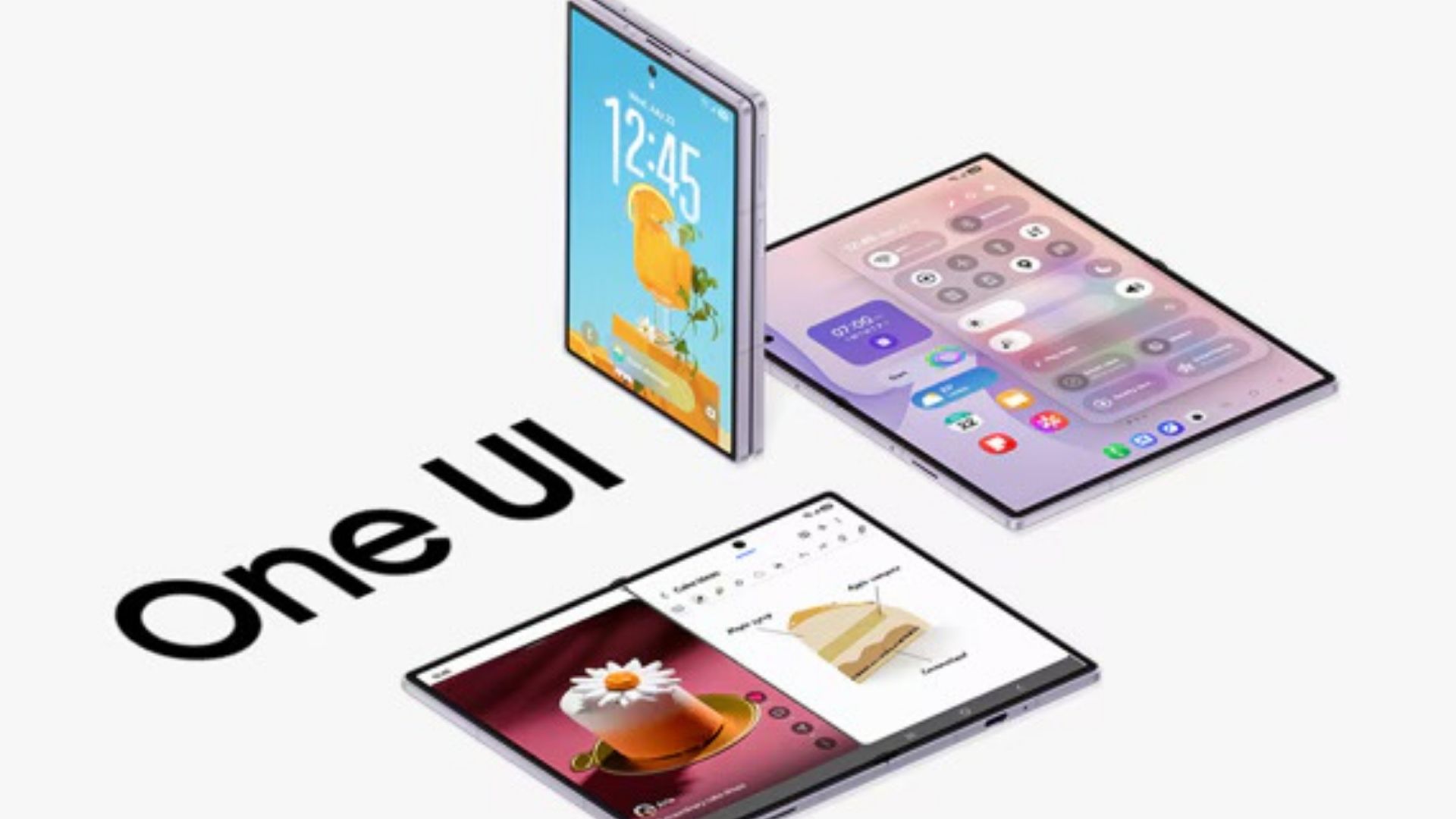
Samsung has acknowledged a frustrating bug in One UI 9 that caused the status bar icons to behave strangely on some Galaxy devices. The good news is that the company has identified the problem and is working on a fix – the bad news is that it may take some time before it arrives.
The issue was first reported on Samsung’s South Korean community forum, where a Galaxy user noticed that Good Lock’s QuickStar module was controlling the wrong status bar icons. QuickStar lets users customize which indicators appear at the top of the screen, but after the One UI 9 update, some of these settings no longer seem to work as intended.
According to the report, activating Do Not Disturb unexpectedly restored a missing Wi-Fi icon, while turning off the network indicator caused the Wi-Fi symbol to disappear instead. A video shared by the user also showed different icon settings producing unexpected results, making it difficult to control what appears in the status bar.
Samsung’s Good Lock support team has since confirmed that developers have identified the issue and are preparing improvements. However, the fix isn’t quite as simple as a regular app update. The company explained that changes to the underlying platform software are required, along with further review, meaning there is currently no confirmed timeline for a fix.
Interestingly, Samsung also addressed a separate complaint with missing Wi-Fi, alarms and other status bar indicators after updating to One UI 9. Unlike the QuickStar bug, this has a much simpler explanation. According to Samsung, certain date formats take up too much space in the status bar, leaving little room for other icons to appear.
The solution is to switch to a shorter date format, which should free up enough space to return the missing indicators. That means some Galaxy users can solve the problem immediately without waiting for another software update.
At the moment, it’s worth checking the date format and QuickStar settings if the icons started to disappear after installing One UI 9. Those who experience the more unusual behavior, where changing a setting affects a completely different icon, will have to wait for Samsung’s promised fix.