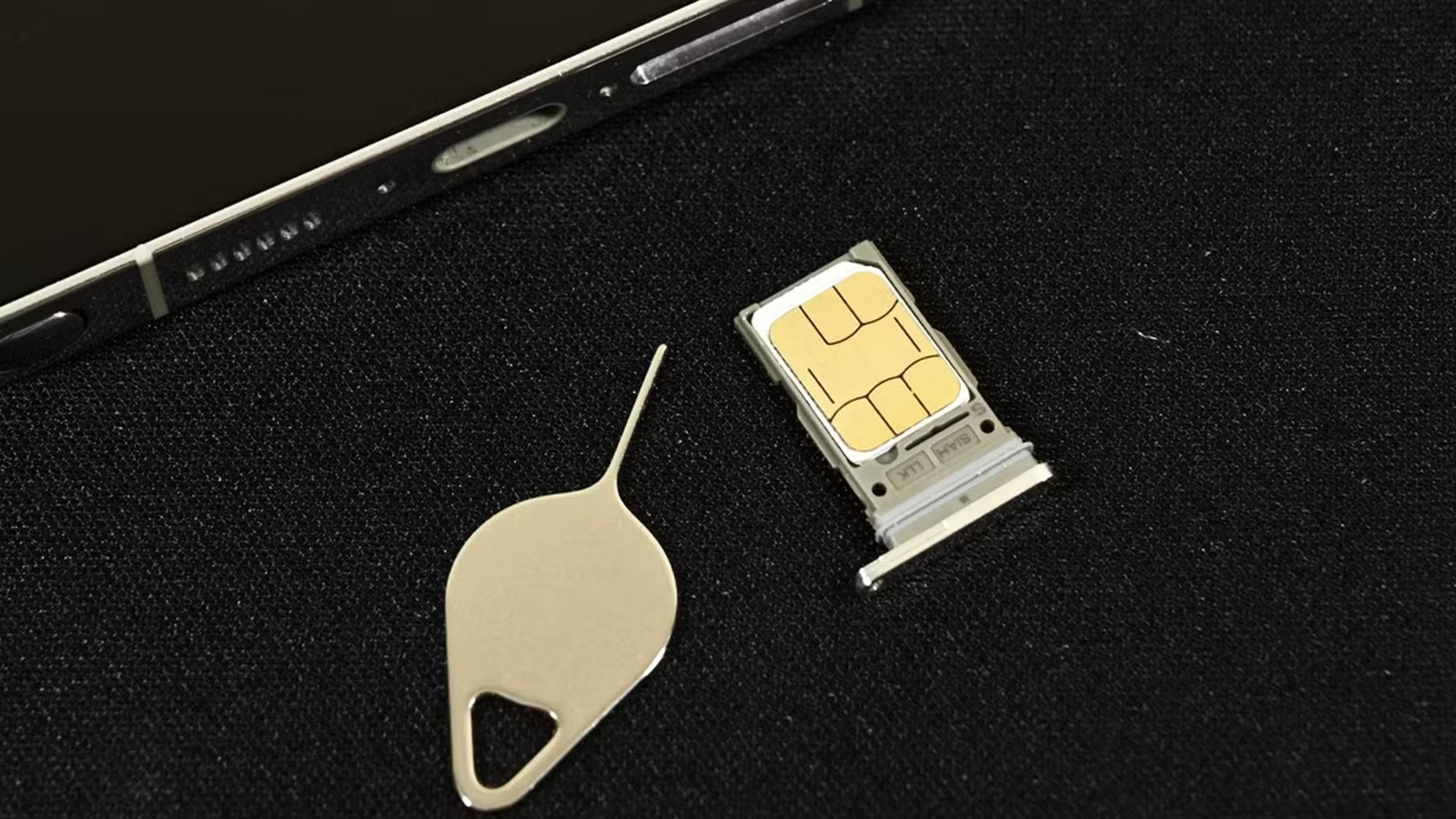
A SIM card is inseparably connected with phones. From a large, literally card-sized thing to a miniscule chip of today, it has been with cell phones since the earliest days. Today it might be slowly replaced by eSIM, but most phones still have that little piece of tech inside. If you want to start calling or texting, there’s no way around it, you need one of these.
Unfortunately, even something so small can be absolutely deadly for your phone. There’s a simple mistake you can make that can cause you a lot of trouble, and all you need to completely kill your phone is the tiny, innocent SIM ejector.
Small chip with a big story
Connecting since 1991
At that time, mobile phones could not freely become smaller, and often because of SIM cards. The first ones were literally credit card size, which sort of limited how small the phone itself could be. Then came the small SIM card, the “normal” and “micro” versions. Much smaller than the original, they usually had their place under the battery. And yes, batter could be taken out and replaced at any time. And then steadily took over an even smaller NanoSIM.
Currently, eSIM is probably here to stay. It is more convenient and quick to install and replace, because you don’t even need the complicated mechanisms to get into your phone. Newer iPhones in certain regions have gone so far as to eliminate the SIM card tray altogether, relying solely on the eSIM.
How do I find the SIM card tray?
It works the same whether you use Android or iOS
Today almost everyone knows the drill with SIM cards. You will find a SIM card slot somewhere on the edge of your phone. It is an oval cutout, about half an inch long. To access the card, you need a SIM ejector. You can put it in a small hole near the SIM card slot and then press a little. The SIM card tray should pop in and give you access to a SIM card slot (or two for dual-SIM phones). You can even find a microSD card here if your smartphone still has one. To reinsert the card(s), you simply place them on the tray in their respective slots and slide them into place. With a little pressure it should go in and sit flush with the phone frame.
Don’t mix up your ports
Tiny mistakes, huge consequences

Sim card trays seem to be rather unproblematic compared to other parts of your phone. Unfortunately, in this simplicity lies the trap. Since you usually only use this tray twice when you use your phone, it can end up being quite complicated. Add in a bit of a design flaw that many phone manufacturers make, and there’s a problem.
I am of course talking about the well-known problem of inserting your SIM ejector tool into a microphone hole, instead of the release hole of the tray. It’s easy to mix it up: the holes are often very similar in size, and many manufacturers tend to make them rather close together, especially if your SIM card tray is placed at the bottom of your phone. You can easily mix the two holes and use the SIM ejector tool and the microslot.
What is the damage?
You can leave the battle unscathed, or end up with a dead phone

So, honestly, could putting the card ejector into the mic hole be that bad? Well, contrary to popular belief, in this case you don’t have to worry about mechanical damage. The microphone is usually mounted in a way that a rod cannot reach, because it sits on the vertical wall inside. The danger is much more basic.
If you insert a SIM ejector tool into the mic hole, you can, by complete accident, destroy the waterproof layer of your phone. Water is deadly to electronics, so everything inside your IP68-rated phone must be sealed. Unfortunately, it is sometimes the case that by pressing the mic hole, you can create a small opening in the seal inside, which allows water to enter the inside of your phone through the microphone hole. So, such an error can occur even weeks or months after the incident when your phone suddenly starts working in the rain or after a dip in a pool.
All that being said, the chances of that happening on your phone are pretty low. The water seal, especially near delicate places like that, usually has more than one layer, so even if it’s dotted, you should be OK. However, it might be better to be rather careful with your phone around the water and not try to keep pushing for a smartphone diving record.