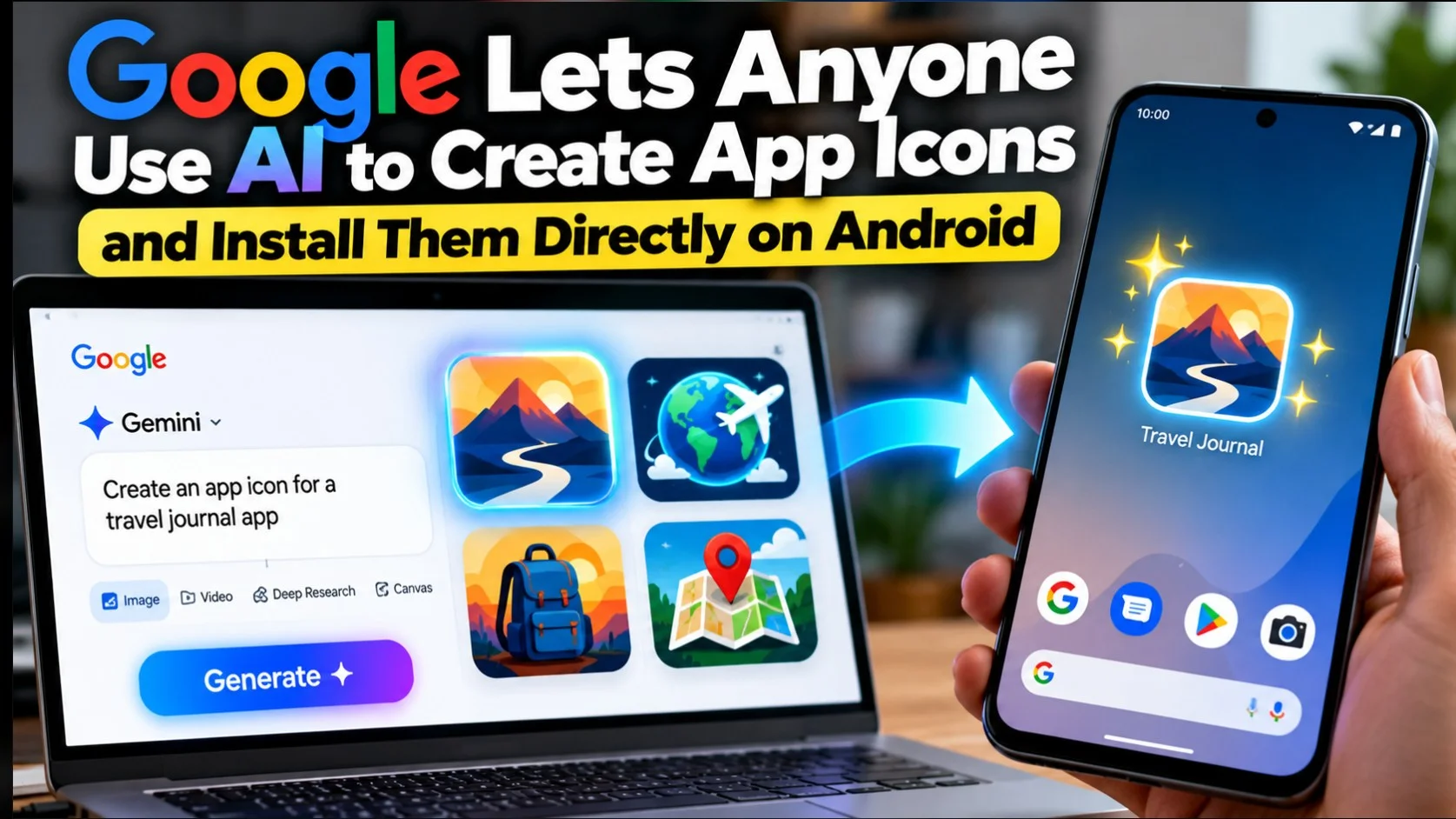
Google now lets people build an Android app by describing it in plain language, then install it on their own phone right from the Game store: no developer account, no $25 registration fee, no public catalog listing. The change is part of a broader Google Play update announced on October 13 by Sam Bright, VP and GM of Google Play and the developer ecosystem.
Google calls these personal apps. They started rolling the same day Users aged 18 and over in selected markets, with the United States called. India is not on the confirmed list, and Google has not published the full set of markets.
What has changed since May
Building an Android app from a prompt is not new. Google announced native Android support in AI Studio in May 2026, generating Kotlin apps with Jetpack Compose and previewing them in a built-in emulator.
Getting someone on the phone was the hard part, and that’s where some summaries of this week’s news were inaccurate. It was not simply a matter of needing command line tools. AI Studio was already able to create the app record, pack the bundle and upload it to an internal test track in the Play Console. What it did require was a Google Play developer account, which carries a one-time $25 registration fee, and testing on a physical handset meant plugging the phone into the machine running AI Studio via Android Debug Bridge.
So the barrier was never really technical ability alone. It was a paid account and a USB cable for a one-time app that only you would use.
That’s the friction this removes. You build in AI Studio’s Vibe Coding mode, and Play installs it on your device under your usual Google account.
The limits on a personal app
Three of them are important, and Google clearly states each one.
It’s yours alone, for now. Private apps sit outside the public Play catalog and are undiscovered. Google says sharing with a close circle of friends and family is coming in the coming months, which means the app will be running on your device today and nowhere else.
Going public means becoming professional. To publicly list an app, you still need a professional developer account, and the app will then face the same trust and security review and quality standards as any other submission. Google hasn’t said whether the shared-with-family-tier will carry its own review.
It is 18 and over. A notable restriction for a feature whose most obvious appeal is to curious teenagers who want to build something.
Who will use this
The market is small but real: single-purpose tools that no one would ever publish. A tracker for a specific habit. A calculator for a formula used in a workplace. An interface for a home device that treats the manufacturer’s own app badly.
These apps have always been buildable and rarely worth the setup cost. If you remove a $25 fee and a developer console from that path, the arithmetic changes.
What it doesn’t change is whether the app is good. Vibe-coded output still depends on how clearly you describe what you want, and an app that only runs on your phone will get no crash reports, no updates, and no reviews.
The rest of the announcement
Google shipped much more on the same day. The parts likely to reach ordinary users:
- Ask game now compare apps, expose feature differences and the drift of user sentiment side-by-side instead of returning a list.
- Play in Gemini brings Play’s apps, games and developer content into Gemini Conversations. Google says it will reach all Gemini users soon, without a date.
- Game Finder builds something Google calls Gamer DNA from how you play and what you say you like, then recommends titles based on that and shows how similar players engage with them. English, US only at launch, with other markets listed as coming.
- Sprints are 48-hour challenges for groups of two to five players, live in all markets.
- Sidekick is an in-game overlay to record 30-second clips Google calls Playbacks, on select devices.
- Community posts Add questions and answers to a game’s business page, with automatic translation across all games and languages.
- Game testspreviously only mobile, now covers PC, Lets you try premium games for a limited period.
- Sports theme pages expanded to soccer, covering the Premier League, Champions League, La Liga, Liga MX and MLS with live scores and links to streaming apps.
Parents can now share a child’s age range with apps via Family Link, with Google saying apps will only get the minimum needed to deliver an age-appropriate experience.
What Indian readers get first
The in-car half of the announcement is where India appears by name.
Google published a companion post on the same day, from Haris Ramic, product director for Android for cars, which incorporated a redesigned Play Store for vehicles with Google. JioHotstarSTARZ, Firefox and Ludo King.
Separately, Google listed the media companies it is working with on future in-car audio, and Go is among them, in addition to Audible, Pandora, SiriusXM, Amazon Music, TuneIn and The Post. That’s a stated partnership rather than an app shipping today.
The redesigned store adapts its layout to the shape and orientation of the screen, and sorts collections according to whether the car is parked or moving. YouTube video plays on the dashboard while parked and continues as audio when the car is moving, which requires a YouTube Premium subscription.
Cars with Google built in are now over 16 brands and more than 100 models. Google named the 2027 Chevrolet Silverado 1500 and GMC Sierra 1500 as upcoming, and listed Mazda, Honda, Polestar, BYD and Volvo among the automakers it’s working with on in-car media. The updated store will roll out in the coming weeks and install itself on the vehicle display.
The first is when personal apps reach India. Google has not committed to any timetable on “select markets”, and India’s size usually makes it an early expansion target rather than a launch market.
The second is what happens when the share arrives. An app you build yourself is a toy. An app you can pass on to friends and family without verification is a distribution channel, and Google hasn’t said anything yet about how it’s verified, or how big a circle counts as close. This detail, whenever it lands, will say more about this feature than anything announced this week.