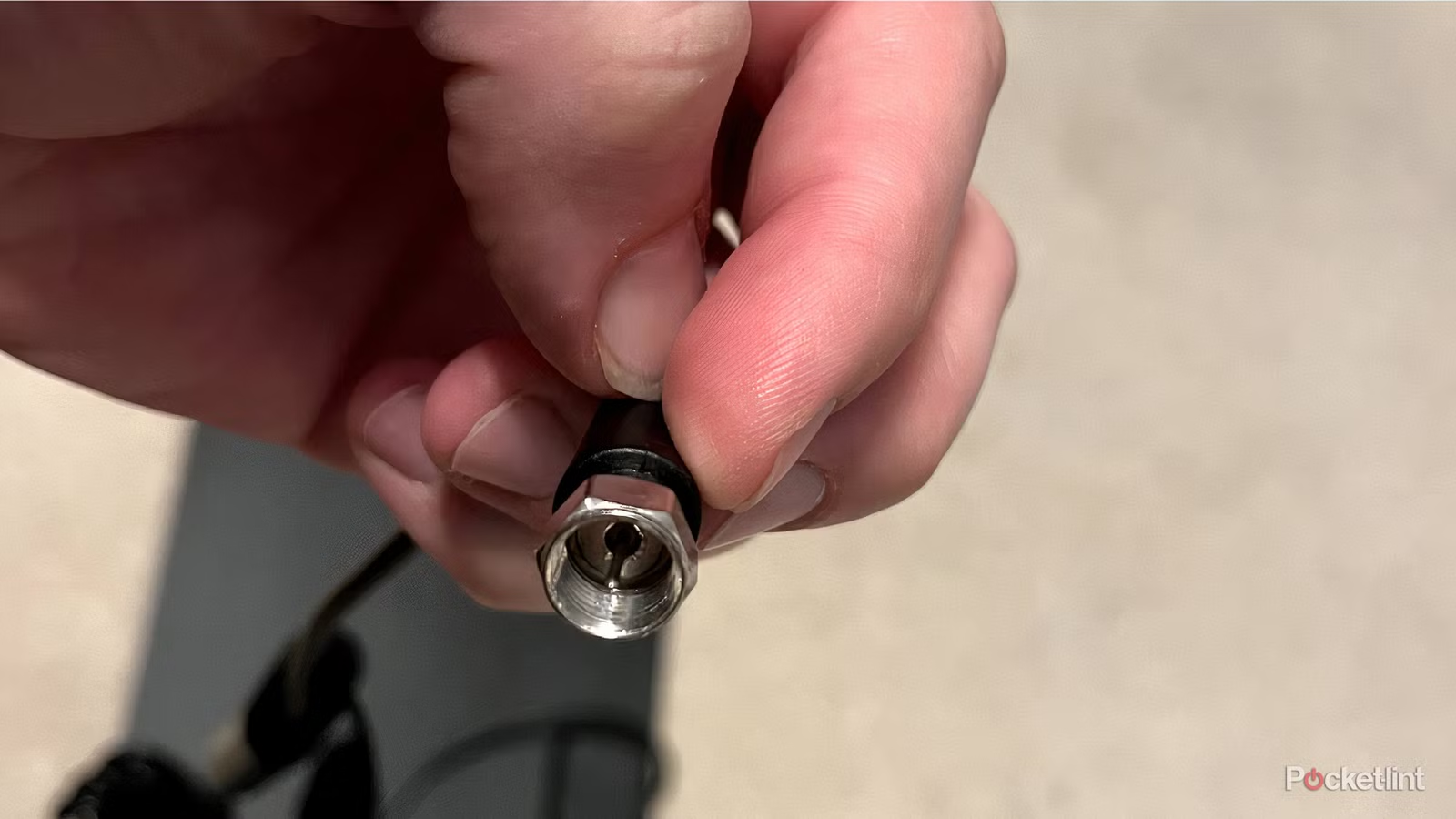
Your TV has quite a few ports that are probably going unused. Although your HDMI slots may be full, you have many other slots of different formats to spare. Your USB ports can be used to give your TV some additional versatility, and even a less used one still has some functionality.
If your TV has a coaxial port, you may be surprised to know that you can still get some life out of it. No, it won’t be as useful as a second or third HDMI port, but I’ve found a coaxial port to be handy. I didn’t get a ton of use out of mine, but I got a lot more into niche things like over-the-air TV antennas, and I found it nice that my modern TV had old hookups like this. I’ve come up with three different things you can do with your TV’s coaxial port that are worth trying.
Connect an indoor antenna
Free channels are always nice
Cable plans and streaming services are getting more expensive with each passing year, so I decided to see what was available with an indoor TV antenna. I picked one up from Best Buy, and thanks to a sale and my rewards points, I scored one for just $6. It has a range of 35 miles, which isn’t much, but since I live in Detroit, I thought it would be good. Plugging it into my TV opened the door to all kinds of channels, and I got crystal clear broadcasts from my local NBC, FOX, and CBS affiliates.
The whole process is easy because all you have to do is hook your antenna into your coaxial port and scan for channels. It only takes a few minutes, and when it’s done just put the antenna high on your wall and start watching. In my experience, you won’t get anywhere near the level of channels you get from an actual cable service, but if all you need is local stations, then an indoor antenna is perfect for your coaxial port.

- Dimensions
-
11.7″ x 8.3″
- Connectivity technology
-
Coaxial cable
- Mark
-
Best Buy Essentials
- Weight
-
0.6 lbs
- Maximum range
-
35 km
The Best Buy Essentials Thin Indoor HDTV Antenna lets you access free channel broadcasts without paying for a cable package.
Set up a MoCA adapter
Much less wiring if you have the right setup

If you’re like me, you probably have your Internet modem and router in a different room than your main TV. In my case, it’s on a completely different floor, so getting an ethernet cable to my living room TV is a difficult task. If you set up a MoCA adapter, the process becomes a little easier.
The way this works is that it extends your internet coverage through a coaxial port. You can buy an adapter, plug one end into your network’s access point, and the other end into your TV. This gives your TV an Internet connection without the need for an Ethernet cable or Wi-Fi. The downside to this is that you still have cords running through your home unless you have coaxial ports in your home. Many older houses, like mine, have these in the wall, and if you plug into those, you can jump over the house. It feels a bit like magic, so check and see if you have it. If you have ever had a cable box, chances are that you have one.
Things can get confusing quickly if you are a beginner, so my advice would be to look at these diagrams and decide if a network like this will work for you. In my experience, using Ethernet cords is easier because I can just use the extras I have, but if you want to tackle a project, a MoCA adapter is a worthwhile effort.
Play old game consoles
The classics are still worth it

While your new game console may use HDMI alone for its hook-ups, there was a time when that wasn’t the case. Going back to early Nintendo consoles, you had to use RCA cables, or you could plug into your TV’s coaxial port. Depending on how modern your TV is, you may not even have the recognizable red, yellow and white connectors you used to use on your old consoles.
I was surprised to learn that many modern TVs still have a coaxial port, and if you get an A/V adapter like the one above, you can start playing your old consoles. You should probably find one that isn’t from Radio Shack because I’m not sure which ones are out there anymore. However, an adapter like this will let you connect your console through your TV’s coaxial port, and you won’t need your composite cable for that.
Remember that the quality will be lower than using composite cables, and those are even lower quality than component cables. However, using a cheap adapter that converts composite to HDMI often looks very bad on modern TVs. This is best if you can do it on a CRT TV, as many of the flaws can be covered that way, but your modern TV will work just fine in a pinch.