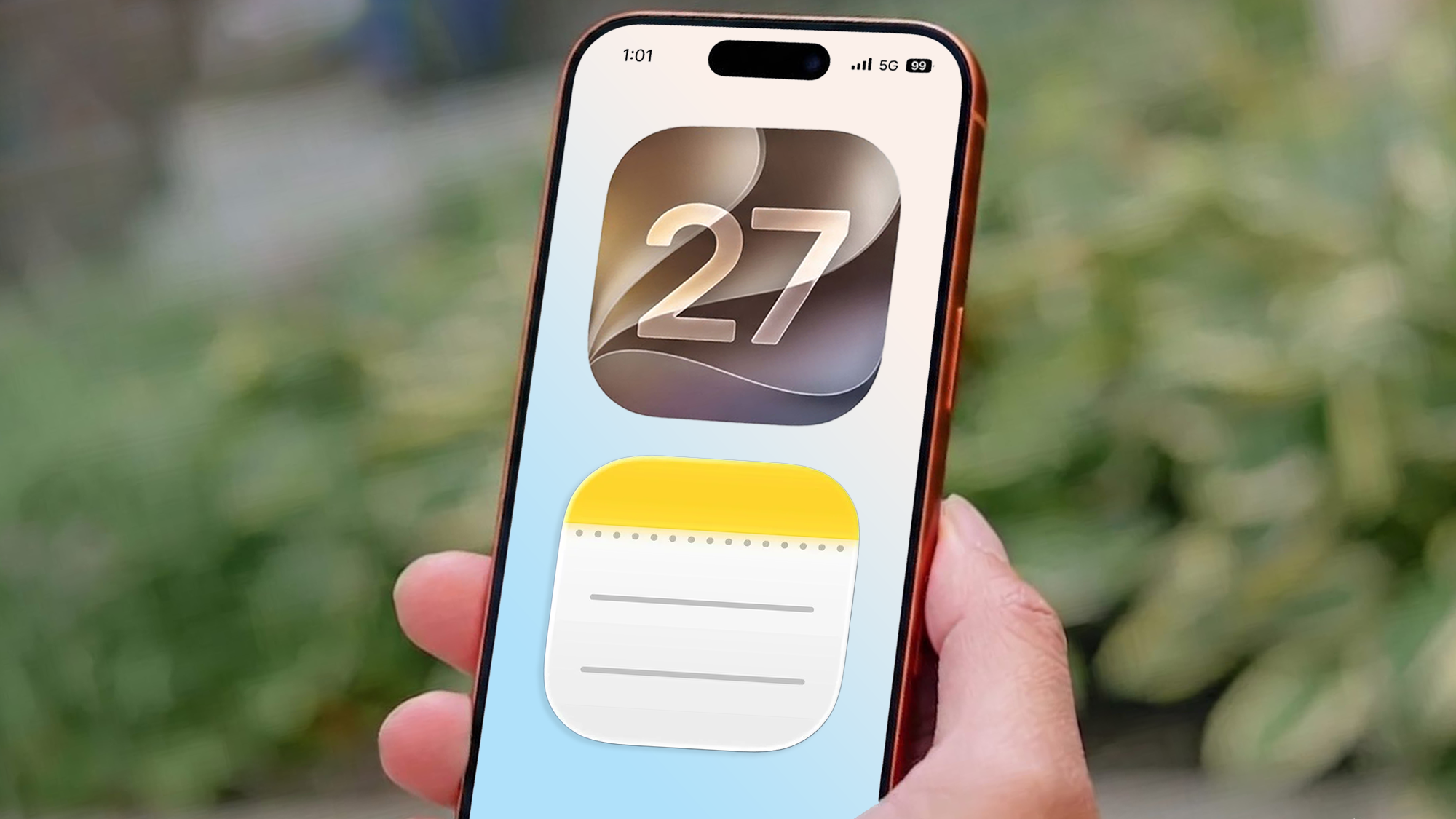
As a writer, my phone is an extension of my brain. For years, Apple Notes has been where I’ve quickly scrawled half-baked ideas, pasted web clips, or drafted grocery lists. It was fast and reliable, but I treated it strictly like a digital scratchpad: great for throwaway jottings, but underpowered for real writing.
Whenever it came time to build a structured outline or draft a lengthy piece, I naturally immediately closed the app and went somewhere else. With iOS 27, Apple is finally closing this gap, turning Notes into a serious writing hub.
1. Native section links end endless scrolling
If you’ve ever tried to write a long draft in Apple Notes, you know the pain of scrolling through 3,000 words just to find a subtitle. It felt less like navigating a document and more like searching for a specific page in an endless roll of paper.
iOS 27 fixes this with native Section Links. You can now build internal tables of contents that jump around immediately in the exact same note. Just highlight any text, tap the arrow then Add Link, tap Link to Section, and select your target section.
2. Siri AI speeds up the little things

Managing your notes isn’t always about fixing chaotic brain dumps. Sometimes it’s just about saving time on the little things. With Siri AI integration, you can perform these tedious administrative tasks without manually typing through menus.
For example, while planning an event recently, I just asked Siri to add a specific date and location details directly to the note, and it updated everything in two seconds flat.
3. Clean visual dividers for structured page layouts

Until now, breaking down long thoughts into Apple Notes meant hitting back or typing out an awkward string of hyphens and hoping for the best.
iOS 27 finally gives us a real, built-in Insert Divider option directly in the Edit menu. It’s a simple addition, but it seamlessly gives you a clean layout which is an immediate improvement.
4. Image playground generation

When Apple first launched Image Playground, I messed around with it a few times, made some silly cartoon sketches and basically forgot it existed. But iOS 27 gives it a real upgrade.
Highlight your note and select Image Playground from the Edit menu. It will suggest some instructions based on your note, however scroll down a touch and you will find the description and image section. This is great for adding some character and personalization to your private thoughts or planned events.
What do you think of the new Notes app?
Is this enough to change how you type on your phone, or is there still a feature you wish Apple had added? Leave your thoughts in the comments below!
Latest Videos FromTom the guide

follow Tom’s Guide to Google News in the add us as a preferred source to get our latest news, analysis and reviews in your feeds. Make sure you click the follow button!