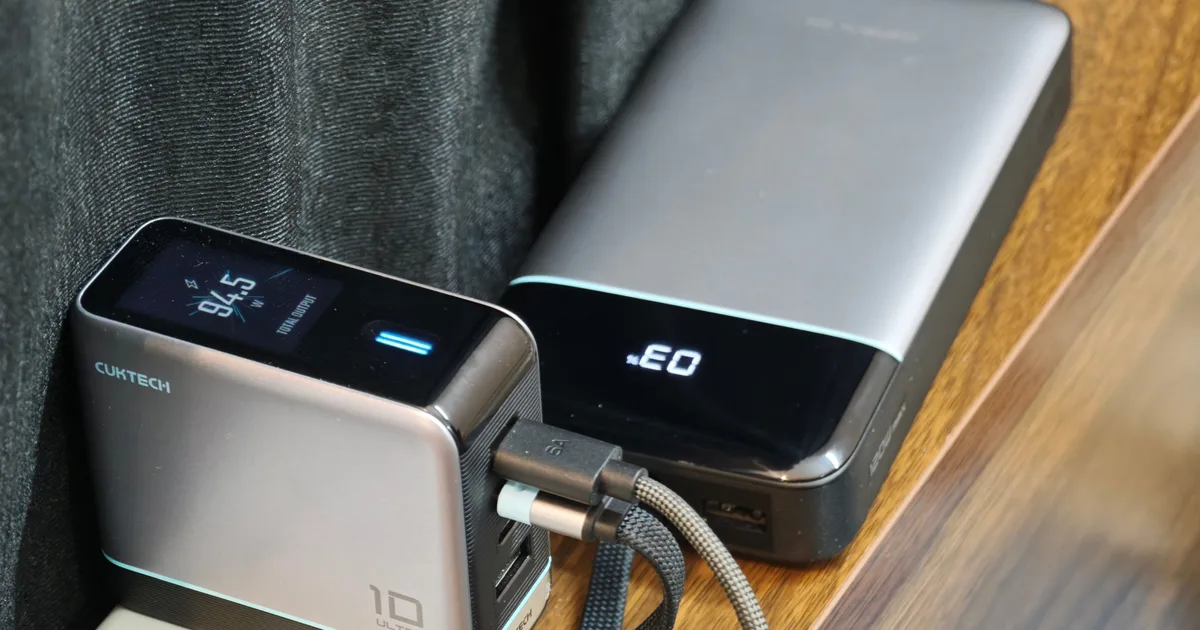
CUKTECH 25 Power Bank SE and CUKTECH 10 Ultra
“One lives in my bag, the other stays on my desk, and both have made my tech setup so much better”
Pros
- Power Bank: Huge 25,000mAh capacity
- 100W laptop charging
- Fast 100W recharging
- Charger: Four useful ports
- Genuinely informative color display
- Smart power allocation
- Strong sustained output
- Compact for its capabilities with a great bundled cable
Cons
- Power Bank: Multi-device output drops dramatically
- A little heavy
- Glossy display area scratches easily
- Charger: Dense and fairly heavy
- Can get very warm under sustained loads
- Output figures vary depending on input voltage
Quick Take
I test out a bunch of gadgets every day for a living, and each of these comes with its own chargers (most of the time). So after a while, my usual desk and charging setup gets filled with way too many wires and adapters. Unless I’m actively testing out battery and charging, I usually end up using a basic adapter and Type-C setup that can power laptops and smartphones.
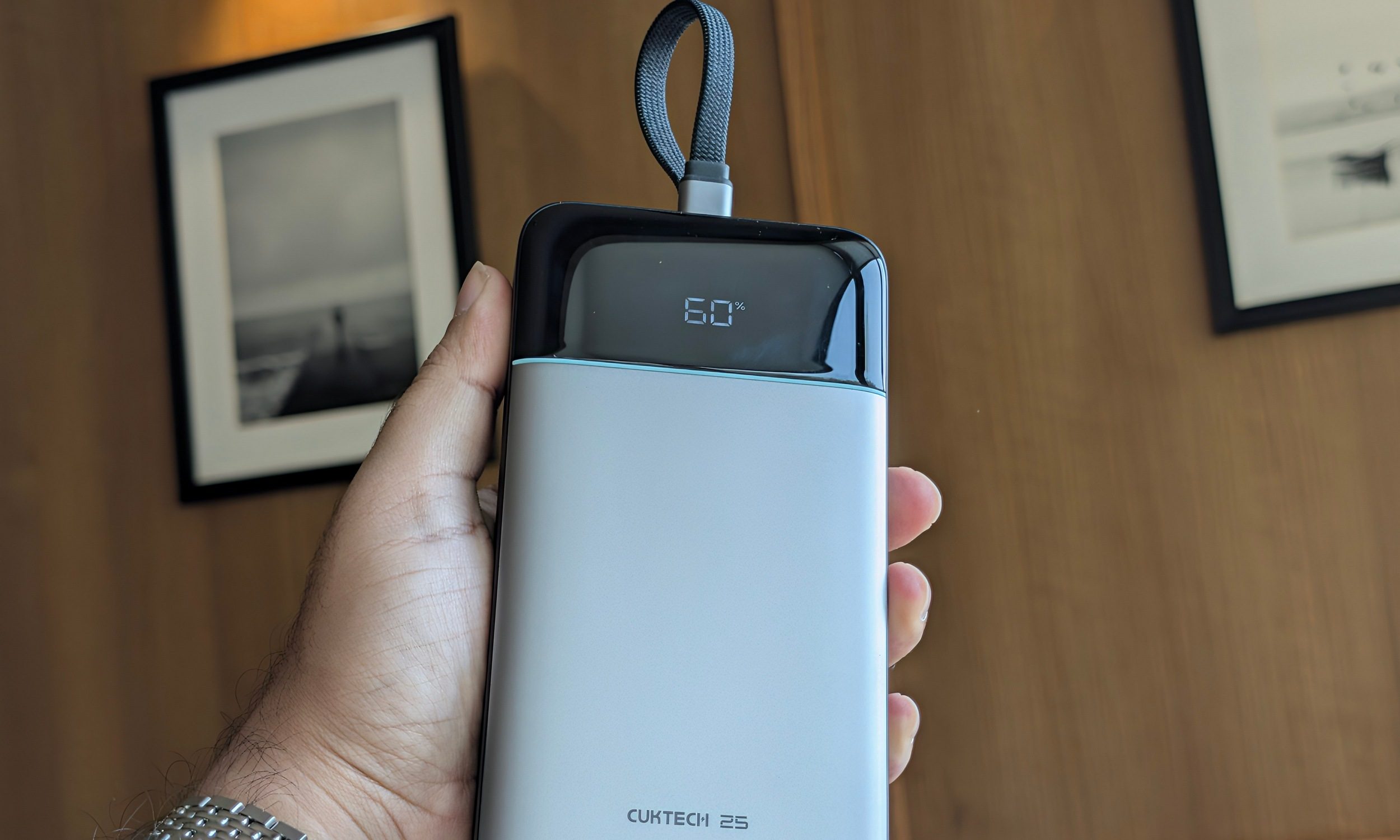
Then CUKTECH sent me two of its latest charging accessories, and my entire setup got a massive upgrade. After a little over a month with the CUKTECH 25 Power Bank SE and CUKTECH 10 Ultra, both have earned permanent roles in my workflow. Naturally, the power bank travels with me far more often.
It has become the thing I make sure is charged before leaving home with my laptop, sometimes ahead of checking whether the laptop itself is full. The 10 Ultra spends more time around my desk, where its four ports have become particularly useful considering how many phones, watches, tablets, and laptops pass through my hands.

I didn’t expect to use them together as often as I did either. The charger can refill the enormous power bank at close to 100W, while simultaneously taking over the pile of individual adapters I normally have scattered around.
Their pricing helps. The CUKTECH 25 Power Bank SE carries a $69.99 MSRP, while the 10 Ultra costs $59.99, putting the pair at about $130 before discounts. I would pay that after living with them.
CUKTECH has more pedigree than its Amazon listings suggest
CUKTECH may still be unfamiliar to many US buyers, but its deep Xiaomi and ZMI connections help explain why these products come across as considerably more mature than typical marketplace accessories.
It is relatively young as a consumer brand, but the company behind it has been working on charging hardware since 2016. Its official history says the business received investment from Xiaomi, ZMI, and Shunwei early on, spent years manufacturing chargers for Xiaomi and ZMI, and later integrated the former ZMI core team when building CUKTECH into its own consumer brand.

CUKTECH 25 Power Bank SE specs
| Battery capacity | 25,000mAh |
| Rated energy | 90Wh |
| Ports | Built-in USB-C cable, USB-C, USB-A |
| Maximum USB-C output | 100W |
| USB-A output | Up to 22.5W |
| Maximum recharge input | 100W |
| Display | Battery percentage and live input/output wattage |
| Dimensions | 6.3 x 3.15 x 1.06 inches |
| Weight | 1.19 pounds / ~540g |
| Built-in cable | Braided USB-C |
| MSRP | $69.99 |
CUKTECH 10 Ultra specs
| Charger type | GaN |
| Ports | 3x USB-C, 1x USB-A |
| USB-C1/C2 | Up to 100W each on U.S. input |
| USB-C3 | Up to 45W |
| USB-A | Up to 18W on U.S. model |
| Combined output | Up to 110W on 100-130V input |
| Higher-voltage rating | Hardware supports up to 120W under supported 200-240V configurations |
| Display | 1.57-inch color display |
| Display data | Total/per-port power, voltage, current, temperature |
| Charging modes | AI, Power Priority, Balanced |
| Dimensions | 2.6 x 3.0 x 1.3 inches |
| Weight | About 8.8 ounces / 250g |
| Included cable | 40-inch, 6A braided USB-C cable |
| Price | $59.99 |
The power bank changed what I carry
I’ve watched friends lug huge laptop power banks around before and wondered whether carrying that brick actually made more sense than carrying a charger. With the CUKTECH Power Bank SE, I have officially converted.

Weighing about 540 grams, you definitely notice it in a fanny pack. Inside a backpack already carrying a laptop and other gear, it becomes much easier to accept. The flat shape also slides nicely beside a notebook or laptop rather than occupying the cylindrical space taken up by some high-capacity competitors.
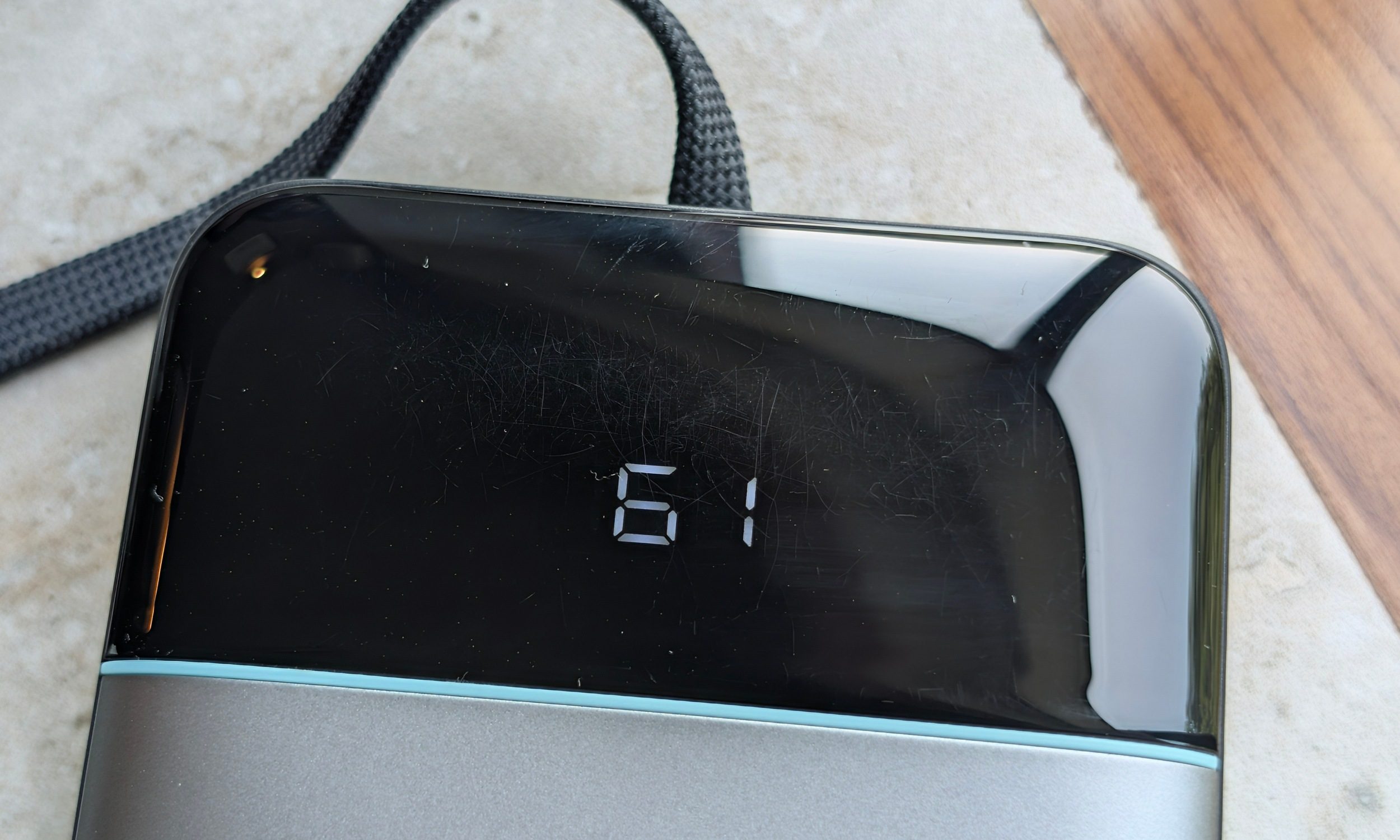
The build is sturdy rather than luxurious. There was no flex or creaking during my month of use, although the glossy area covering the tiny display has already accumulated some fine scratches, which I expect is because it was almost always in my bag.
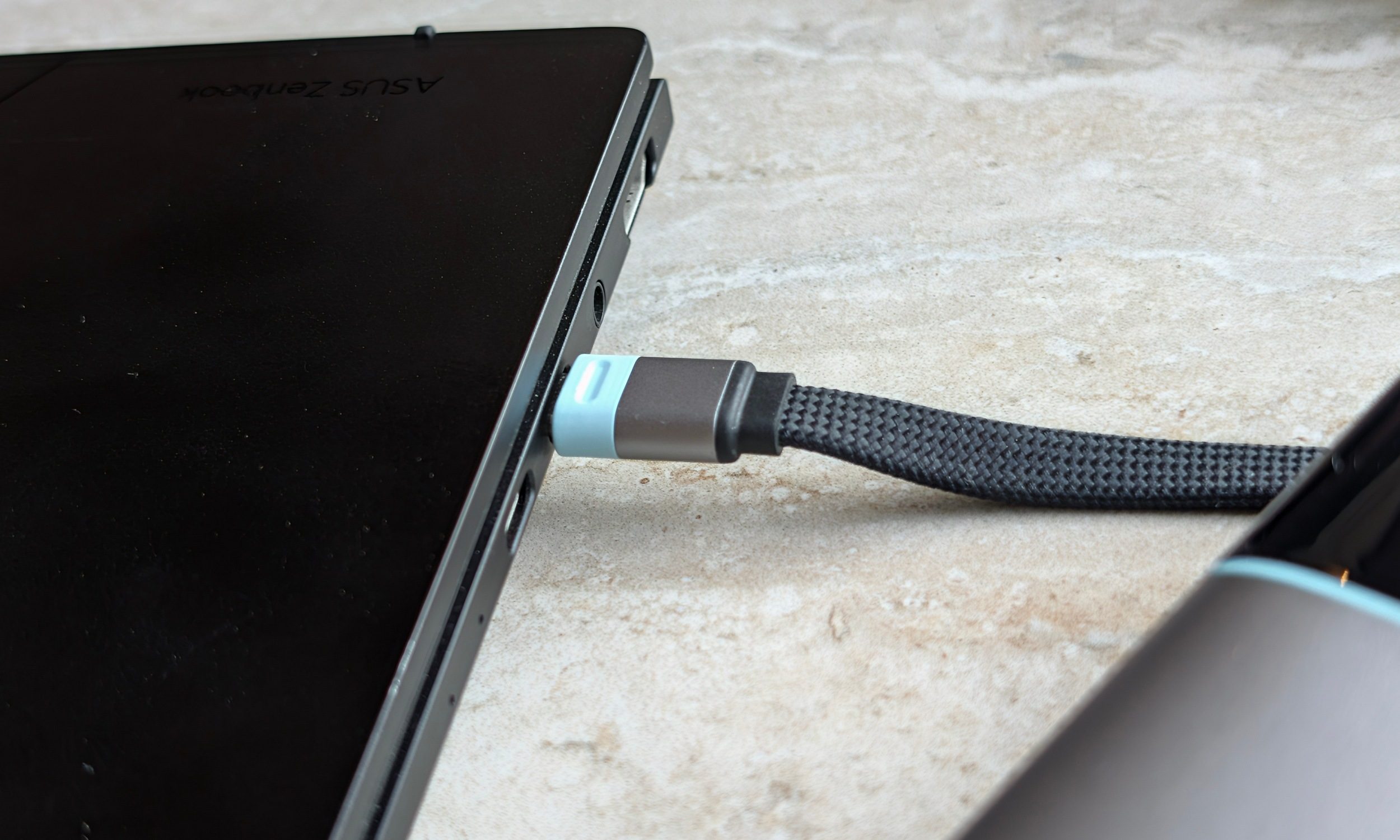
The integrated braided cable is easily my favorite design decision. It feels substantial, docks securely into the body, and I’ve repeatedly carried the bank using the cable loop without making myself nervous. CUKTECH says that cable has been tested for 10,000 bends, and another long-term test reached a similarly positive conclusion about its durability.
But a big selling point for me is that it removes another cable from my bag. My ASUS Zenbook 14 normally asks for 65W. Connected to the CUKTECH, I generally saw somewhere around 55W to 60W sustained, which was enough to take the laptop from roughly 20-30% to over 80% in a little more than an hour. One session taking the Zenbook from roughly 30% to 90% consumed about three-quarters of the power bank’s capacity.

The Pixel 11 Pro barely made it sweat. It typically consumed around 30-35% of the bank for a complete recharge. The POCO F9 Ultra briefly approached 100W before settling closer to the 60W range, while the Pixel generally hovered closer to its own much lower charging ceiling.
The tiny display is basic, and I actually prefer it that way. One screen shows the remaining percentage. Another gives me live wattage flowing in or out. That’s enough information to know whether my laptop is actually getting 60W or a phone has dropped to 15W without turning a power bank into another gadget I need to configure.
Just don’t expect it to fast-charge three things at once
As always with these big power banks, you get enough connections to charge multiple devices, and this laptop power bank can charge three devices simultaneously. Though you won’t get the same output across the board. Having three devices connected drops the total output to around 20W shared. A laptop and phone split power too aggressively for my liking.
So powering a laptop alongside low-power accessories such as earbuds was a lot more efficient. If my laptop needs charging, it gets priority. Multi-device charging is better reserved for combinations such as a phone, watch, and earbuds where speed isn’t urgent.

CUKTECH’s 10 Ultra is the nerdier half, and I love it
I initially expected it to work like any other multi-port adapter, and thought that the screen would only be useful for a few days. But a month later, I still interact with it quite often. The 1.57-inch color display can show total output, individual port wattage, voltage, current, charging status, and temperature. A capacitive control underneath cycles through screens and opens settings, while a long press can rotate the interface depending on how the charger is mounted.

In the pictures, you can also see several settings available directly from the charger. This includes the option to keep the screen permanently off, lock the screen, keep USB-A active, and cycle through different charging modes. The last one does quite a bit, though.
You can choose AI Mode, Power Priority, or Balanced. AI handles distribution automatically, Power Priority directs more energy toward demanding hardware, and Balanced spreads available output more evenly. These aren’t decorative menu items either. They change how the charger responds when multiple devices are connected.
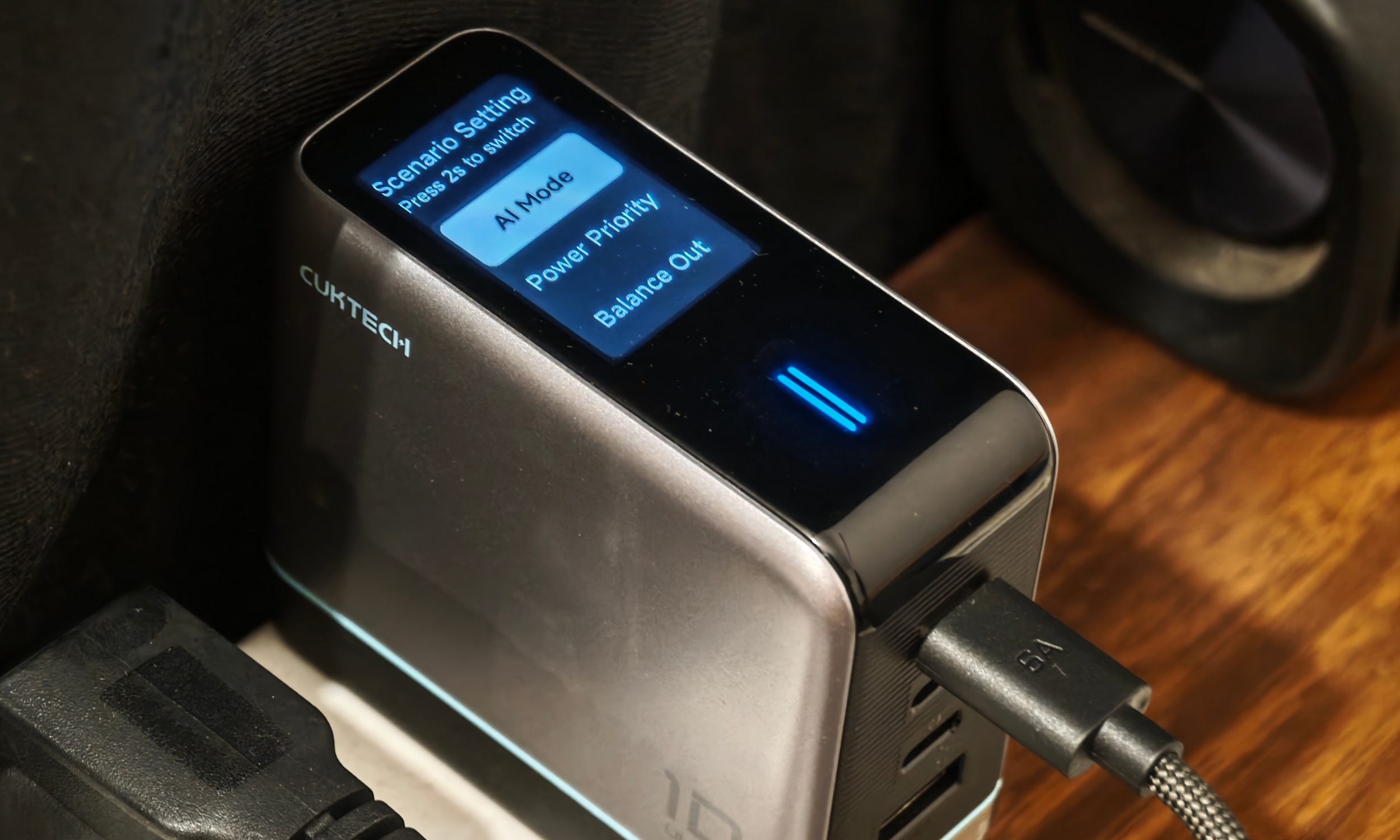
The screen is especially valuable to me as someone reviewing electronics. A phone manufacturer’s charging claim becomes much easier to interrogate when the charger itself tells me that the device briefly hit 40W before settling at 25W. Temperature monitoring has more universal appeal. You don’t need to understand USB-PD profiles to appreciate being able to glance down and see whether a charger is getting a little too warm.
Four ports keep you stacked
Single-device performance is straightforward. Either of the two primary USB-C ports can deliver around 100W, and I routinely saw roughly 90W sustained on compatible hardware. USB-C3 caps much lower at around 45W. But of course I tried all four ports.
I connected two phones alongside an Oppo Watch X3 and Huawei Watch D3. C1 initially pushed one phone to around 40W before dropping closer to 25W, while C2 briefly delivered around 40W to the second phone. The watch connections required much less, and total output generally moved between roughly 55W and 70W.


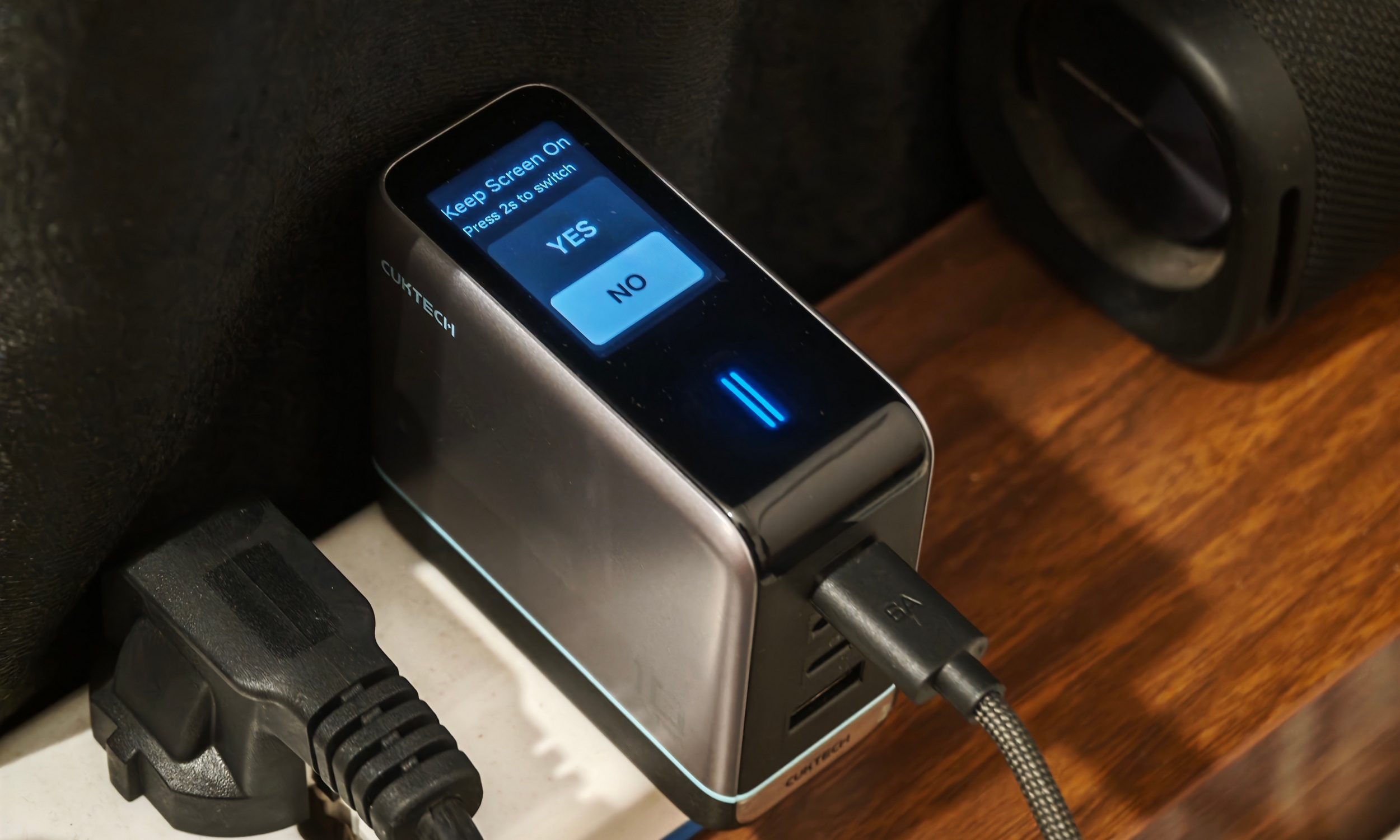
You can see the power negotiation happen in real time. CUKTECH also supplies a proper cable. The included 40-inch 6A USB-C cable is braided, flexible, and rated for high-power use. It had no problem enabling the charger’s full 100W-class output in my tests. It also supports various standards like USB-PD, PPS, QC, FCP, SCP, and UFCS, which helps explain why I had so few issues.

CUKTECH accessories have great synergy
Both the CUKTECH 25 Power Bank SE and CUKTECH 10 Ultra work well when paired together. Before these arrived, my normal travel setup involved my laptop charger, another charger or smaller power bank, and at least two cables.
Now, the 10 Ultra handles multiple review devices without me hunting for separate bricks. When I’m going out with my laptop, the CUKTECH 25 usually comes with me instead of the laptop’s dedicated charger.

But the charger is also excellent for refilling the power bank as well. I saw the CUKTECH 25 pull a peak of 98.5W from the 10 Ultra. It reached roughly 25% in 15 minutes, 50% in 40 minutes, and 100% in around 80 minutes. Adding another device to the charger slowed that process, exactly as you’d expect when total output has to be redistributed.
This isn’t some proprietary CUKTECH ecosystem advantage. A sufficiently powerful third-party USB-PD charger can do the same job. Even then, it is great how naturally these two categories fit together.

Should you buy
At $69.99, the CUKTECH 25 offers excellent value. Comparable high-output batteries I’ve used from bigger accessory brands often cost substantially more, while this still gives me 25,000mAh, two 100W-capable USB-C connections, a good built-in cable, and a useful screen.

The $59.99 10 Ultra is also a great product. Four ports alone don’t make it special. The live diagnostics, temperature display, power modes, and intelligent allocation turn those four ports into something I can actually understand while using them.
If I could only keep one, I’d keep the power bank. Being able to rescue my laptop from a wall outlet matters too much for my work. Together, they’re one of those accessory combinations that solved enough small annoyances that I stopped thinking about replacing them once the review was finished.
Why not try?
UGREEN Nexode Pro 25,000mAh 200W: The obvious alternative if multi-device charging matters more. Its much higher combined output makes it better suited to powering a laptop and phone together, and its retractable-cable design is convenient. It also generally costs more than the CUKTECH 25.
Anker Laptop Power Bank: Anker remains the safer familiar-brand choice for many buyers, with excellent accessory availability and support. The comparable laptop-focused models I’ve used carry a noticeable price premium, which is where CUKTECH becomes compelling.
Baseus 100W Laptop Power Bank: Another strong option if you want 100W laptop charging from a better-known accessory brand. CUKTECH’s built-in cable and lower price are the things that would pull me back.
How we tested
Both products arrived together a little over a month before this review, and I used them individually and as a pair. The CUKTECH 25 spent more time travelling with me. Devices included my ASUS Zenbook 14, Pixel 11 Pro, iPhone 17 Pro, Xiaomi 17 Ultra, POCO F9 Ultra, ASUS Pad, earbuds, smartwatches, and various phones belonging to friends.
The 10 Ultra primarily lived at my desk but also travelled occasionally. I tested single-port charging, all four ports simultaneously, its charging modes, display functions, and its ability to recharge the CUKTECH 25 at close to 100W. I did not take the power bank onto a flight during testing.
FAQ
Can the CUKTECH 25 charge a laptop?
Yes. Both USB-C outputs can individually reach up to 100W, and my Zenbook 14 regularly pulled around 55W to 60W during charging.
Can the CUKTECH 25 fast-charge several devices simultaneously?
Technically yes, but I wouldn’t buy it for that purpose. Connecting multiple devices can reduce combined output to around 20W, making it far better suited to fast-charging one demanding device at a time.
Can I take the CUKTECH 25 Power Bank SE on a plane?
It is rated at 90Wh, which puts it below the FAA’s 100Wh threshold for ordinary lithium-ion batteries. Power banks must travel in carry-on baggage rather than checked luggage, and airlines can impose stricter rules, so checking with your carrier remains important.
Does the CUKTECH 10 Ultra really output 120W?
The hardware family supports up to 120W in certain higher-voltage configurations. Under typical US 100-130V input, independent testing lists 100W maximum from C1/C2 individually and around 110W combined. My physical unit is marked for up to 120W.
Is the screen actually useful?
Yes. Total wattage is useful on its own, and the per-port readouts become particularly valuable when several devices are attached. Temperature monitoring is another feature I kept checking long after the novelty wore off.
Which one would I buy first?
The power bank. The 10 Ultra impressed me more technologically, but being able to leave my laptop charger behind has had a bigger effect on my daily routine.