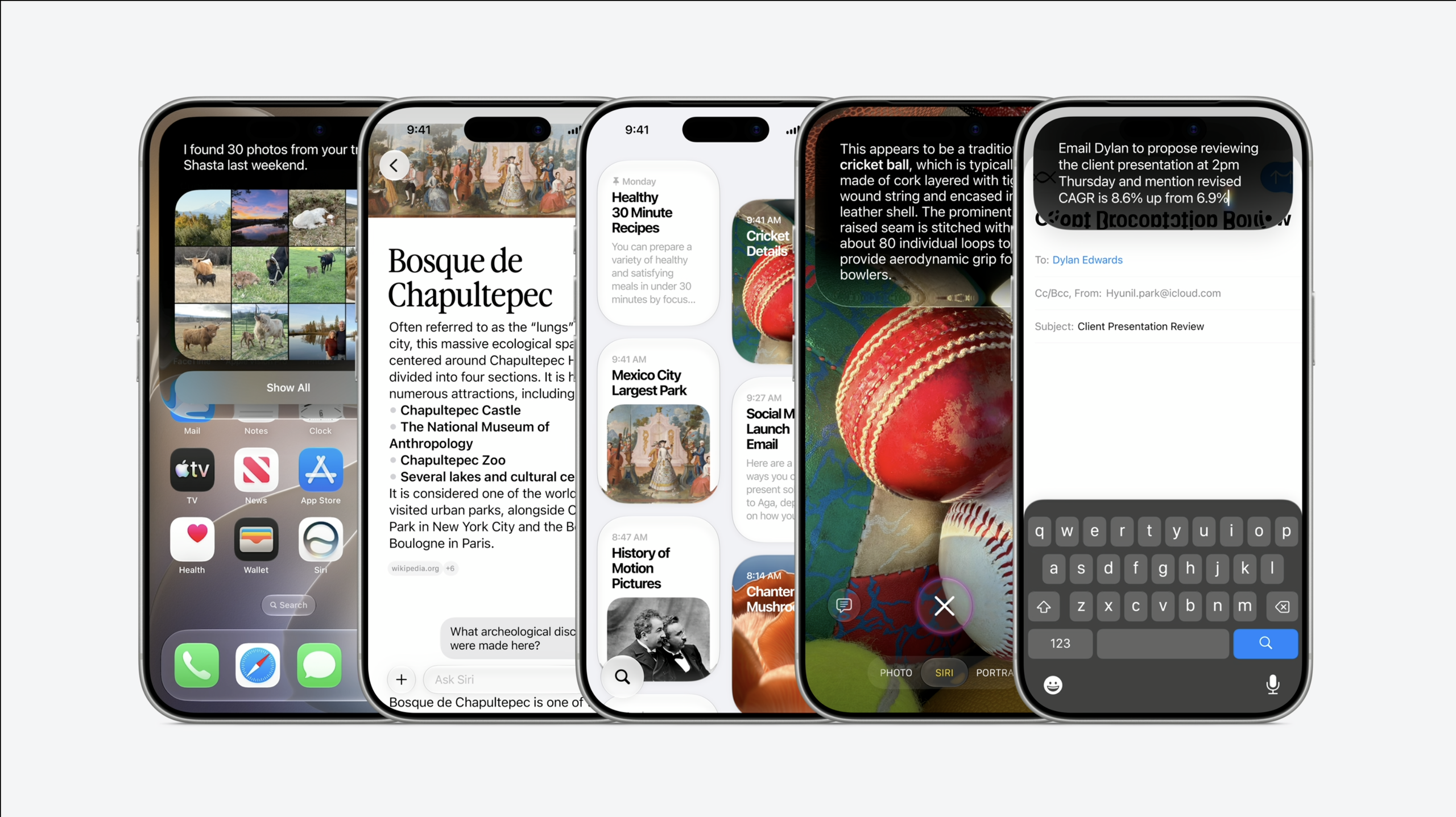
Apple has released the full version of iOS 27 for the iPhone. While the public beta of iOS 27 has been available since July, this is now the final finished version, which means it’s available for anyone to upgrade to for free – as long as you have a compatible handset.
As long as you have an iPhone 11 or newer, including the iPhone SE 2nd generation, iOS 27 will work on your phone. This means that phones up to seven years old can benefit from a number of new features.
The iPhone 18 Pro and Pro Max will ship with iOS 27 when they go on sale on Friday, September 18. For older phones, however, you’ll need to go into your settings to accept the upgrade for now.
(Image credit: Apple)
How to upgrade to iOS 27
To try it yourself, just give it a go Settings > General > Software Update. You can see two options, the first to upgrade to iOS 26.7, and then down below, an option to upgrade to iOS 27. You don’t need to upgrade to iOS 26.7 first, you can just select the iOS 27 option.
Although this is a full release, it is still recommended to backup your phone before starting the update. This can be done using your iCloud backup, or by connecting your phone to your computer.
You’ll ideally want to have your phone plugged into a power source and using WiFi before even starting the update. The iOS 27 download is just under 23GB in size, so it will take a long time over a data connection.

(Image credit: Apple)
What are the big changes in iOS 27?
The big change with iOS 27 is the introduction of the new Siri AI, the next generation of Apple’s voice assistant, which now goes far beyond voice control. Siri AI is integrated into every part of iOS 27, offering contextual responses and suggestions to make tasks faster and easier.
The voice responses have a more conversational tone and allow follow-up questions or to take the context of what you are doing at that time. Siri AI is now also available in its own app, which means you can review past conversations and resume them at any time.
Siri AI also offers quick actions to help you speed up tasks. for example, in messaging it can offer to set a reminder or a calendar event for something you are planning. Meanwhile, the call context can bring up booking references from emails while calling your hotel or asking about a flight.
Other major changes include improvements to the photo editing features, with new stretch and reframe features, as well as improved image cleaning to help you remove unwanted elements from an image. Image Playground has also been expanded to offer more features.
Liquid Glass has a refresh and there are stronger child safety features, so you can control exactly what your kids access on their phones.
Full list of compatible models
- iPhone 17 Pro Max
- iPhone 17 Pro
- iPhone Air
- iPhone 17
- iPhone 17e
- iPhone 16 Pro Max
- iPhone 16 Pro
- iPhone 16 Plus
- iPhone 16
- iPhone 16e
- iPhone 15 Pro Max
- iPhone 15 Pro
- iPhone 15 Plus
- iPhone 15
- iPhone 14 Pro Max
- iPhone 14 Pro
- iPhone 14 Plus
- iPhone 14
- iPhone 13 Pro Max
- iPhone 13 Pro
- iPhone 13
- iPhone 13 mini
- iPhone 12 Pro Max
- iPhone 12 Pro
- iPhone 12
- iPhone 12 mini
- iPhone 11 Pro Max
- iPhone 11 Pro
- iPhone 11
- iPhone SE (2nd generation and later)