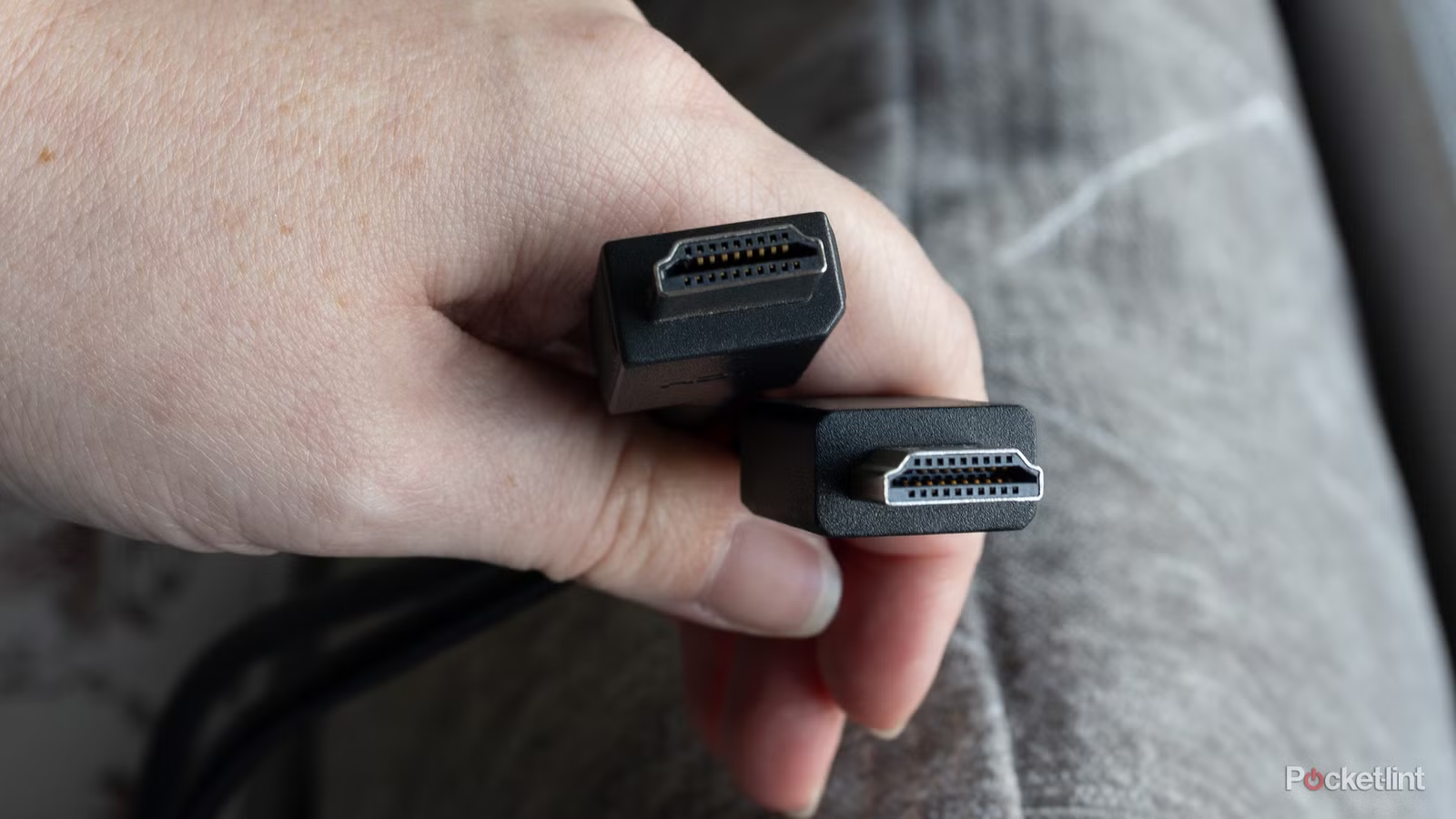
At this point, I’d wager that most American households have dozens of HDMI cables around their homes. The days of red, yellow and white cables to plug in your devices are long gone, and while composite still has its uses, it’s now largely an HDMI world.
For what it’s worth, HDMI is superior in virtually every way. You no longer have to deal with three separate cables, because it’s just a single cable that you plug into your TV and forget about. Audio and picture quality especially blow it out of the water. Despite everything, there are still some myths that need to be cleared up. HDMI is a fairly mature format, but it changes so often that it’s hard to keep up unless you’re already in the know. To be fair, not all of these things are made very clear, and there is a chance that you are leaving performance on the table by falling into some of these traps.
The gold-plated HDMI cables just look cool
Don’t expect any performance gains
I know the appeal of gold-plated HDMI cables, I really do, but you have to know why you want them. If you are looking for something that will give you better performance, you should start looking elsewhere. The best thing gold plated cables do for you is not corrode as quickly, although I haven’t had any HDMI cables that have started to do that yet.
There are no performance gains from a gold-plated HDMI cable, so the visual aspect of the cord itself is a big reason to pick it up. I wouldn’t recommend paying a premium for it because you can get the same performance from a cheaper cable. If you’re someone who likes to hide their cords in walls so no one can see them, I’d say you should give these a pass and go for something cheaper.
Your cable is really important
Be careful what you buy

While the gold-plated HDMI cables do not make a difference, there is a difference between each cable. HDMI 2.1 is the current widely accepted format, and it will probably take some time before HDMI 2.2 completely replaces it. It’s important to check your cable, especially if you’re using a new device like an Apple TV 4K or PS5, because a 2.1 cable will unlock your best performance. Your HDMI 2.0 cable will still work, but you won’t get the highest speed possible if that’s what you’re using with these devices.
What you’re looking for is a cable marked as High-Speed Ultra-HD because that means you’ll get the 48 Gbps speeds offered with HDMI 2.1. All of these cables are backwards compatible, so there’s no reason not to buy the new format if you can afford it. Even if you don’t use it now, something you will buy in the future.
These speeds are important if you’re looking to get the most out of your audio setup. Even if you have a basic soundbar, with a high-quality cable plugged into your TV’s eARC port, you’ll get the best audio you can get. The difference between 18 Gbps and 48 is massive, and when HDMI 2.2 becomes mainstream, you can double that to 96 Mbps.
Don’t go too long with your HDMI cable
Longer is not better

When mounting your TV, it’s not unusual to have to reach all the way from your TV to a gaming console. In most cases you won’t go too far, so that’s fine, but you’ll start to run into problems if your cable goes over 25 feet. This is not something you commonly see, but if it happens, your signal quality can degrade.
There are ways around this, but it will be expensive. You can grab a 50-foot cable if you want, but I would only grab one from a reputable brand and go for a fiber optic cable. These are higher quality, and you’ll likely run into far fewer issues if you grab one. Realistically, I’d just find a way to avoid a long HDMI cable like this, because a 50-foot cord running through my house just isn’t fun.
An expensive cable does not mean a better cable
Price is not always a deciding factor

In many cases it is better to spend a little extra to get a better brand, but this is not exactly the case with an HDMI cable. Yes, you should go for something you’ve at least heard of instead of some random knockoff, but HDMI cables either work or they don’t. I haven’t run into any cable fraying or anything like I have with a USB-C cable, and the big reason why that’s the case is that I don’t mess with my HDMI cable after connecting it.
Make sure you use your TV’s eARC port if it has one.
If you stick with reputable brands like Anker or Monoprice, even Amazon Basics in many cases, you should be just fine. I see no reason you need to spend $50 on a cable, and you can often find one for under $10. I have no problems with cheaper cables, and I suspect it will be the same for you.