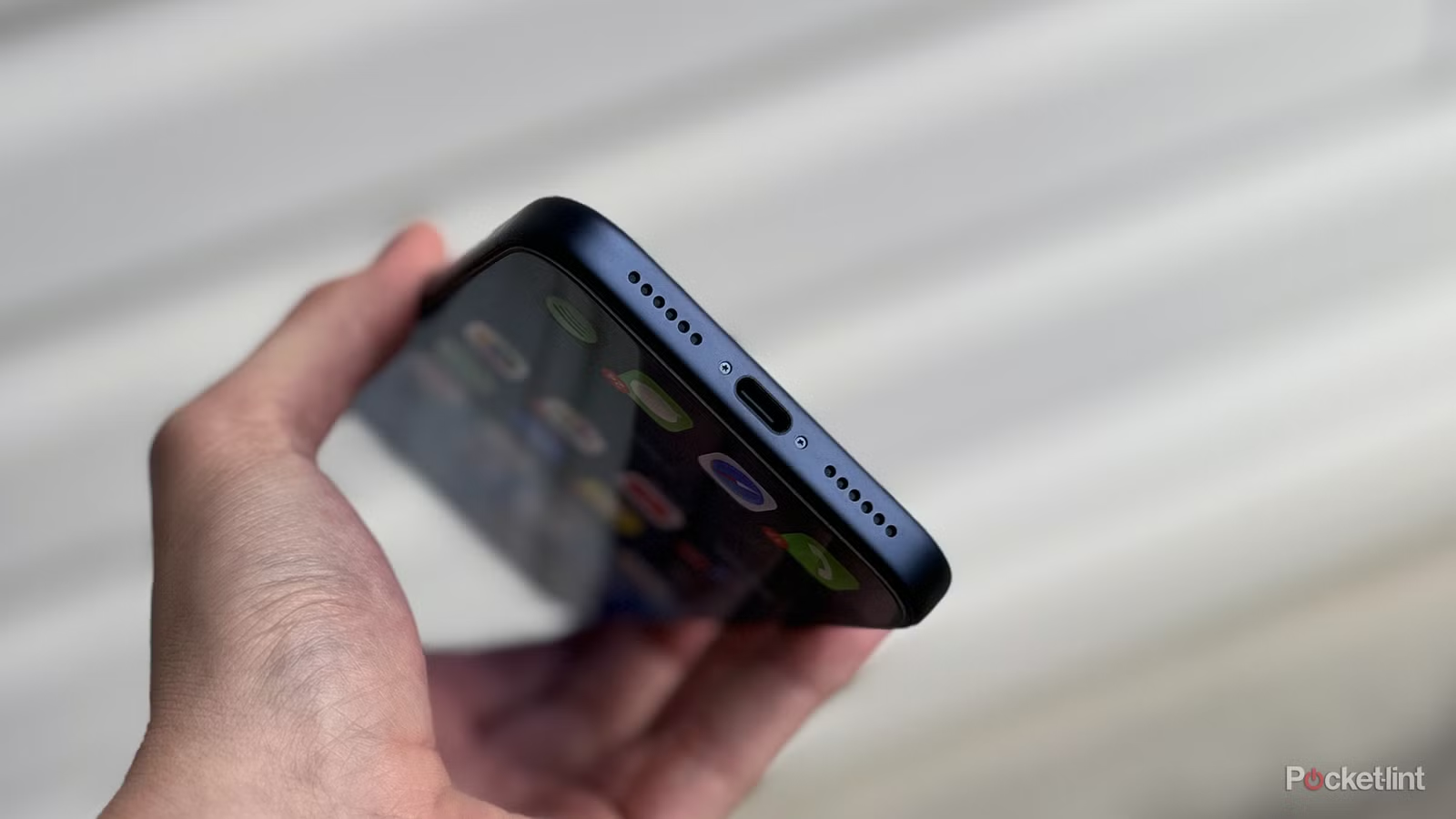
You are probably interacting with someone USB port every day, whether you’re plugging in your phone to charge or connecting a device to your PC. In recent years, USB-Calso known as USB Type-C, has become the most common type of USB port, seen on most smartphones, laptops, tablets, game consoles, e-readers and many other devices.
In the mobile world, Android phones have USB-C for a long time, but Apple finally caught up with the times and adopted USB-C on the iPhone back in 2023 with the iPhone 15 series, finally saying goodbye to its proprietary. Lightning port.
I honestly hadn’t thought much about USB-C lately because it’s so synonymous with all the technologies I use that I just got used to it. However, that changed recently when my friend, who bought a new iPhone with USB-C for the first time, asked me a simple but striking question: “What does the C stand for in USB-C?” It got me thinking about a funny aspect of the technology: despite its widespread use by millions or even billions of people every day, many may not know what the ‘C’ in USB-C represents. And to be clear, I don’t blame them.
As for the answer, in all fairness, it’s not the most obvious. If you look at a USB-C port or connector, it’s not really shaped like the letter C, so that’s not the meaning. My friend assumed it stood for connector, which is a reasonable guess but also not the answer. To really understand the meaning of the “C” in USB-C, it requires a little exploration into the history of the USB port itself.
USB-C is the latest USB connector
It is the successor of USB-A and USB-B
The reason USB-C has its name is not because the C stands for something like charging, cable or connector. The C does not stand for a specific word, nor is it an acronym for anything. The C in USB-C serves as an identifier for the design, as it is the latest connector type in the USB family, which includes two previously older design types: USB-A and USB-B.
USB made its debut in 1996, when seven major technology companies—Intel, Microsoft, IBM, Compaq, DEC, NEC, and Nortel—launched the Universal Serial Bus (USB), a universal connector for computers. USB was developed to make it easier to connect peripheral devices such as keyboards, mice and printers to PCs. In the 25 years since its introduction, it has become essential to many technological innovations, including smartphones, tablets, e-readers, and more.
USB-A is probably the USB port you’re most familiar with, as it’s the rectangular connector that’s been used on devices for well over two decades, and is still used today USB flash drivesComputers, game consoles and more. It’s a thick connector, and while many laptops and tablets have focused on thinness in recent years, USB-C has largely taken its place, thanks to its compactness and also its ability to handle faster data transfer and charging speeds.
Unlike USB-A and USB-B, USB-C is a reversible connector with a symmetrical design, which allows it to be inserted in any orientation.

You may be less familiar with USB-B, a larger square connector typically seen on printers and external hard drives. You can also find USB-B ports on the back of monitors, where they serve as upstream ports, meaning they send data from the other USB ports on your monitor back to your PC. So if you connect a keyboard to the USB-A port of your monitor, you must also plug the USB-B port into your PC so that it can use it. Micro USB, which used to be on many smartphones back in the day, is also a type of USB-B port, it’s just a miniaturized version.
That lands us on USB-C, the newest type of USB connector. Unlike USB-A and USB-B, USB-C is a reversible connector with a symmetrical design, which allows it to be inserted in any orientation. In addition to its user-friendly design, USB-C is also much more compact than USB-A and USB-B, meaning it takes up much less space on devices. In an age where phones like the iPhone Air and the Galaxy Z Fold 7 exist, having a small but extremely powerful USB port is integral to keeping the devices thin and light.
So, to reiterate, the “C” in USB-C has no hidden meaning or stands for another word. It is simply a label that indicates the type of USB connector you are using, which is USB Type-C. The letter C is used because it follows the sequential order of the USB family, which was preceded by USB-A and USB-B.
The ‘C’ in USB-C doesn’t indicate its power either
USB-C ports support various USB protocols that determine data transfer speeds

Another important detail to know about USB-C ports is that the “C” doesn’t actually indicate how fast it is either. While one advantage of USB-C over USB-A and USB-B is its versatility – as there are a variety of USB protocols that its predecessors do not – this also makes USB-C a bit confusing because not all USB-C ports are the same.
The data transfer speed of a USB-C port depends on the USB protocol supported by its internal controller chip and the quality of the cable used. USB-C supports many protocols, including USB 2.0 with speeds up to 480 Mbps, USB 3.2 Gen 1 with speeds up to 5 Gbps, USB 3.2 Gen 2 with speeds up to 10 Gbps, and USB 4, Thunderbolt 3, and Thunderbolt 4 with speeds up to 40 Gbps.
If you’re curious about how fast the USB-C port on your device is, check the manufacturer’s specification sheet. For example, the iPhone 17 Pro USB-C port is USB 3.2 and supports up to 10 Gbps, while the base iPhone 17 USB port is only USB 2, which means it is limited to 480 Mbps. In addition, the charging speed of a USB-C port depends on the internal design of the device and how much power it can accept from a charger. Like data transfer, the charging speed also depends on the quality of the USB-C cable, so before you buy just any USB-C cable, check the supported speeds to limit the performance of your device because of it.