Follow us
Add us as a preferred source on Google
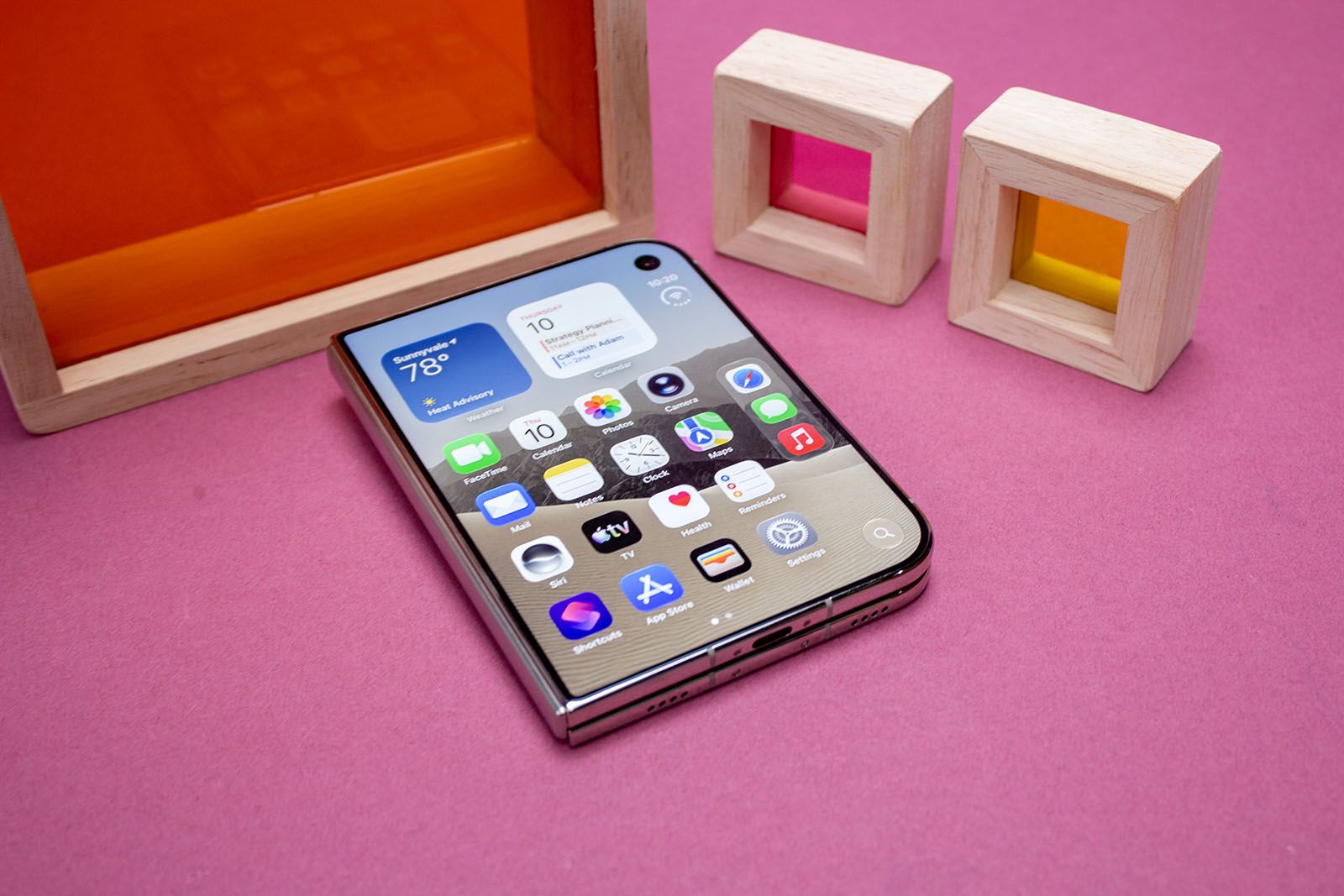
The iPhone Duo is now available, with many discovering Apple’s take on the folding phone format for the first time. While the presentation by John Ternus and friends showed off some of the great experiences the phone would offer, not everything is so neat.
Included in this list is Instagram, which is currently struggling to take advantage of the space. Called on Threads, the head of Instagram, Adam Mosseri, responded to agree saying, “it’s a bit of a complicated form factor”.
This is somewhat surprising when you consider that Instagram is one of the apps that Apple describes as optimized and “Made for iPhone Duo”.
Apple has made a big shift in the user interface on the Duo, using the right edge of the display for various control elements. That means apps need to be optimized to really take advantage of the Duo format.
For Instagram, this is what we see, with controls on the right edge instead of across the bottom when browsing your feed.
When you open Duo, Instagram just sits in the middle of the screen, floating in space and not using the additional real estate.
Of course, when rotating to portrait, the video or image fills the screen better, but then the controls move back to the bottom. This also highlights an inconsistency, with the back navigation to exit a video being shifted from right to top left.
Instagram’s home screen in portrait also doesn’t fill the width of the phone with rather large grooves on the left and right, while stories don’t fill the screen either.
Why do some apps have problems on iPhone Duo?
While most of the attention on the iPhone Duo is focused on the folding screen and getting a bigger view of the inside, there is a lot of optimization that needs to happen to really take advantage of the space.
Some will just create columns, basically a view on two screens, which for Instagram can see the content on one side and comments on the other, although it is debatable how many people have invested in comments. For a creator it’s a big deal, but for a casual browser it probably isn’t.
It’s not just the iPhone Duo that needs app optimization – in many cases, all folding phones do and this is also evident on the Galaxy Z Fold 8. The first case here is Samsung’s use of screen space with its default keyboard, which eats up half of the cover screen and leaves little room to see what you’re actually doing.
This will all come together over time, but with so many apps designed around 20:9 displays (more or less), there’s some work to be done to fill the space, make the controls make sense, and provide a better experience.