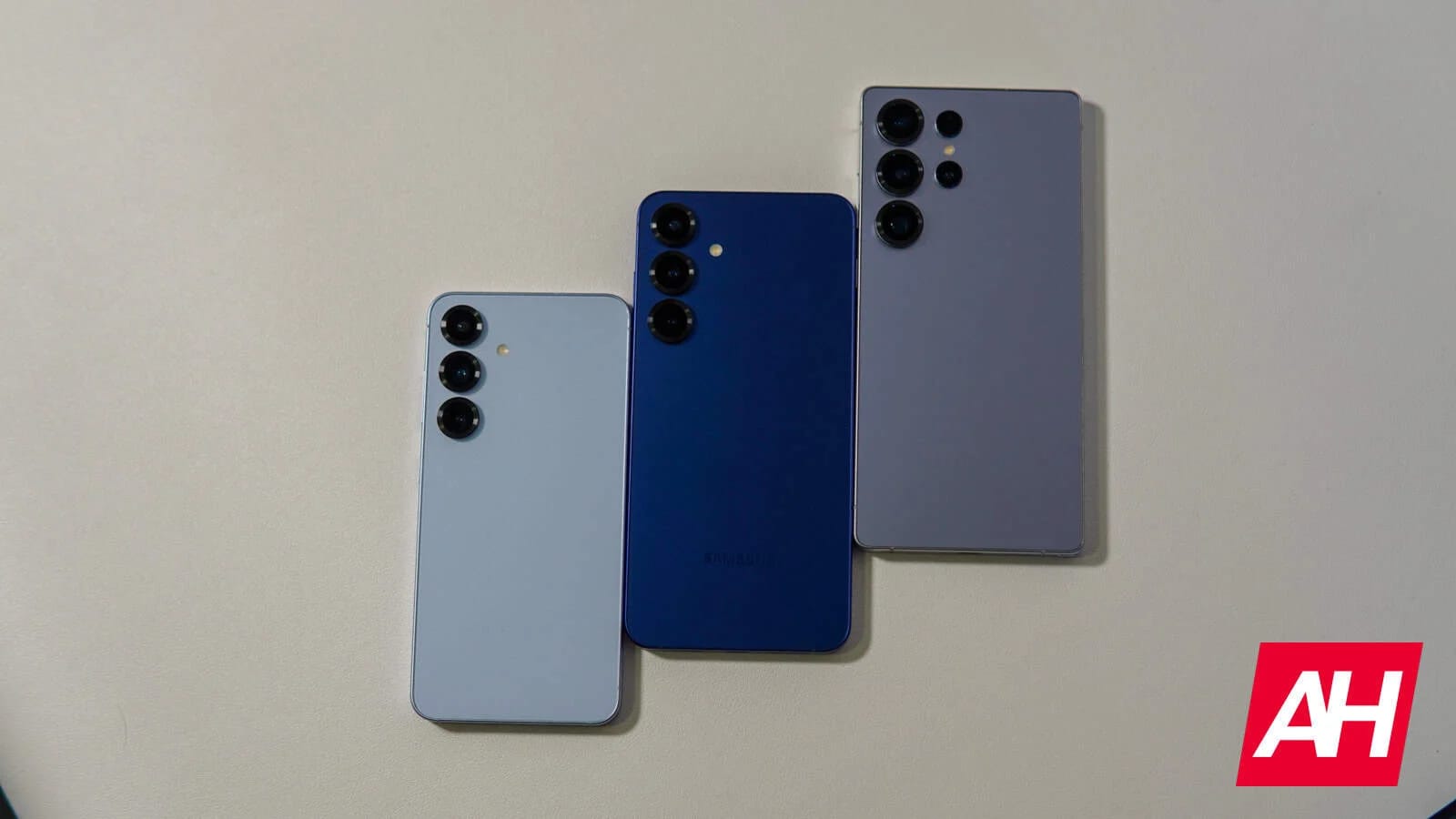
Big news for Galaxy owners looking forward to the next big Android milestone: Samsung is officially ending its One UI 9.0 beta testing program for the entire Galaxy S25 lineup. The stable Android 17 build is finally rolling out to retail hardware, making the S25 family the second set of Samsung flagships after the recent Galaxy S26 series to receive the finished software package.
Things kicked off earlier today in Samsung’s home market of South Korea for the primary trio – the base Galaxy S25, the larger Galaxy S25+, and the top-tier Galaxy S25 Ultra. Just a few hours later, Samsung pleasantly surprised fans by pushing the exact same One UI 9 stable release to the two remaining models in the family: the smooth Galaxy S25 Edge and the Galaxy S25 FE.
Exact build details and download package sizes
Download requirements and firmware builds vary quite a bit. It all depends on which specific model you own and whether you are actively enrolled in the beta testing phase.
For the core trio consisting of the Galaxy S25, S25 +, and S25 Ultra, the stable software comes under firmware version S93xNKSUCDZIF. It requires a quick 500MB download if upgrading directly from the previous beta build (via SamMobile).
If you own the Galaxy S25 Edge and upgrade to One UI 9 from the standard public software, the jump brings firmware version S937NKSUADZIF. This comes as a substantial 3,398.98MB full download pack. Meanwhile, beta testers using the Galaxy S25 FE will receive the One UI 9 build version S731NKSU9CZI5 as a compact 326.59MB installation package (via SamMobile).
Fresh UI features and global rollout timeline
This major Android 17 software upgrade brings smoother interface animations, improved background system stability, and a wide collection of new UI customization options to tweak your lock screen and home screen layouts on all five devices.
South Korean users will get first access as usual with Samsung releases. However, historical update patterns suggest broader availability across North America, Europe, and other global regions in the coming days or early next week. You can easily check the update notification on your device by opening your Settings app, navigating down to Software Update and tapping the Check for Updates button.