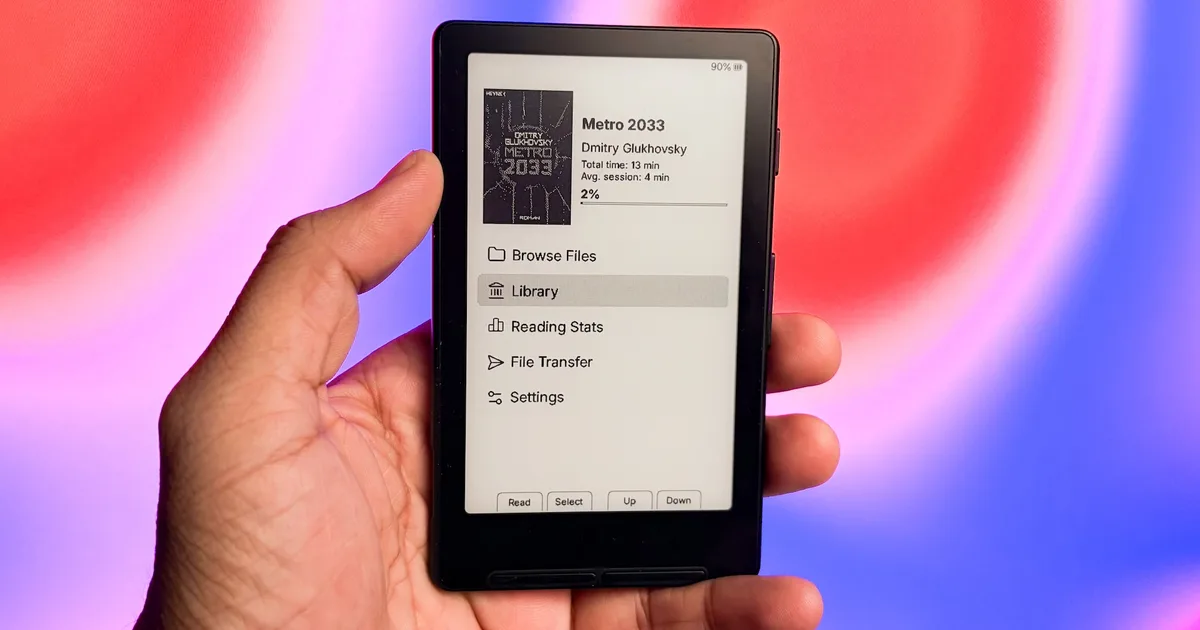
I got my hands on the Xteink X4 a few weeks back, and I was really excited. But as soon as I started using it, I realized that the reading experience was not that great. The font rendering was poor, the line and word spacing was random, and I couldn’t customize much of anything.
Don’t get me wrong, the stock firmware has received several updates over the past few months. Many of his issues are gone, and some things, like sleep and wake time, are much better now. Still, something was missing, and I kept leaving the X4 on my desk instead of reading on it.
That changed when I discovered that I could easily flash custom firmware on it to solve all my problems. After trying out several options, I settled on CrossPoint and its fork CrossInk, and I haven’t looked back since.
What is CrossPoint?
CrossPoint is a free open-source firmware that replaces the stock software on your Xteink e-reader. Think of it as a major upgrade that fixes the way text looks on screen and lets you customize almost every part of the reading experience.
You get better text formatting, custom fonts, new themes, remappable buttons, and wireless book transfer, all without spending a dime. It works on the Xteink X3, X4, X4 Pro, X4 Classic, and some other e-ink devices.
CrossPoint features that won me over
The books simply looked better after the change. CrossPoint supports hyphenation and kerning, so words sit naturally on the page instead of spreading out into awkward gaps. EPUB files render correctly, and I can move around a book using chapter navigation, footnotes, or by jumping to a specific percentage.

The customization options were the other big reason I stayed. I can choose from four UI themes (Classic, Lyra, Lyra Extended, and RoundedRaff), switch to night mode, change the front and side buttons, adjust the status bar, and decide how often the screen refreshes.
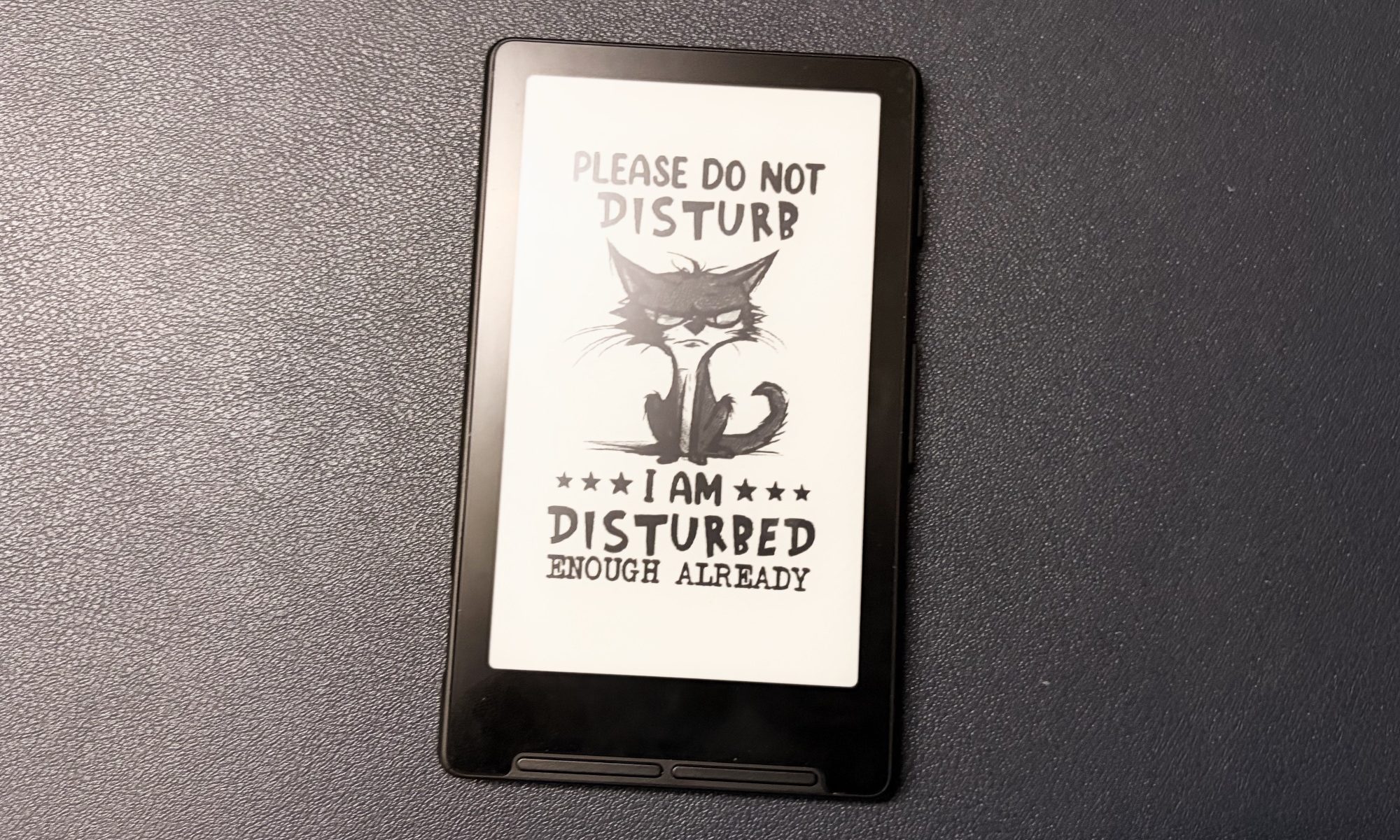
The sleep screen is my favorite little touch. You can use a book cover, add your own images or even use a transparent overlay, which lets your current page show through a custom image while the device sleeps. I also like that it lets me download fonts directly from the device, making it easier to install my favorite fonts.
The smaller comforts also add up. You get features like bookmarks, automatic page turning and reading progress synced with KOReader. To get books onto the X4, you can use the web-based file transfer tool, Caliber Wireless Connect, or the built-in OPDS browser. Future updates will come over the air, meaning you only flash the firmware once.
How to install CrossPoint
The installation is easy. Connect your Xteink device to your computer with a USB-C cable and wake it up. Open the Flash Tools section on the CrossPoint website, select your device and choose the latest official release to start the installation.
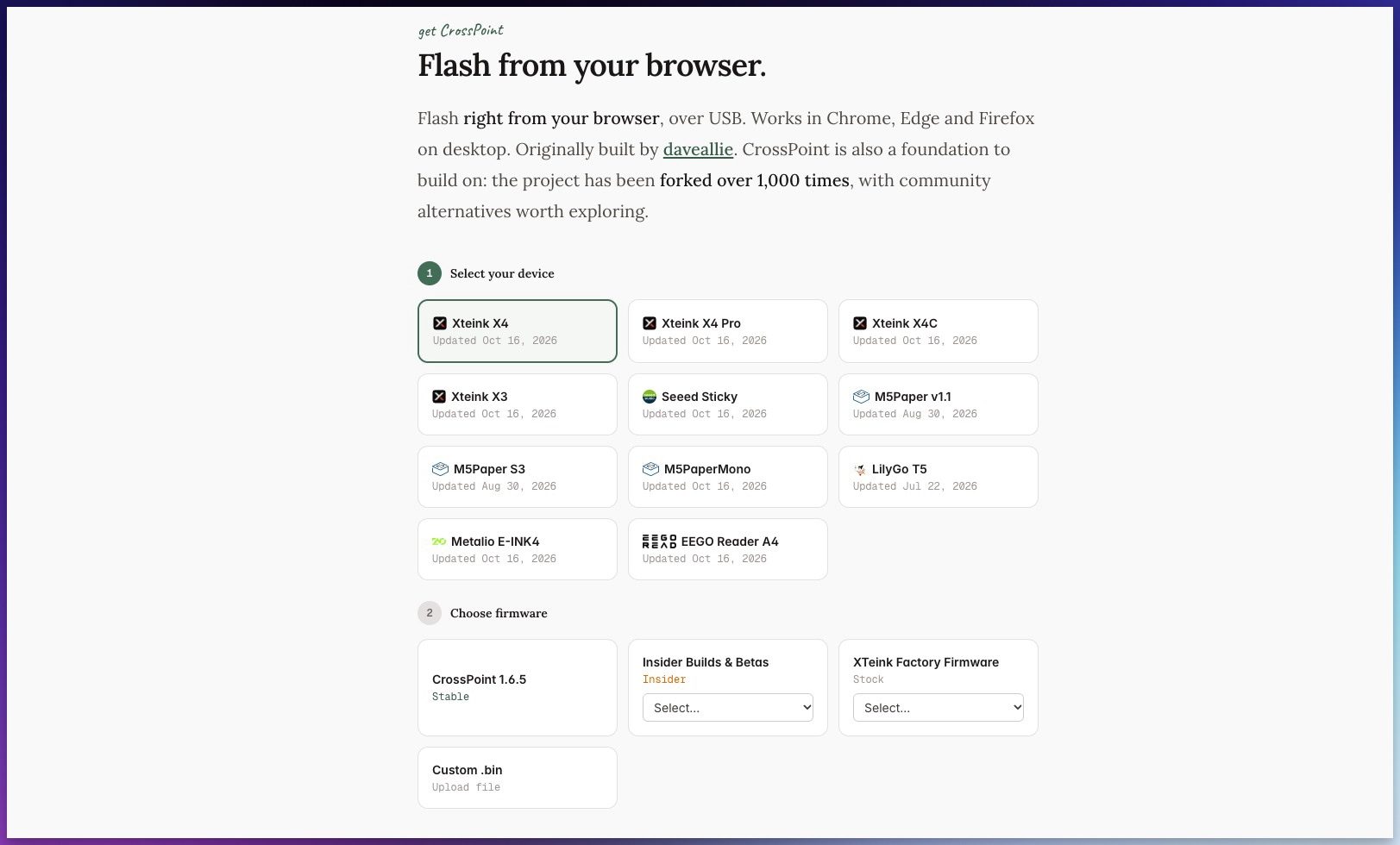
If you don’t like it, the same page lets you flash the official firmware and return to stock. There is one catch worth knowing before you begin. Some units sold through third-party stores like AliExpress come with USB flash drives locked, so your device may not show up. In that case, you need the CrossPoint Xteink Unlocker tool first.
CrossInk takes it a step further
CrossPoint fixes most of what bothered me about the X4. Later I tried CrossInk, a fork of CrossPoint, because it adds two things I specifically wanted: better fonts and reading statistics. It runs on the CrossPoint stable base, so you won’t lose any of the features I mentioned above.
More control over fonts and font sizes
CrossInk swaps the default fonts for Lexend Deca and Bitter, which were chosen because they render cleanly on e-ink and cause less ghosting. On my X4, text looks sharper, and long reading sessions feel easier on my eyes.
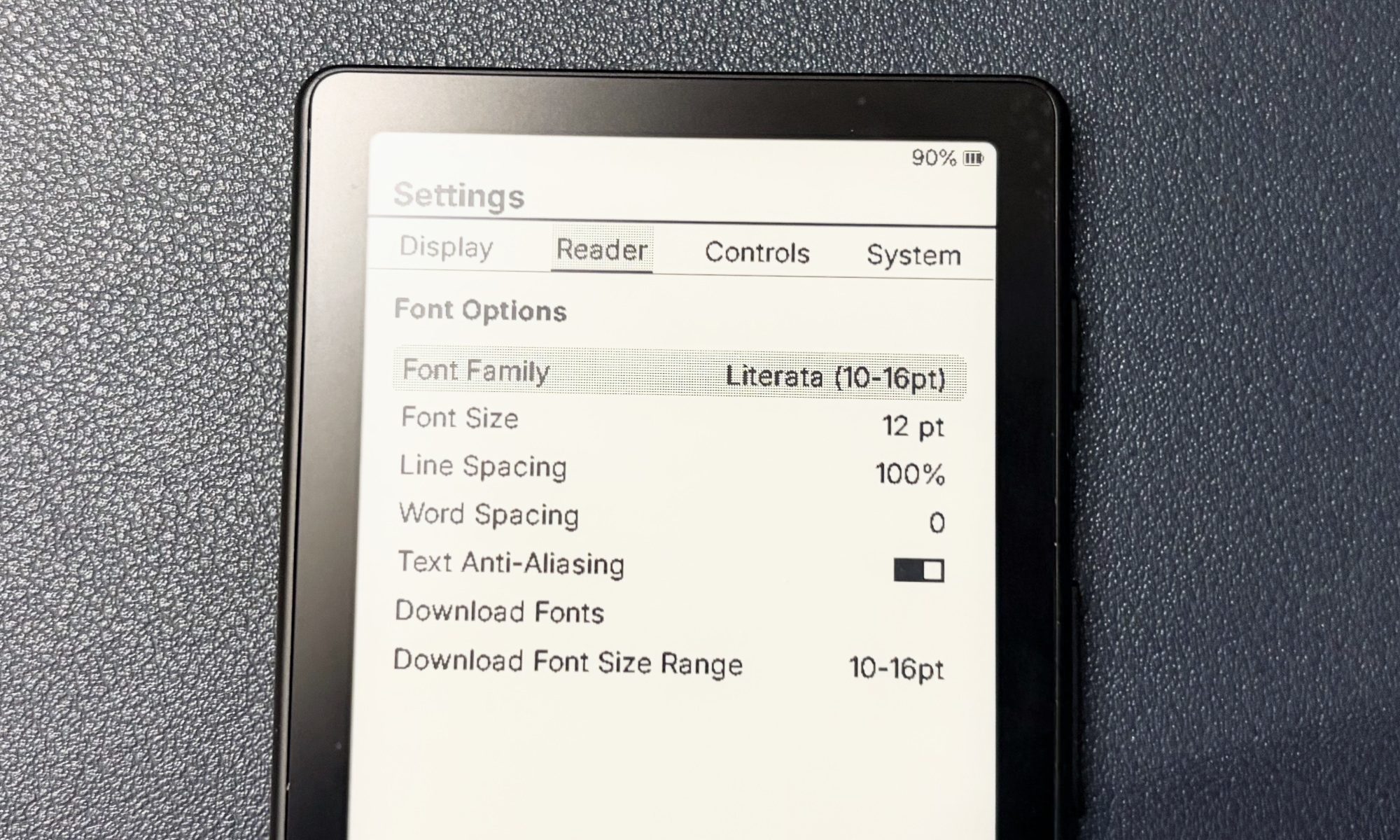
There are four built-in font sizes to choose from: 10, 12, 14 and 16 pt. You can also download fonts directly to your device, and every font you download supports all these sizes.
Read statistics
Reading stats are the reason I made the switch. CrossInk tracks how many books you’ve finished, your total reading time, the number of sessions, pages turned, average session length, and your pages-per-minute pace.
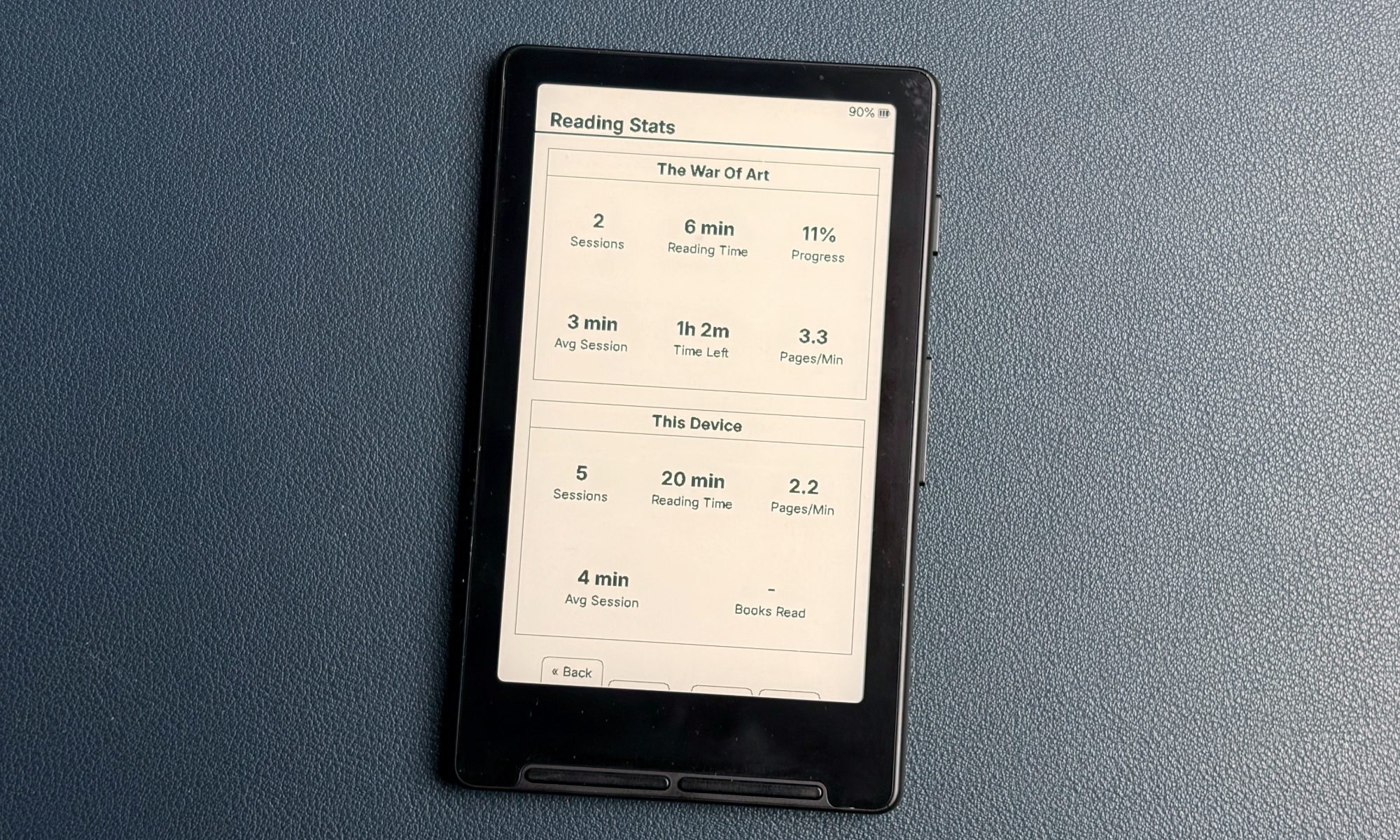
When you finish a book, you can mark it as done from the book menu, and CrossInk will remind you when you cross 99%. If you love numbers, the Dashboard theme puts your stats front and center, and you can even use them as your sleep screen. Own two CrossInk devices? You can synchronize both your statistics and reading progress between them.
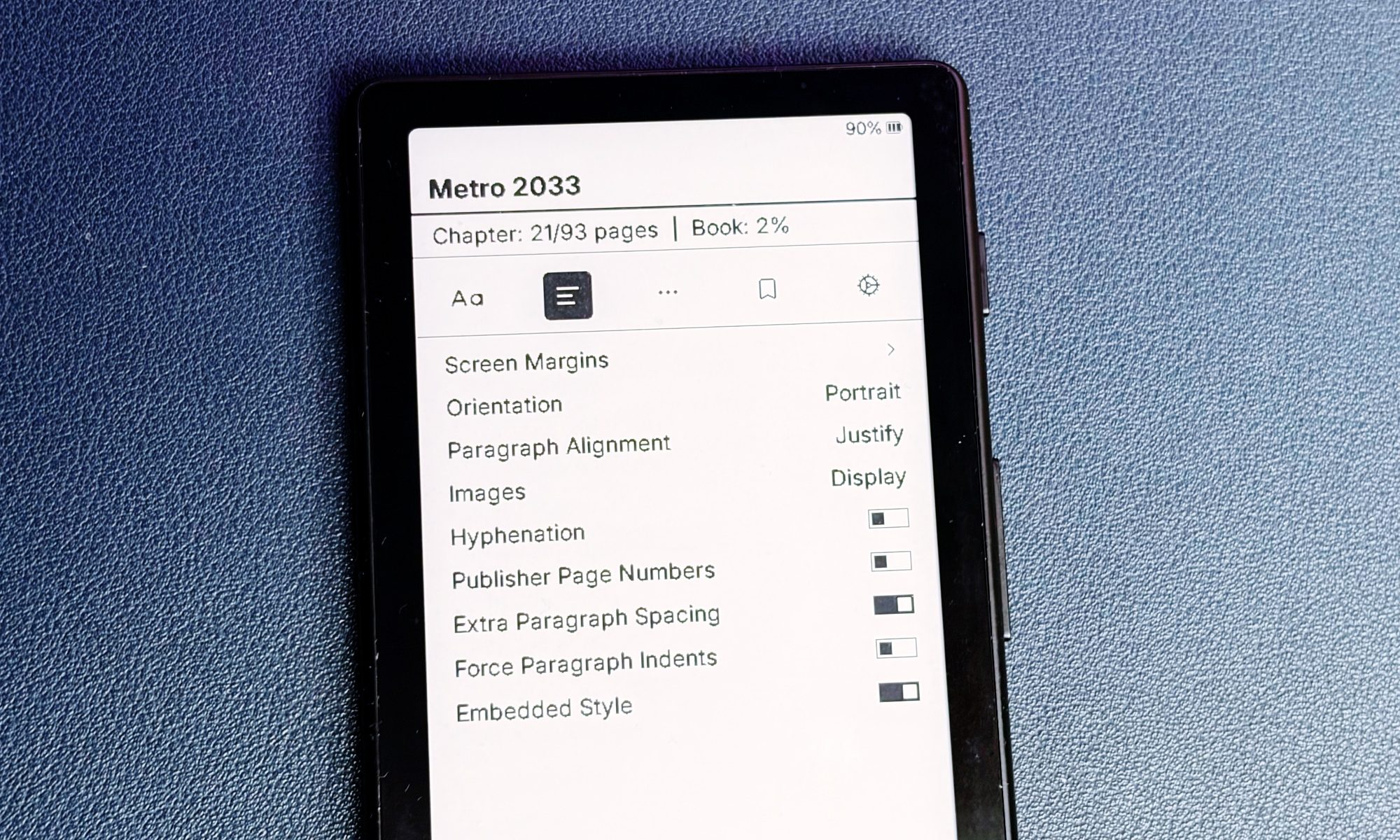
The in-book menu is another feature I use every day because it lets me change reader settings without closing my book. CrossInk also adds a Minimal theme, a 3×3 grid for recent books, and a Force Paragraph Indents option for books that appear as a long wall of text.
However, it is not without limits. The X4 has very little memory, so CrossInk works best with text-focused EPUBs. Large, image-heavy books and folders filled with hundreds of files can slow things down.
To install CrossInk, you can use Inky, its web companion app, or download the firmware file from its GitHub page and flash it with the web installer.
Xteink X4 finally makes sense
I liked the X4’s pocket size of the day, but the reading experience made it difficult to enjoy. CrossPoint took care of most of these frustrations with better text rendering and lots of customization. CrossInk then gave me the fonts and reading stats that turned the X4 into my everyday reader.
If your Xteink e-reader has been gathering dust, try CrossPoint or CrossInk. The setup only takes a few minutes, and if it’s not for you, you can always flash the stock firmware.