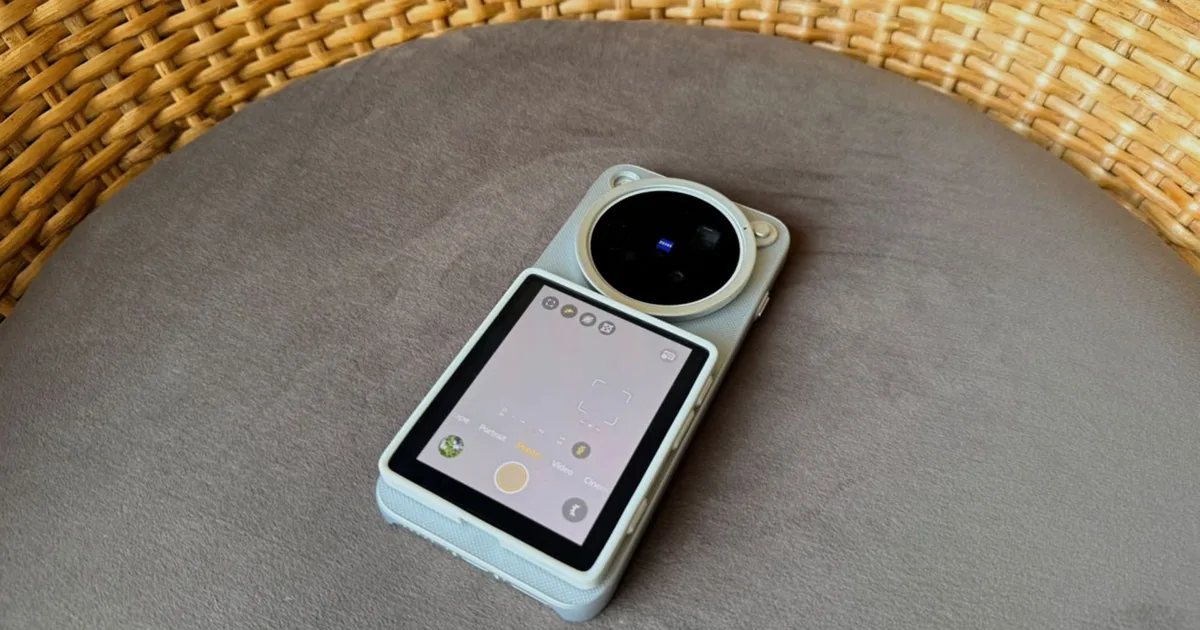
Vivo makes some of the best camera phones on the market. Between impressive LOFIC primary sensors, professional grade telephoto glass tuned alongside ZEISS, and custom imaging silicon, its flagship hardware regularly gives competing flagships a run for their money. However, Vivo’s top-tier phones share a frustrating limitation with most other flagships. Framing yourself for a vlog or taking a solo travel shot means relying on the inferior front-facing sensor, or pointing the main camera blindly at yourself and hoping for the best.
With the launch of the X500 Pro Max, Vivo has introduced a handy accessory to fix this exact problem. The Vivo Selfie Monitor is a compact, detachable wireless display that pairs via Bluetooth to stream a real-time preview directly from the main camera array. When I first got my hands on it, it felt like a stroke of genius. But after using it for a while, I came across some limitations that make what could be a game changer seem like an accessory with a few too many caveats.
A better approach than built-in rear screens
Adding a permanent secondary screen to the back of a device is one way to tackle this problem, as seen on phones like the Xiaomi 18 Pro Max. For quick selfies or vlogs, an integrated rear display is completely seamless. It does not require you to carry an extra accessory and worry about battery management. But you don’t get the same level of flexibility that the Vivo Selfie Monitor offers.
Vivo’s approach disconnects the preview from your phone, giving you the freedom to step away and plan more creative shots. You can mount the X500 Pro Max on a tripod across the room, set up a tracking shot on a slider, or position the phone at odd angles while monitoring and controlling the shot right from the palm of your hand.
The hardware itself feels thoughtfully designed. In addition to the responsive 3.92-inch touchscreen AMOLED display, the selfie monitor includes a physical shutter button for those who prefer tactile feedback and a brightness adjustment button that cycles through four levels to ensure clear visuals even in direct sunlight.
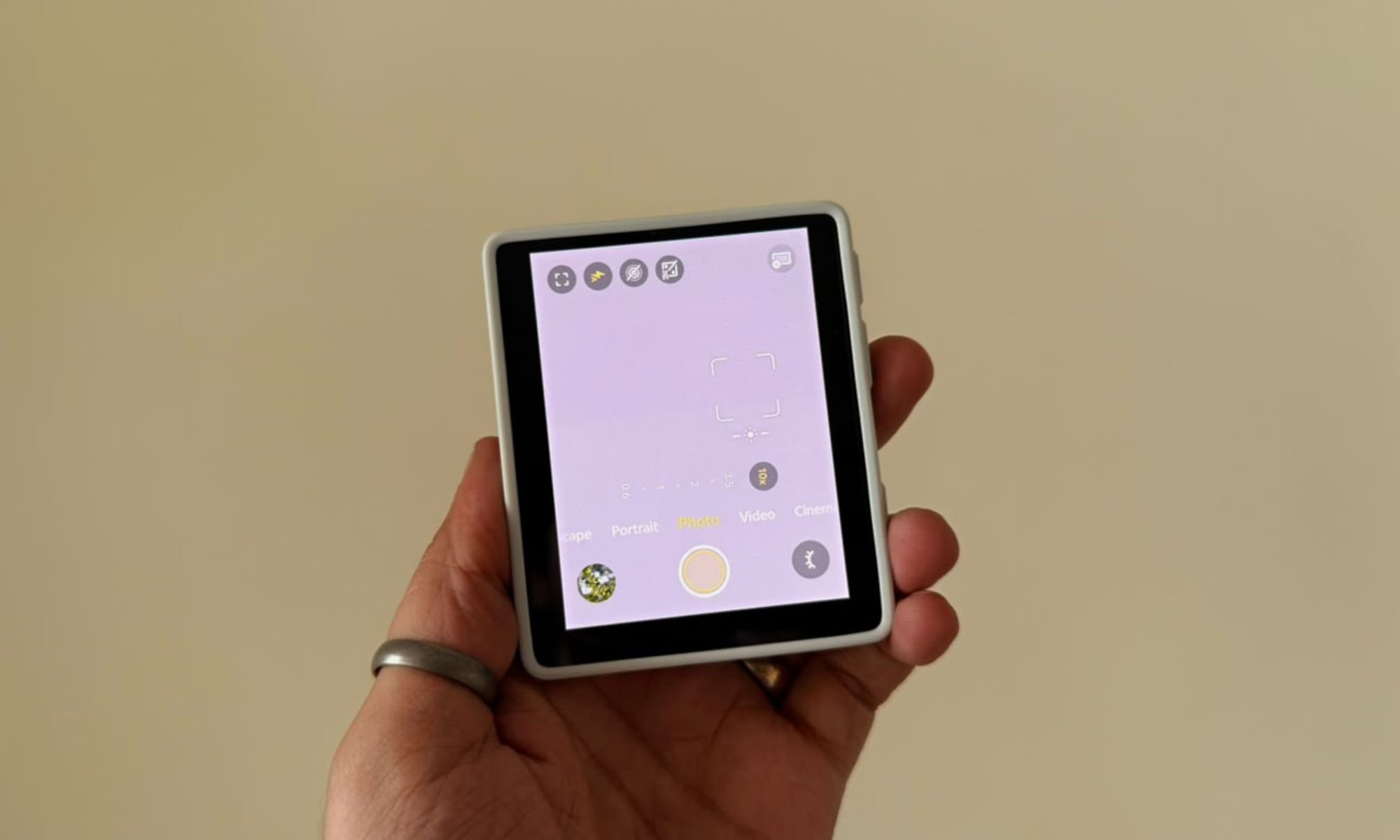
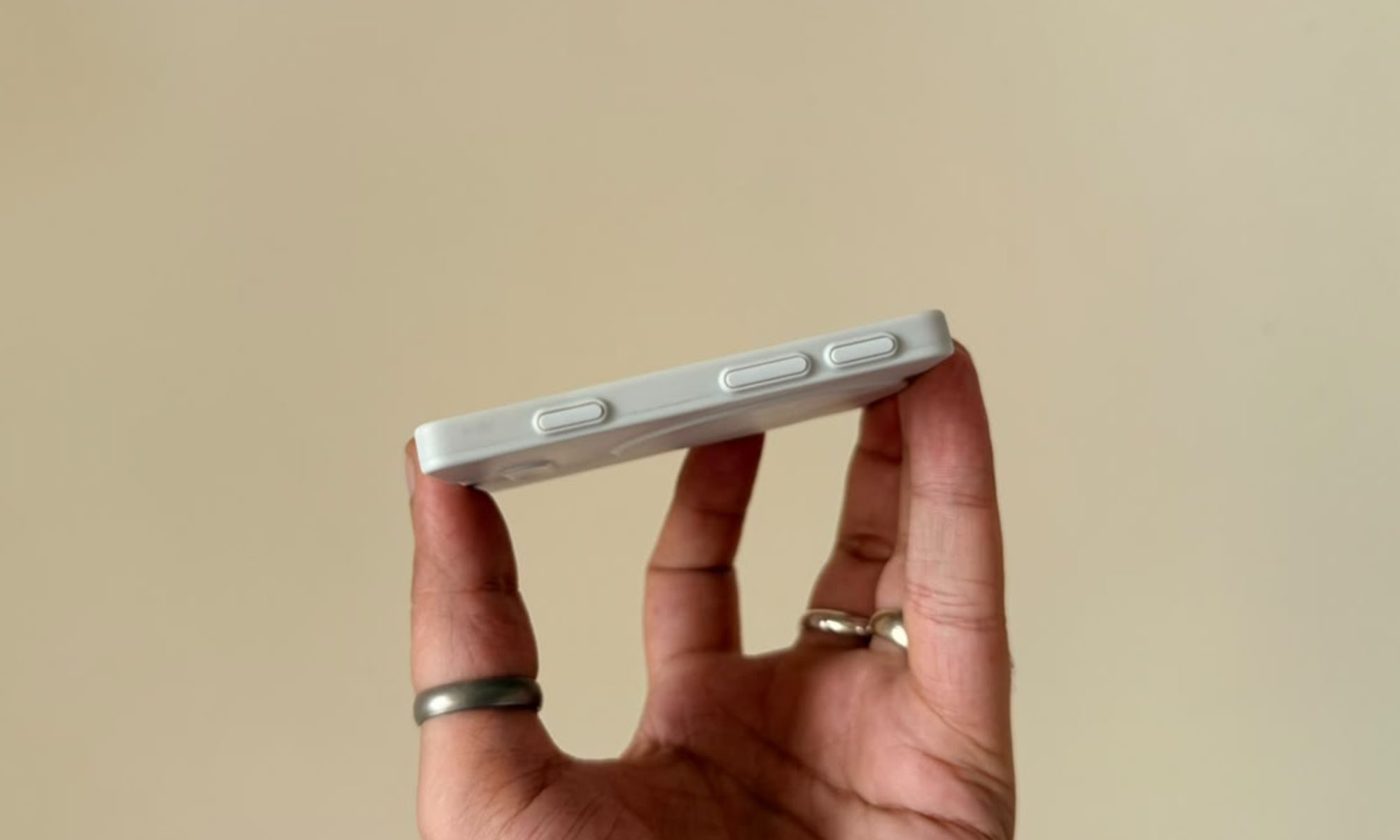
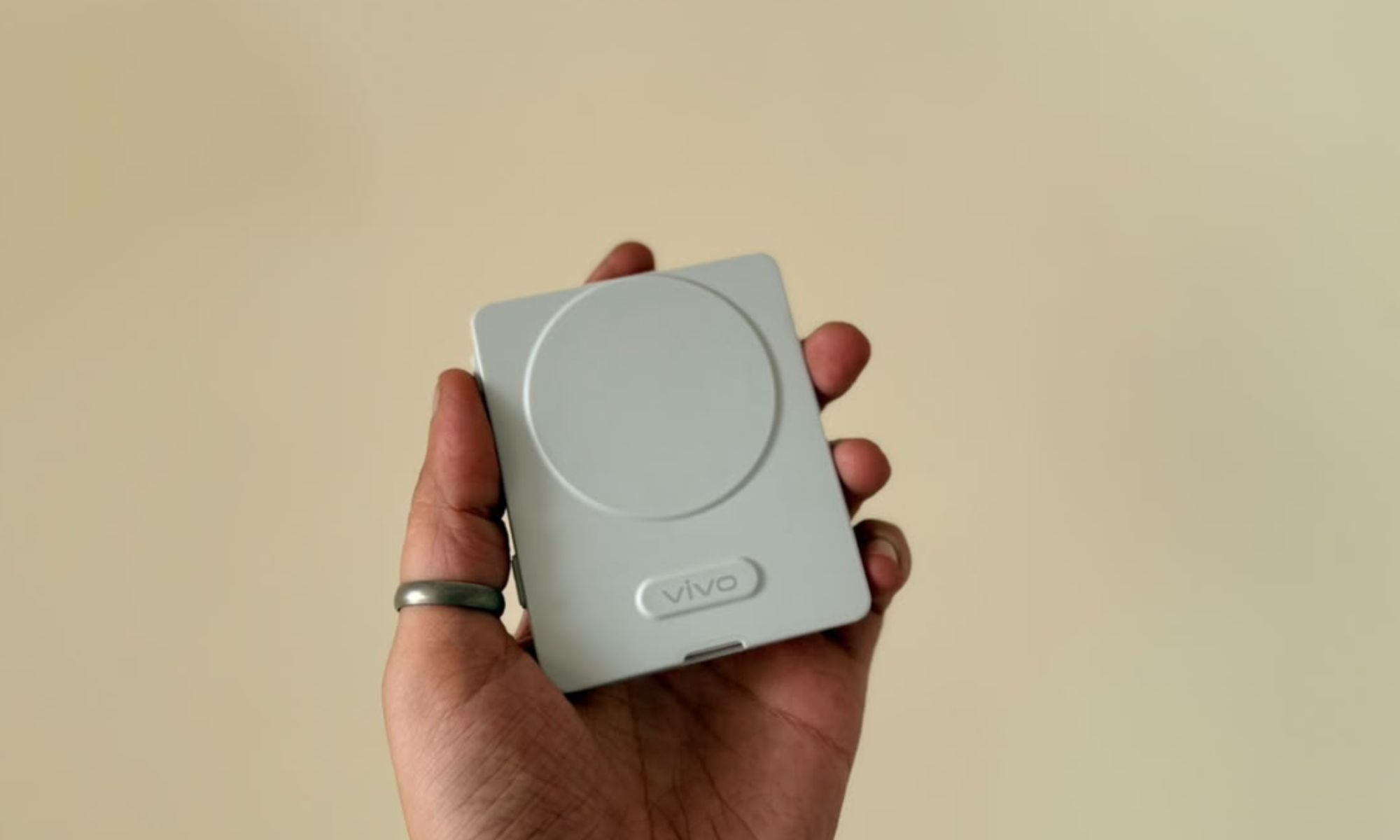
The accessory is remarkably thin at 5.65mm and weighs just 68g, but it still packs a 1,180mAh battery and supports wireless transmission up to 10m. It charges via USB-C, comes with a protective silicone case, and features strong internal magnets that clip onto metal surfaces or MagSafe-compatible cases. Pairing is equally seamless and just involves turning off Bluetooth, selecting the accessory and tapping “Mirror” on the pop-up.
Unlike other affordable wireless viewfinders on the market, Vivo’s Selfie Monitor works as a two-way remote, letting you control most of the camera’s interface as well as review what you’ve captured. For solo creators, it eliminates the tedious back-and-forth cycle of recording a test clip, running to check framing, making adjustments, and doing it all over again until you finally get a shot that works.
Frame rate caps and software blind spots
While Vivo has got the core preview experience right with the selfie monitor, power users will quickly hit some head-scratching software walls. For starters, the accessory isn’t for you if you shoot at high frame rates as previews are limited to 1080p 60fps, 4K 30fps, and 8K 30fps. That’s a serious oversight, as the X500 Pro Max supports 4K video recording up to 240fps.
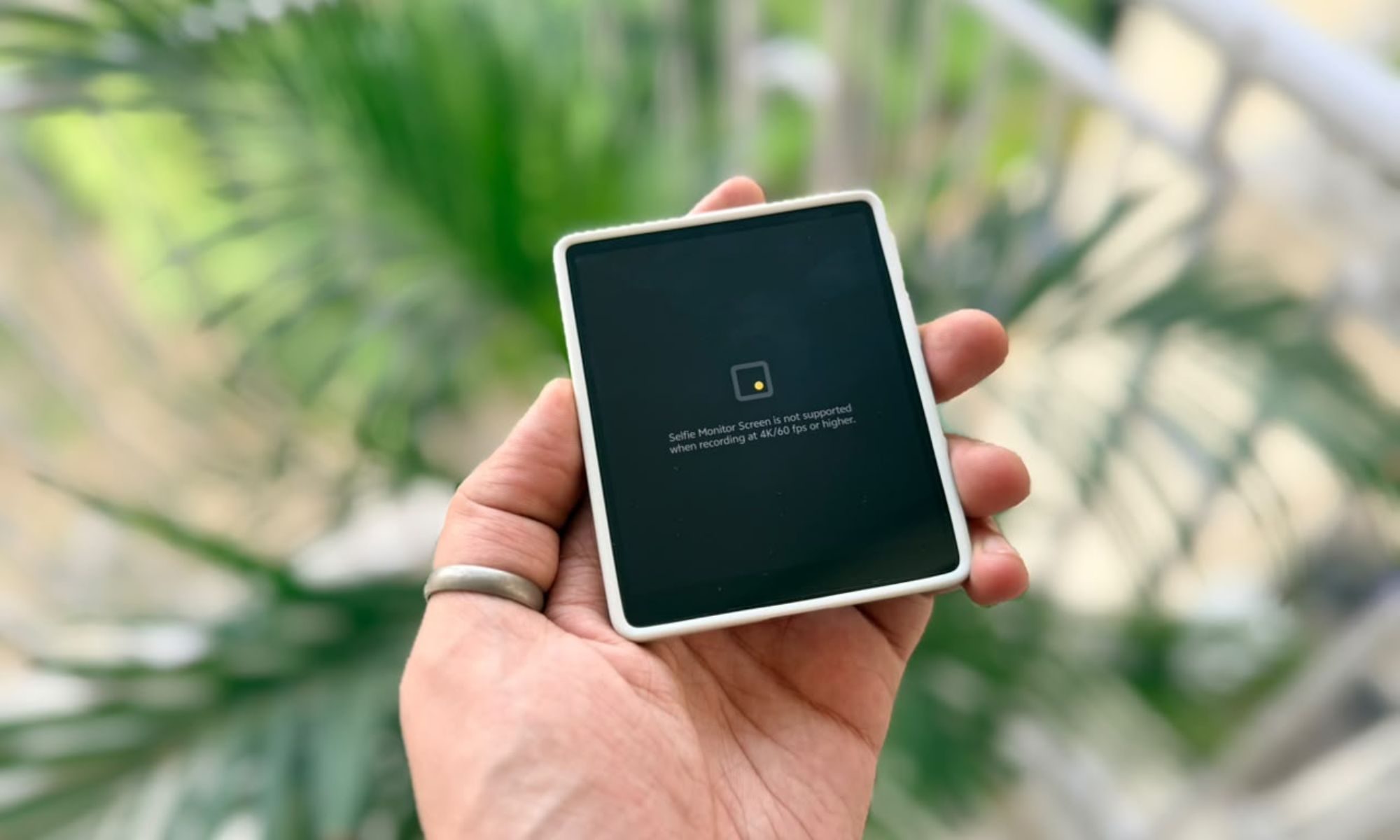
Software restrictions also extend shooting modes. The Selfie Monitor only supports a handful of options, including Basic Photo and Video, Portrait, Cinematic Portrait, Pro Video, and Landscape & Night modes. The rest of the modes are not supported, with the screen showing an error saying “Selfie Monitor Screen is not available on the current camera screen” when switching to them.
If your workflow relies on specialized video formats or high frame rates, Selfie Monitor will quickly become more limited than expected.
The magnetic catch and a fall headache
There is also a catch when it comes to mounting it directly to the phone. The X500 Pro Max doesn’t have built-in magnets, so to clip the selfie monitor to the back of the device, you’re forced to use a compatible case. Vivo provided three official cases with the review unit, but neither the basic silicone case nor the modular grip case have built-in magnets.
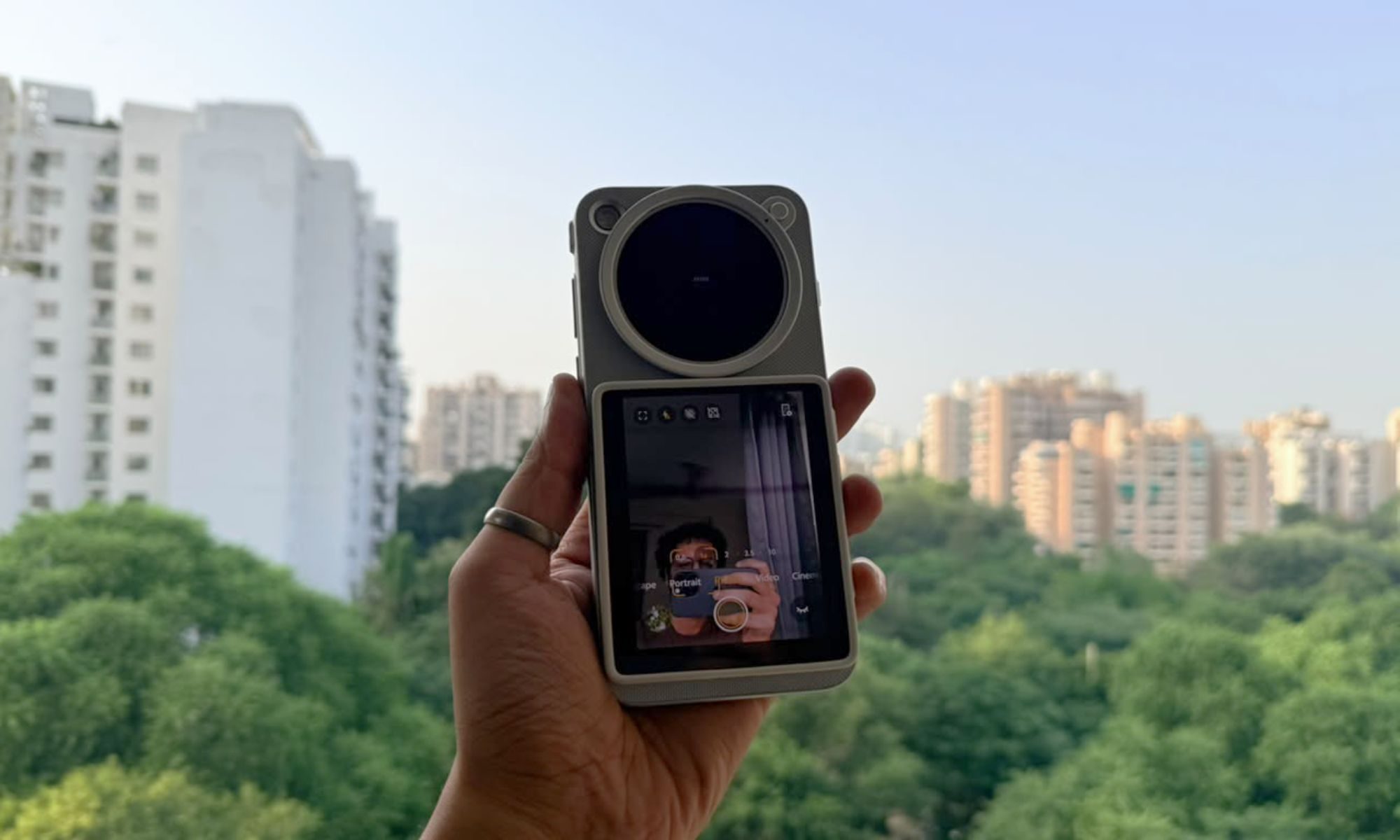
Only the lens mount case without grip attachment has built-in magnets. So, if you want to use the full camera setup with the removable lenses and grip, you cannot mount the screen on the back of the device.
An ecosystem wall that hurts the experience
The bigger issue, however, is cross-device software integration. Vivo has built a great accessory, but it has locked it tightly into its own ecosystem. While the company says the selfie monitor works with other Vivo devices, it is not paired with the X300 Pro. However, that should be fixed with a future software update.
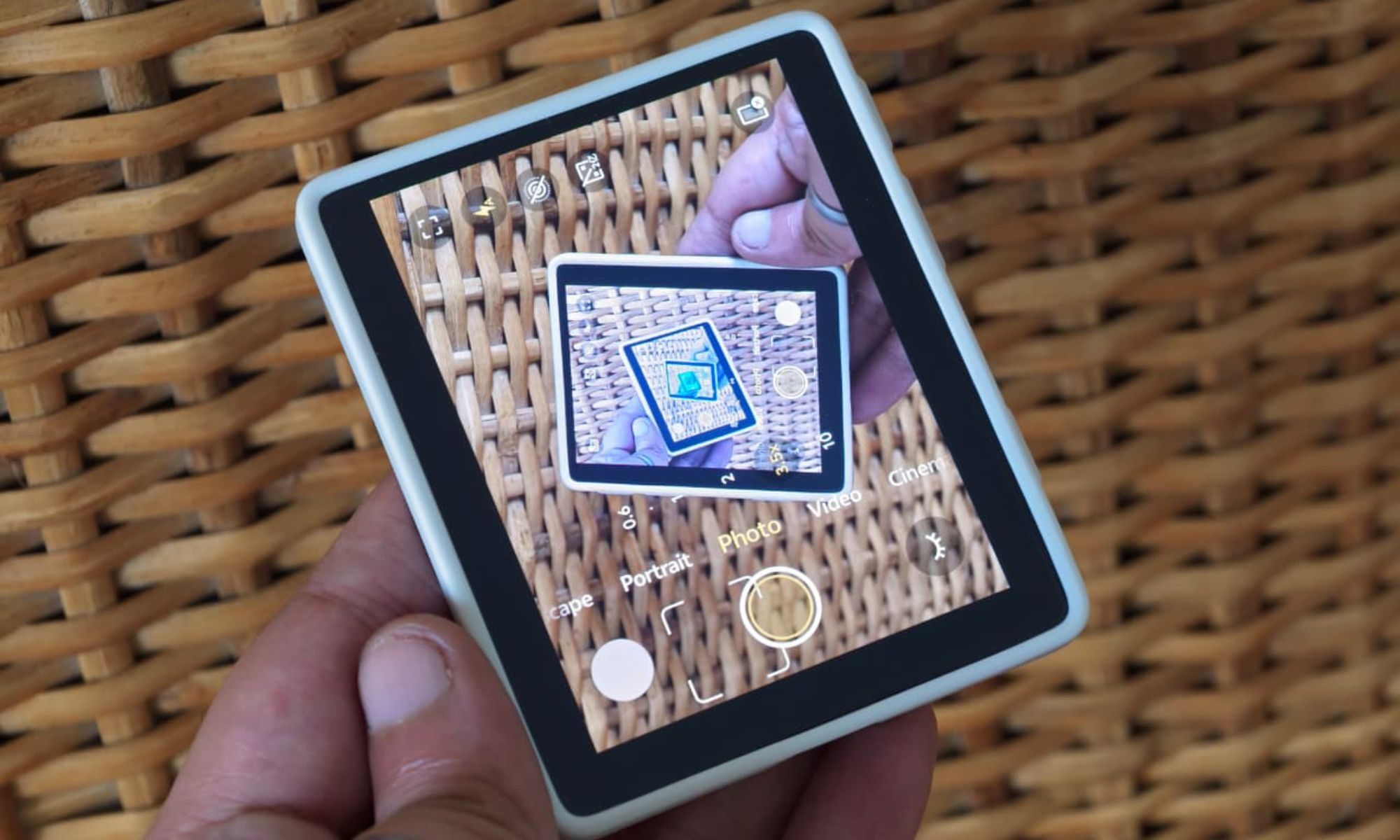
Compatibility with non-Vivo phones was disappointing across the board. Although I managed to pair it with the Xiaomi 17 Ultra, it only offered basic screen mirroring instead of the camera interface you get when paired with the X500 Pro Max. The narrow mirror layout can prove handy in a pinch, but it’s not ideal for precise framing and doesn’t support touch input. With an iPhone, it took several attempts to pair it via Bluetooth, but I couldn’t get screen mirroring to work. So, unless you plan to buy an X500 series phone, the Screen Monitor is hard to recommend.
Pricing and Third Party Alternatives
In China, Vivo’s Selfie Monitor sells for 699 RMB (~$104) standalone, and it is also available with Vivo’s 12,999 RMB (~$1,940) X500 Pro Max Creator Kit. Vivo has yet to share details about international availability.
At around $100, the selfie monitor is a tempting add-on if you already own a Vivo X300 series phone or plan to buy one of the latest flagships. However, due to its strict software limits, high frame-rate preview caps, and lack of cross-device functionality, you may want to check out some third-party alternatives.
If you like the idea of a wireless monitor that you can clip to the back of your phone to take selfies or shoot vlogs with the main camera, you can find several affordable options such as the TTQ Selfie Monitor ($39.99 at Amazon), SmallRig Selfie Monitor ($64.99 at Amazon), or Synco Xview M4 ($39 at Amazon). But they come with their own big tradeoffs.
These universal displays function only as a viewfinder and do not have a touch screen. Without two-way interactive controls, you lose the ability to trigger focus, switch shooting modes or record directly from the monitor. You get broad cross-device compatibility, but you miss out on the functionality that makes Vivo’s hardware so compelling.