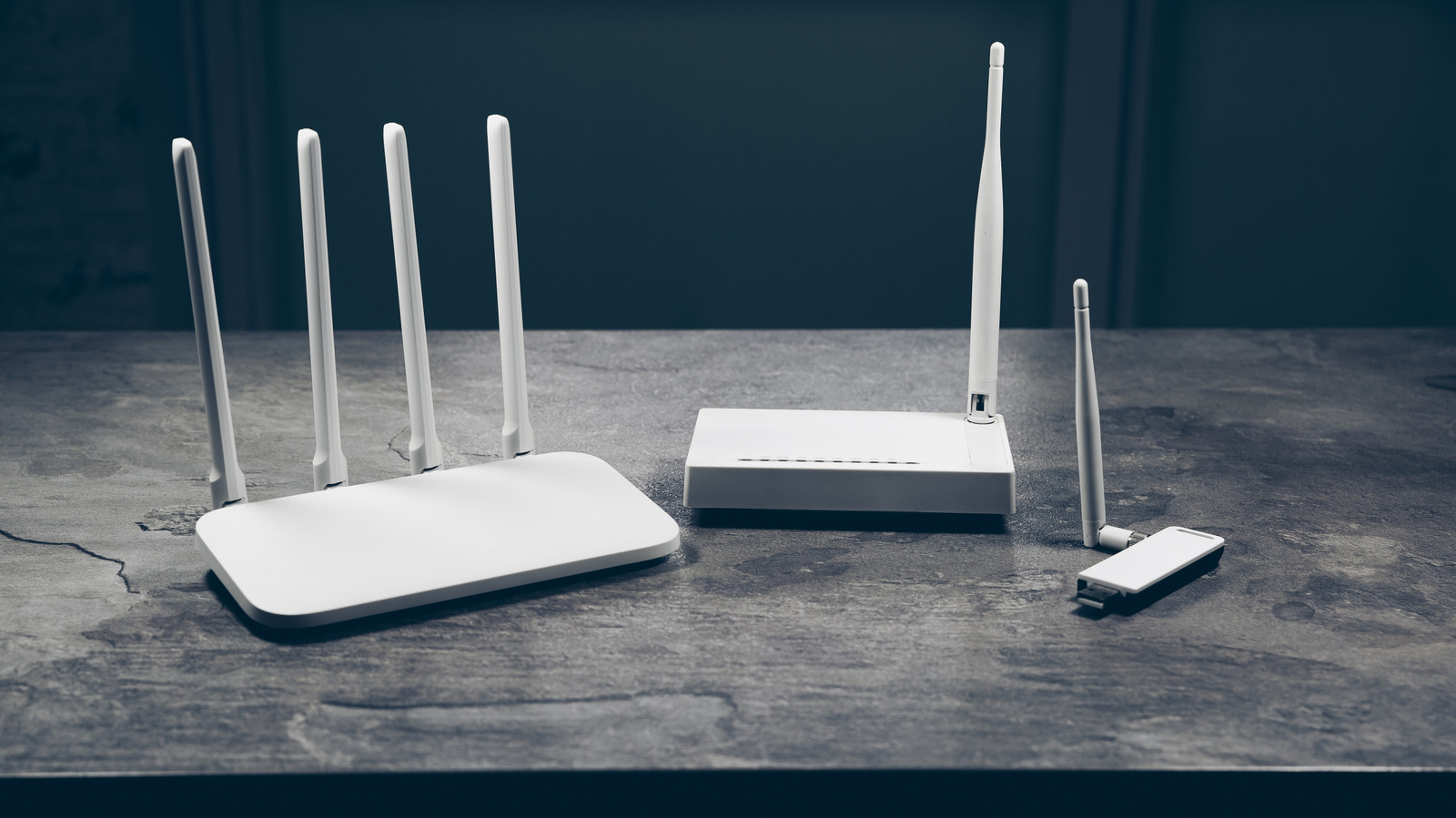
It will not stop working, but newly discovered security flaws may be unfixed.
As long as the hardware is healthy, a router will continue to connect your devices to the Internet long after the manufacturer stops releasing firmware updates. There is no built-in kill switch outside of the eventual hardware failure that will silence your router forever. Unfortunately, when firmware updates stop being a regular thing, your router loses its most reliable attribute of fixing newly discovered security flaws.
Now, that’s not to say that your home will be targeted immediately and all of your devices will suddenly turn on and start destroying the entire house. What it means is that your router may be vulnerable now and may remain so with each passing day. Attackers often target vulnerable routers in bulk, using them to relay malicious traffic or join a larger group of compromised devices that are controlled without the owner’s knowledge.
On the bright side, a router without updates isn’t automatically compromised, but you should start a replacement sooner rather than later. Make sure that things like remote management are disabled so that the router’s management page cannot be accessed outside of your home network. It’s just one potential exposure risk, but this list can keep growing the longer you take.
Five years is a checkpoint
A five-year-old router is not necessarily outdated, especially if the “Internet access” is up to you to browse recipes or streaming TV shows on the Internet. There is also no set-in-stone time frame for when firmware updates will end. See it as a checkpoint to make sure the exact model you own continues to receive security updates. Netgear suggests the four- to five-year timeline, but it’s not an absolute decree.
Should you check and discover that support is indeed coming to an end, install the latest manufacturer update (if applicable) and start planning for a replacement. If you’re really worried, you can always buy a new router the old-fashioned way by visiting a nearby retail outlet. And if you haven’t already, create and use a strong, unique admin password on your current setup while you wait for shipping.
It may be another technical alternative for some. Projects like OpenWrt can provide custom firmware for your router if the manufacturer stops updating it. You need to check the exact hardware version against OpenWrt’s supported device list. Just be careful on this particular leg of your aging router’s journey. Installing the wrong firmware or following the wrong procedure can turn your router into a neat paperweight.
How to check if a router needs a firmware update

First, you can find the model number of the router and the hardware version on its label, which is usually under or on the back of the router, along with its default Wi-Fi password or login address. The revision is very important because two routers sold under the same model name still have different firmware releases. Log in to the router or open the associated app, find the setting for firmware updates, and check the installed version against each offered update. If automatic update is a feature you can enable, do so.
Next, look for the same model and revision on the manufacturer’s official support page. Compare the installed version with its last listed release, read the release notes and look for an end of life or end of support notice.
If an update exists, follow the manufacturer’s instructions and let it do its thing. If there is no update, double check to confirm your router’s support status, especially if you’ve had it for more than a few years. If your router is actively supported, then you’re good to go. If not, you’ll probably be fine, but start replacing plans.